Anthropic
Kanban board
Standard prompt43 models, 104 results94 clean7 with console errors3 without code
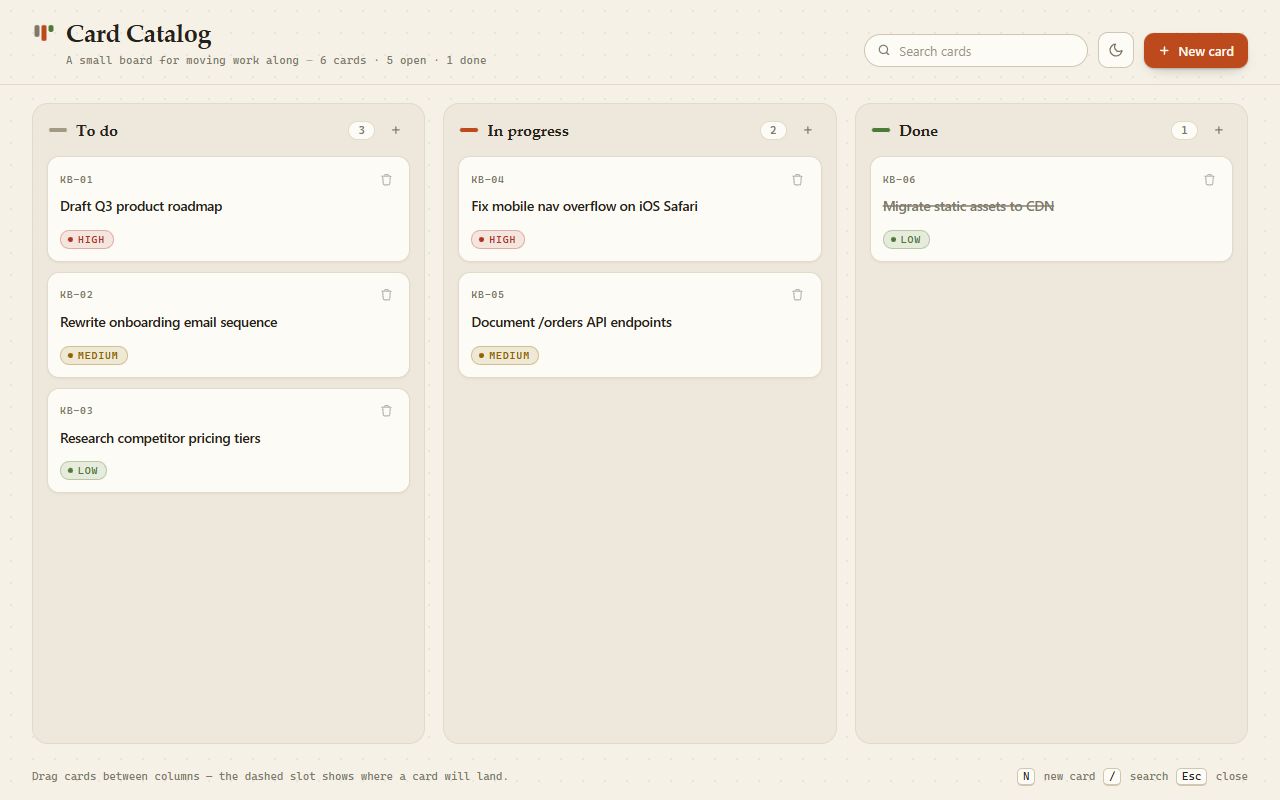
The prompt
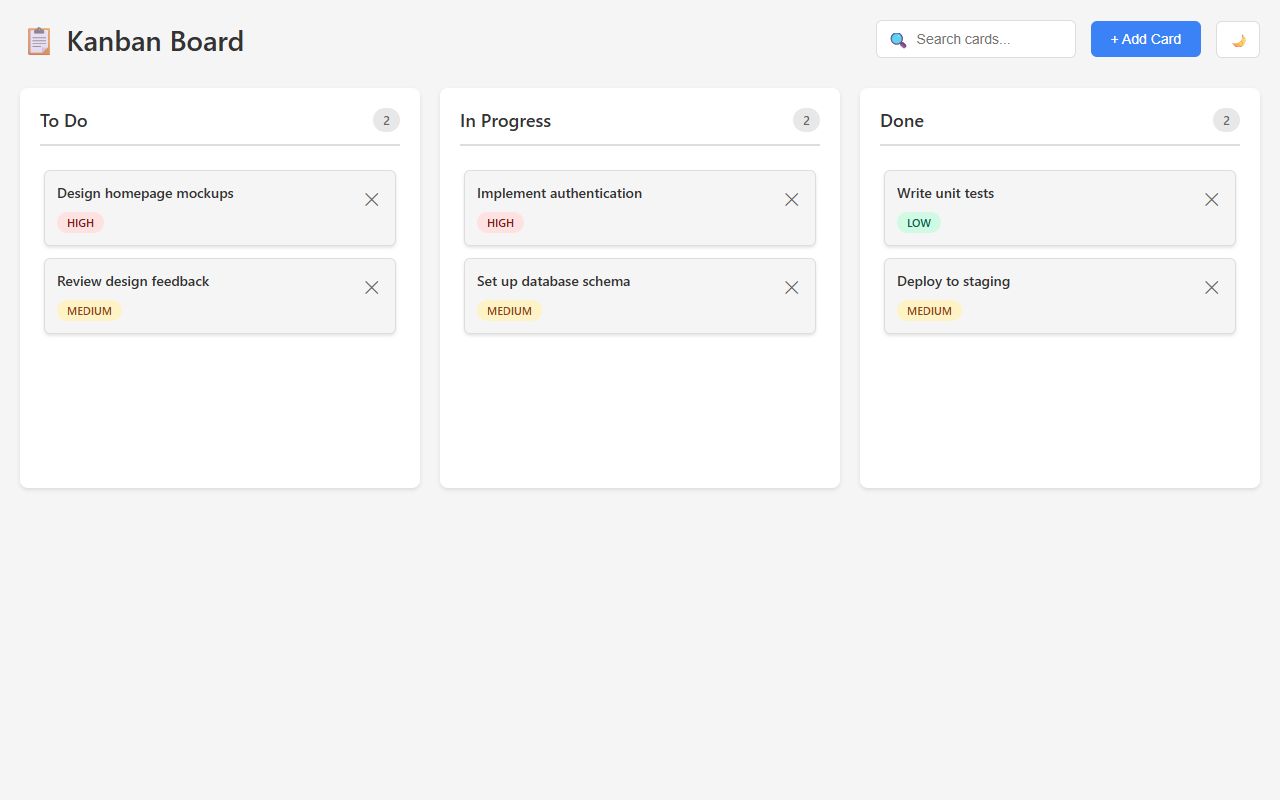
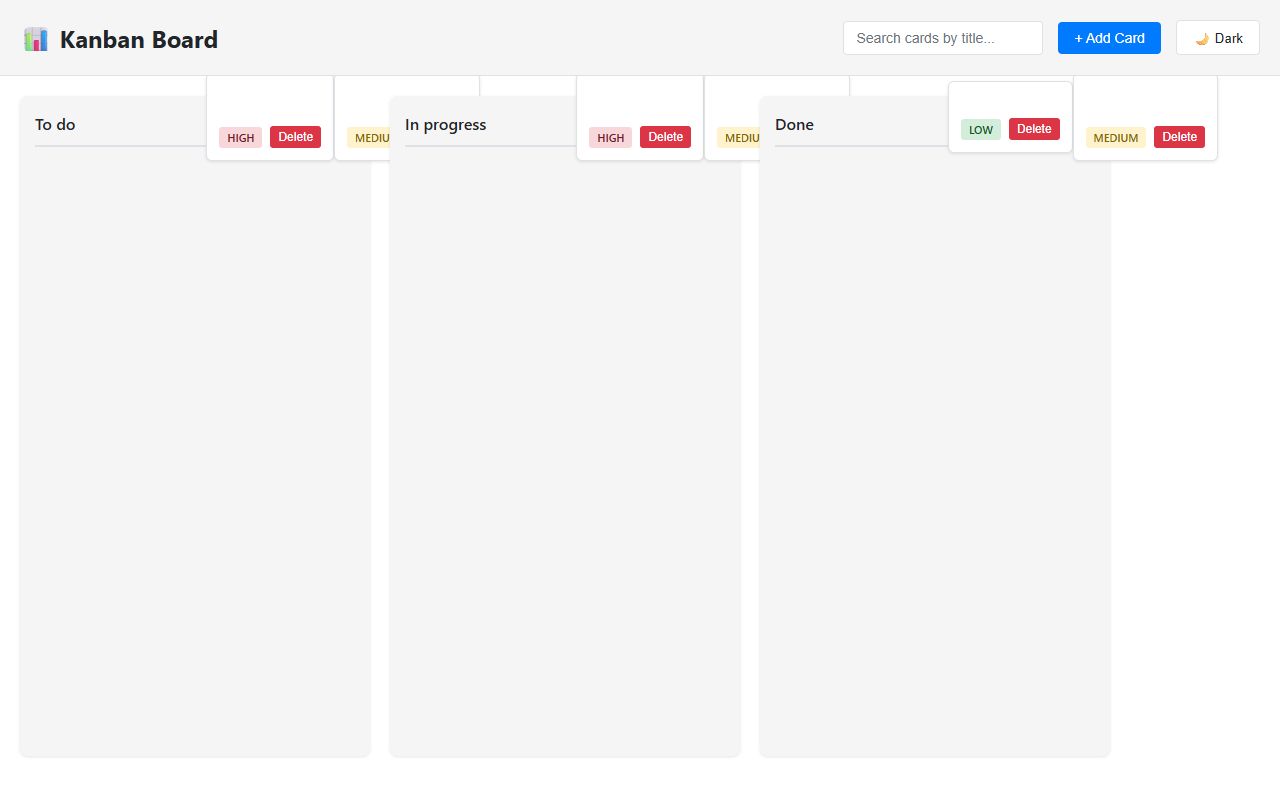
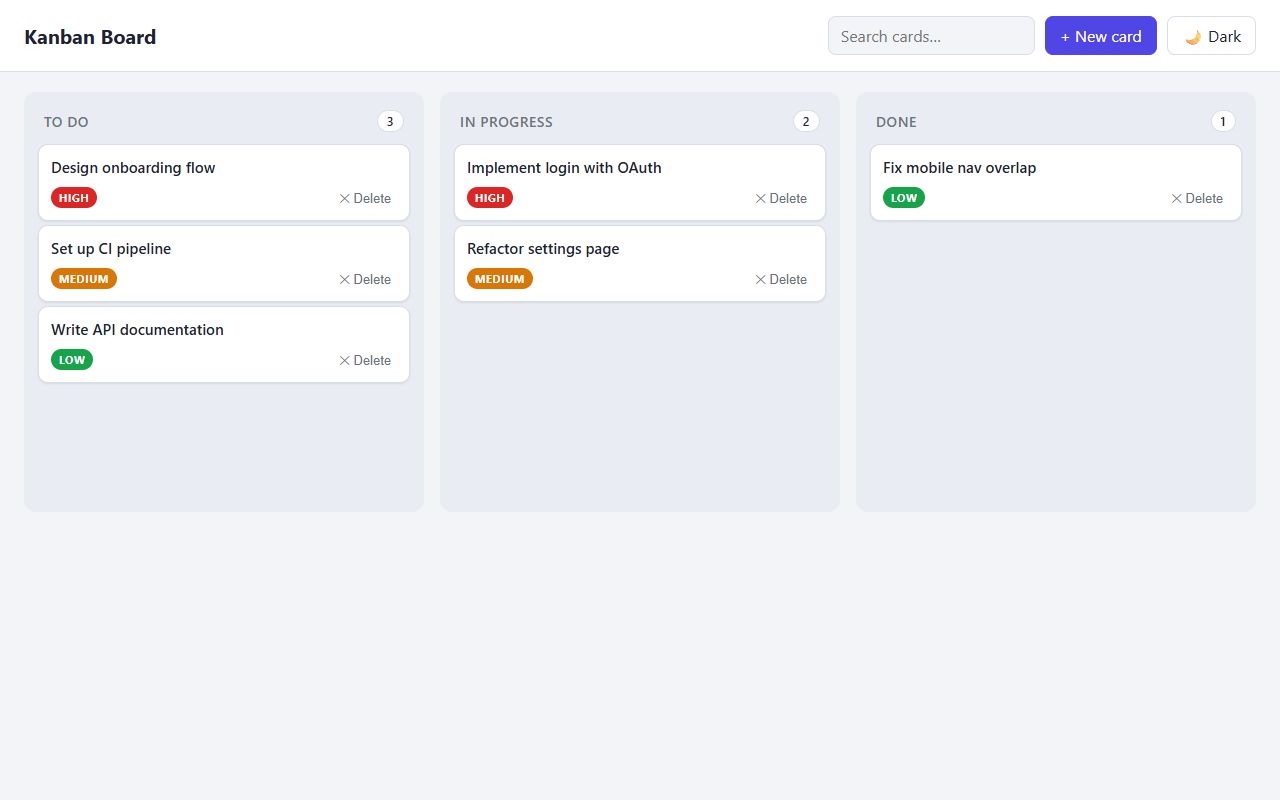
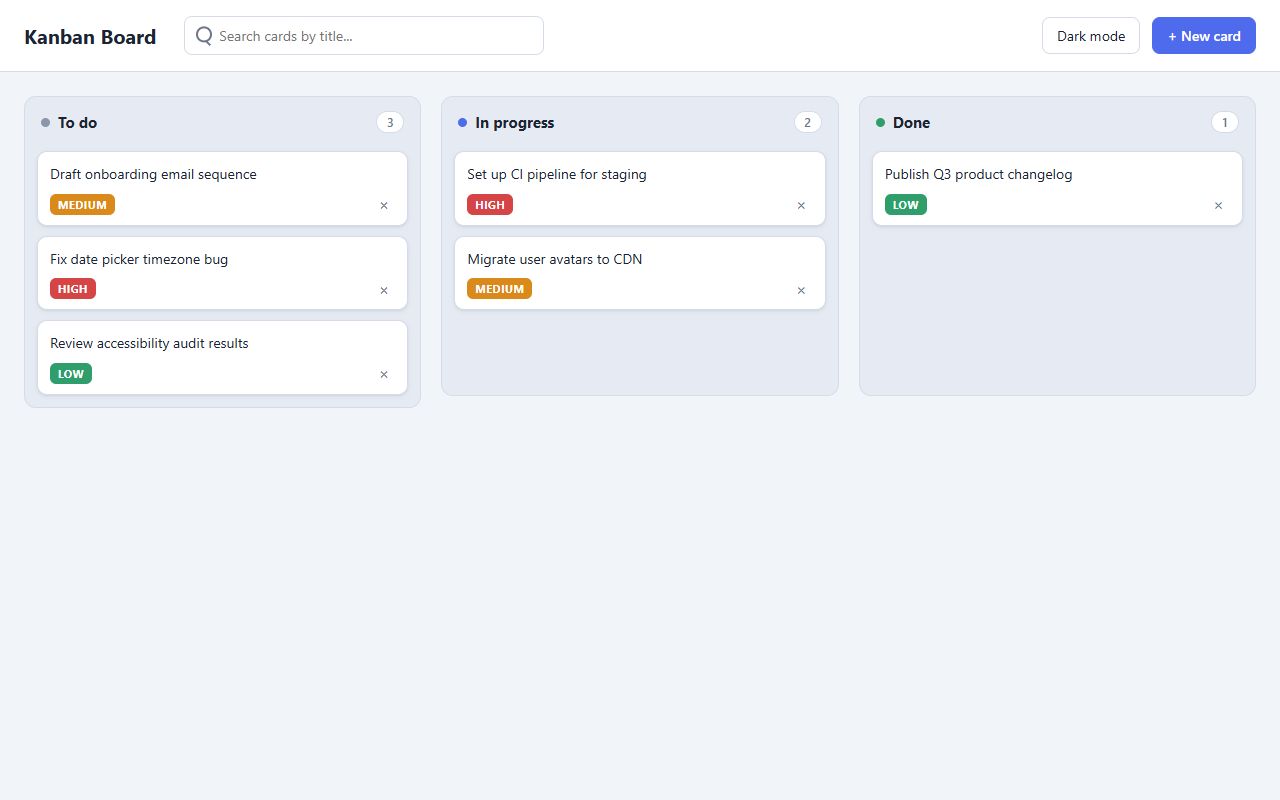
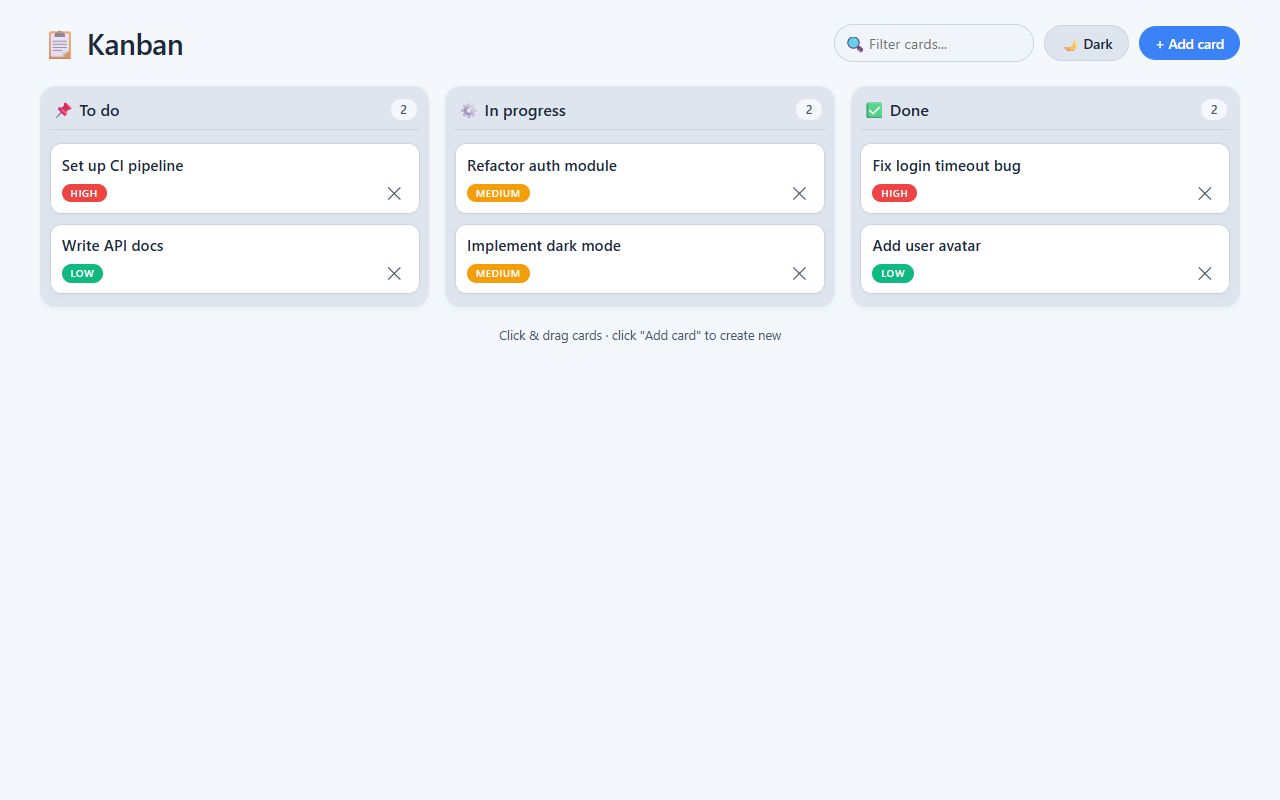
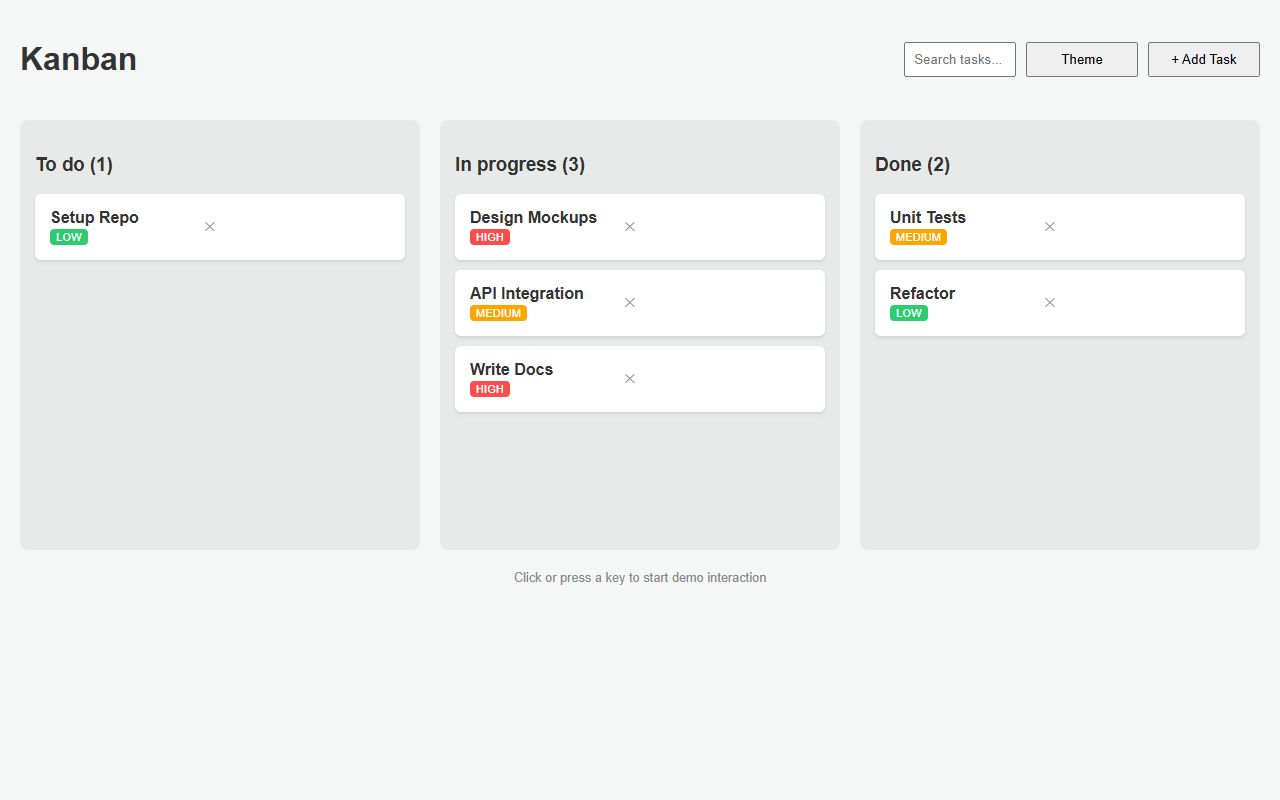
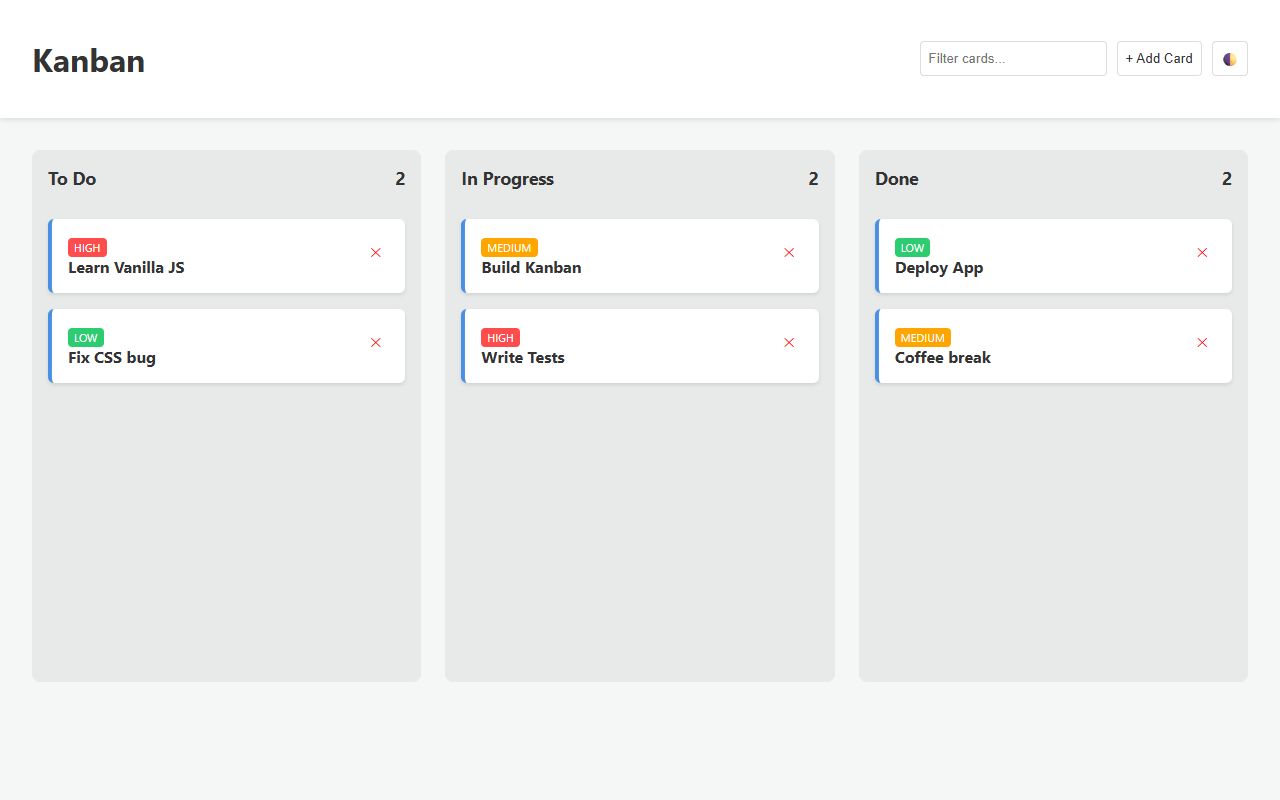
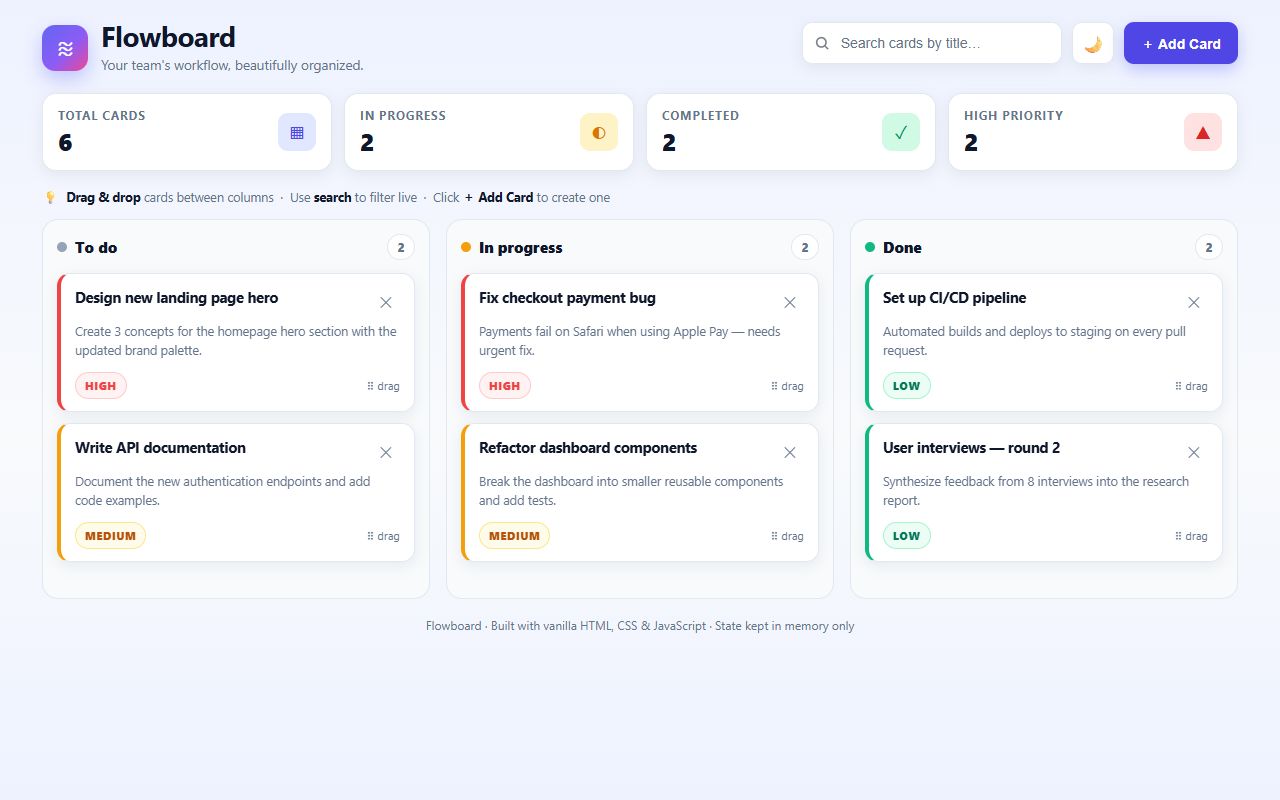
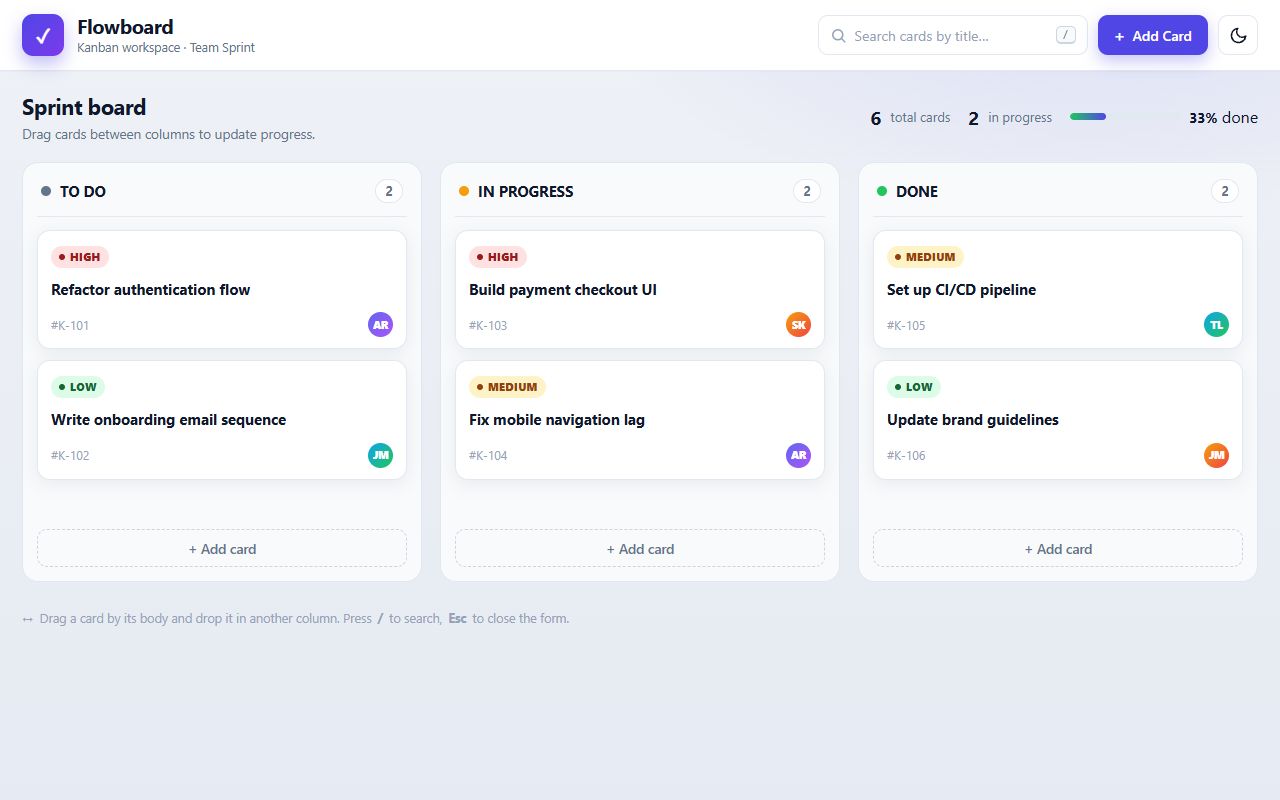
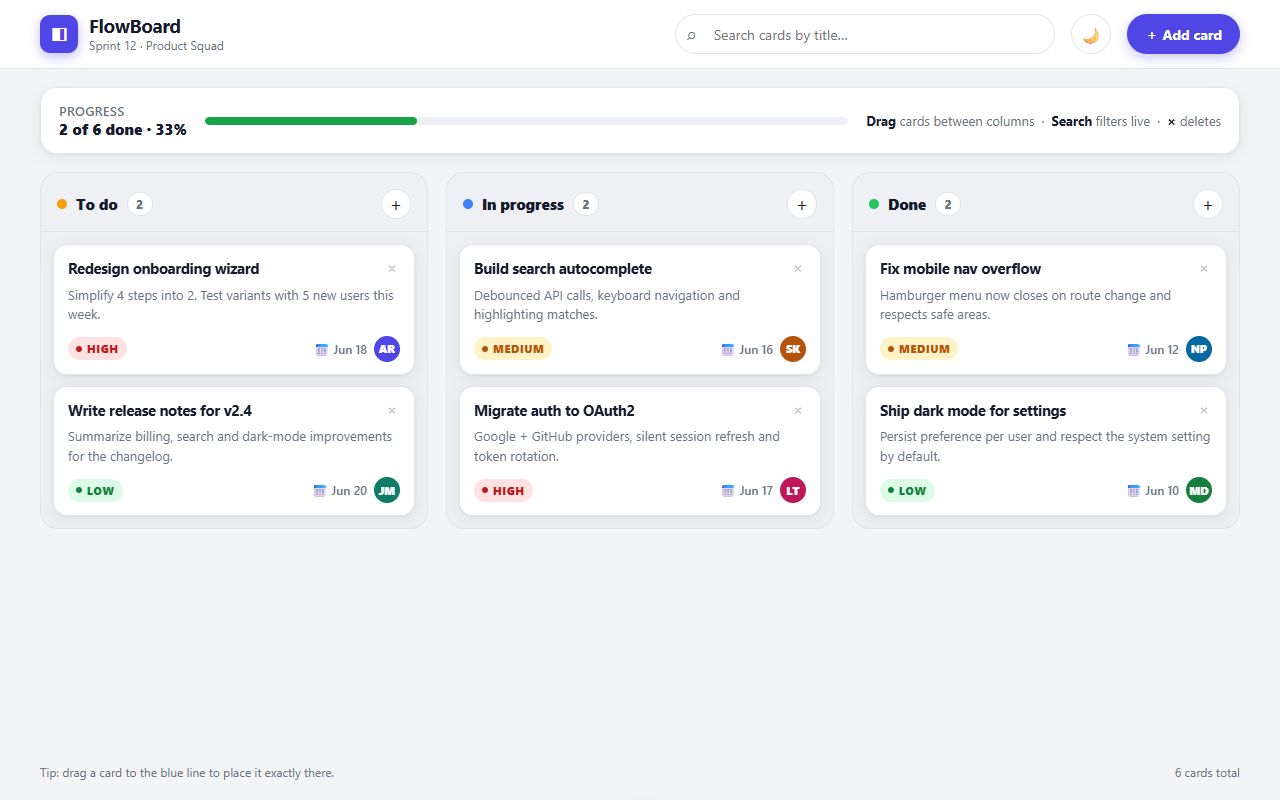
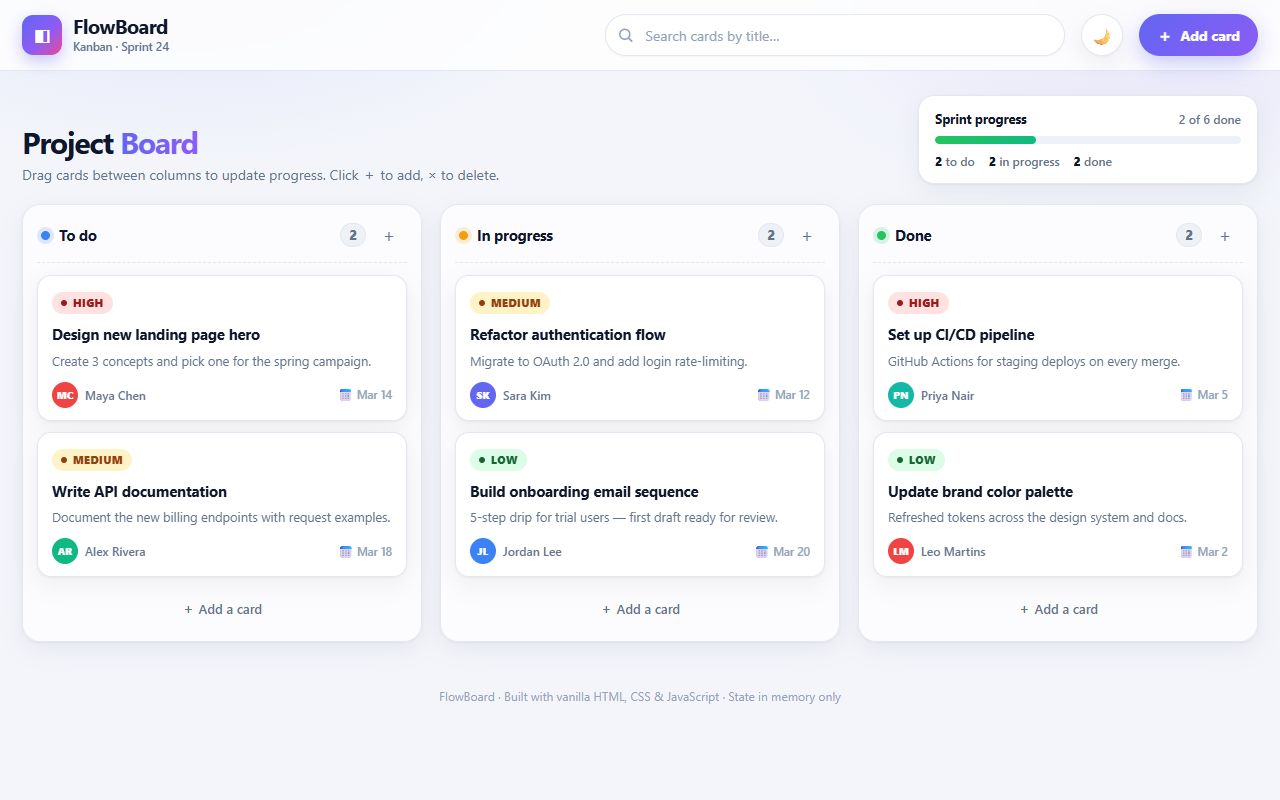
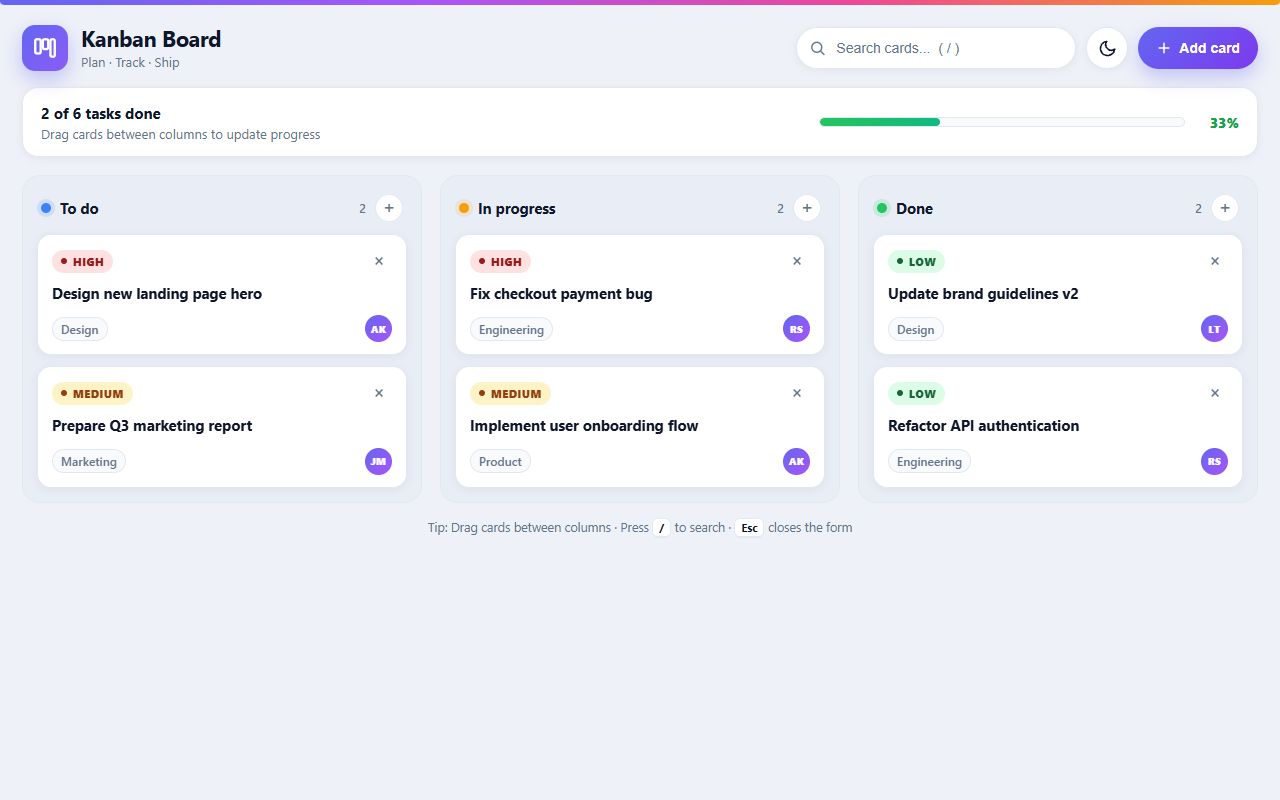
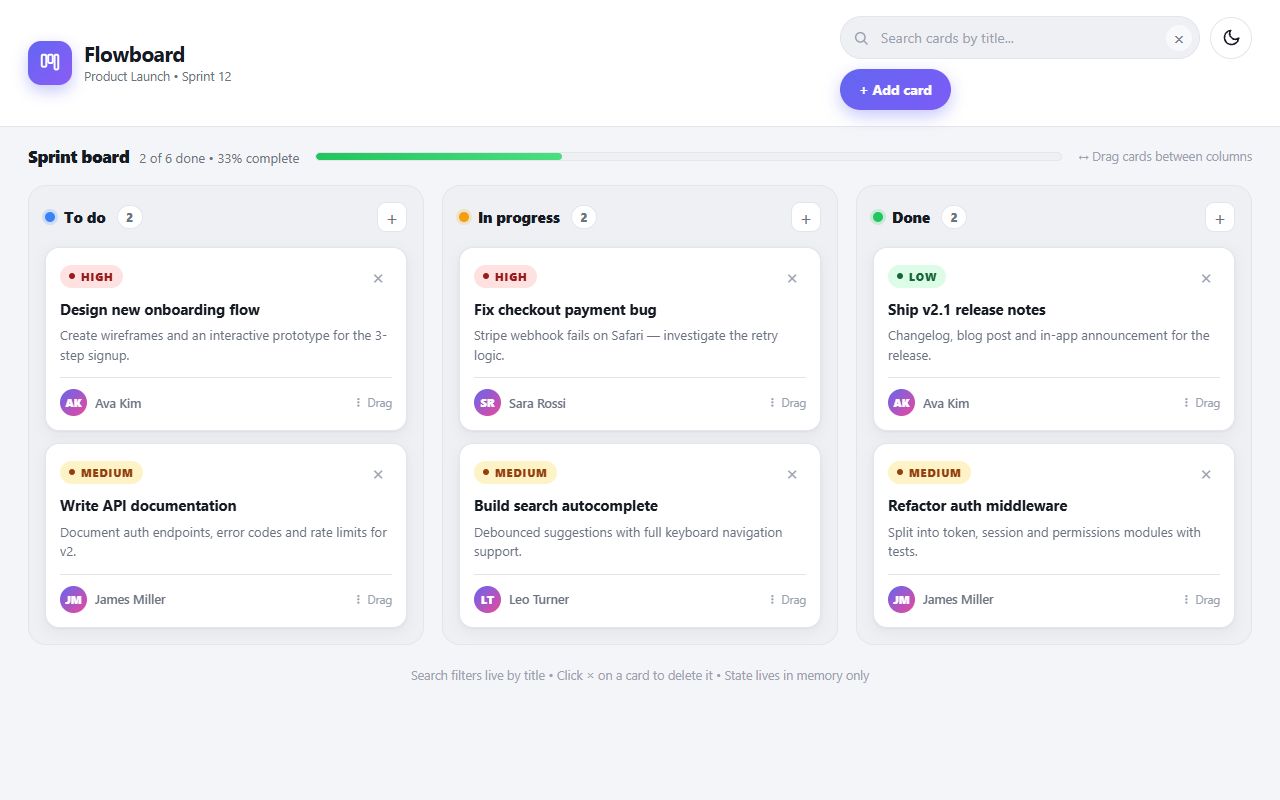
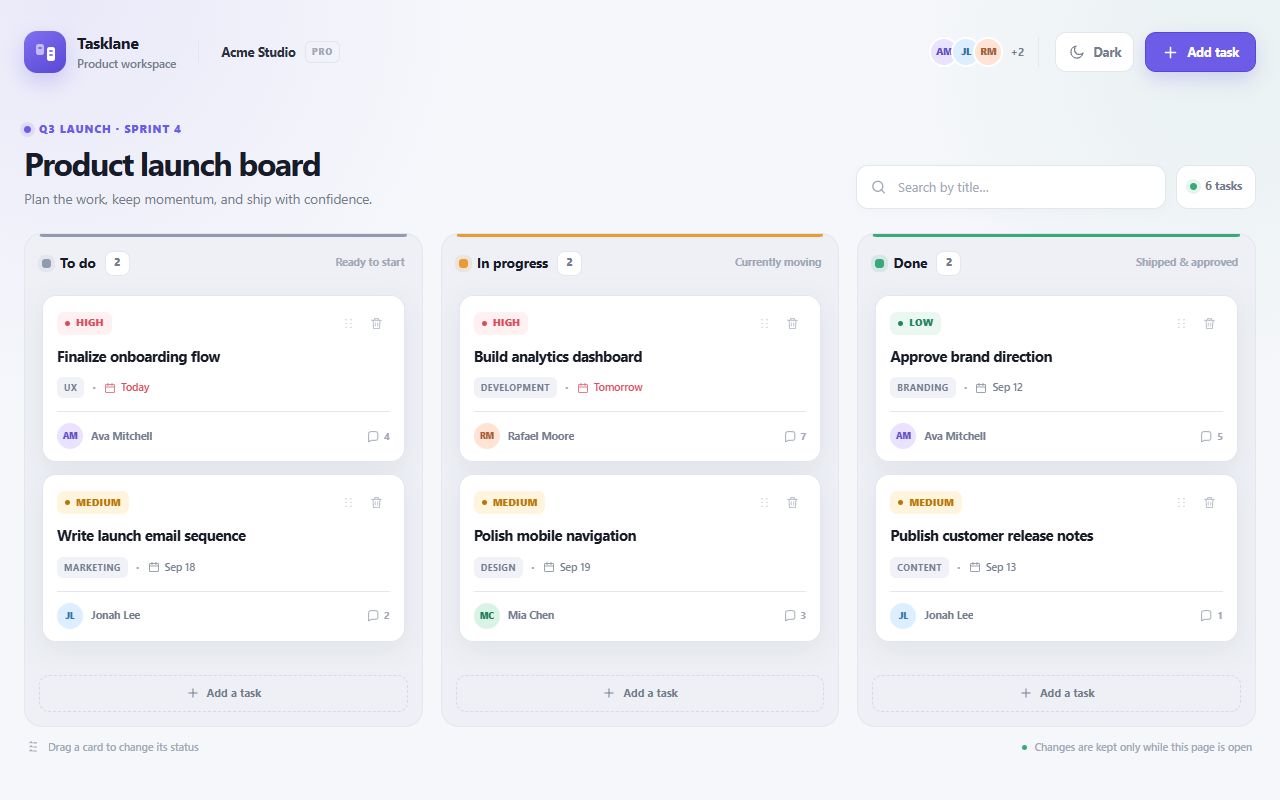
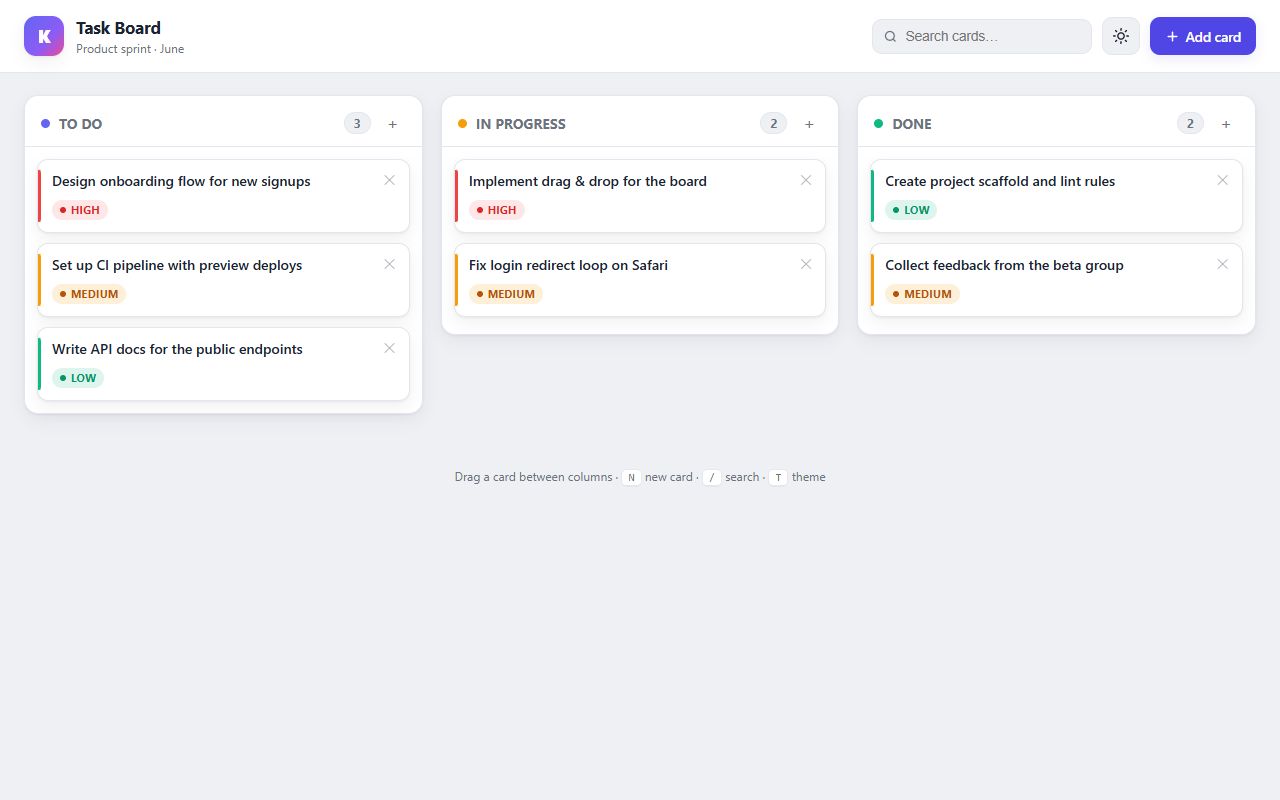
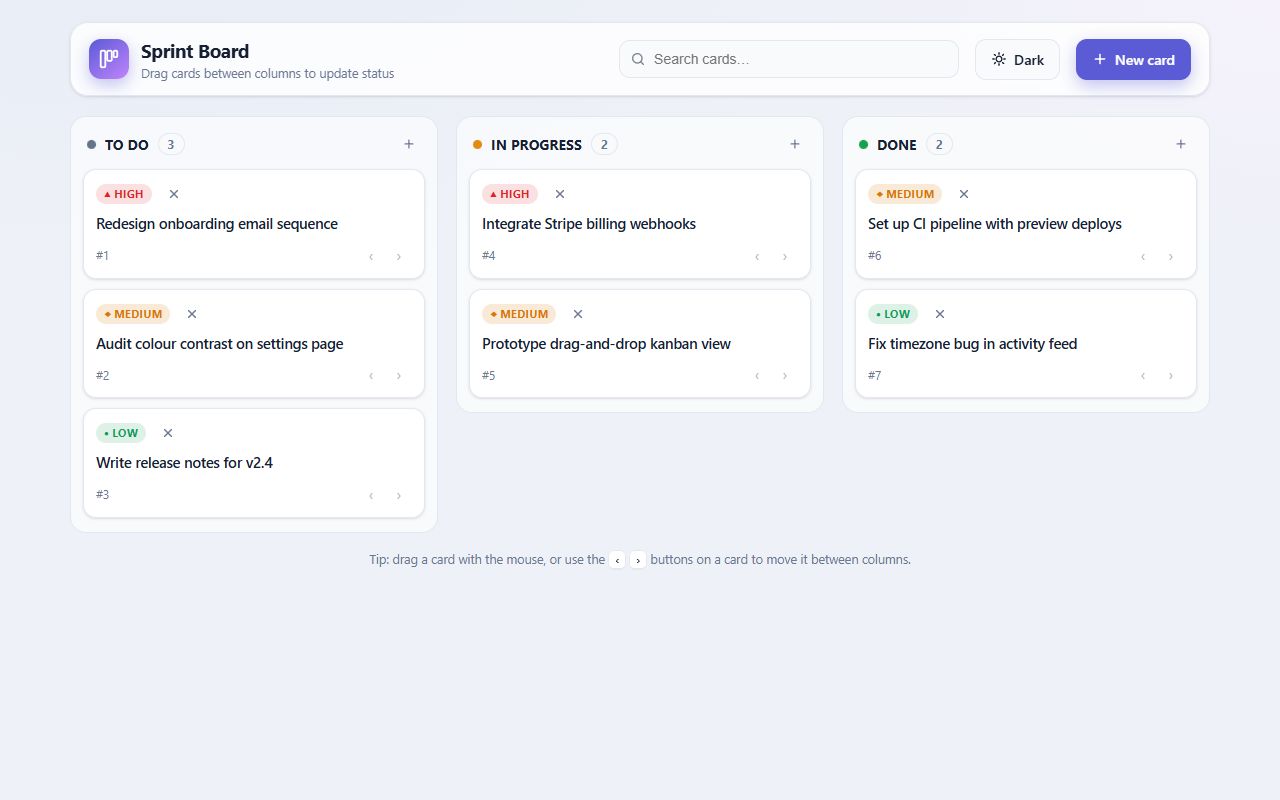
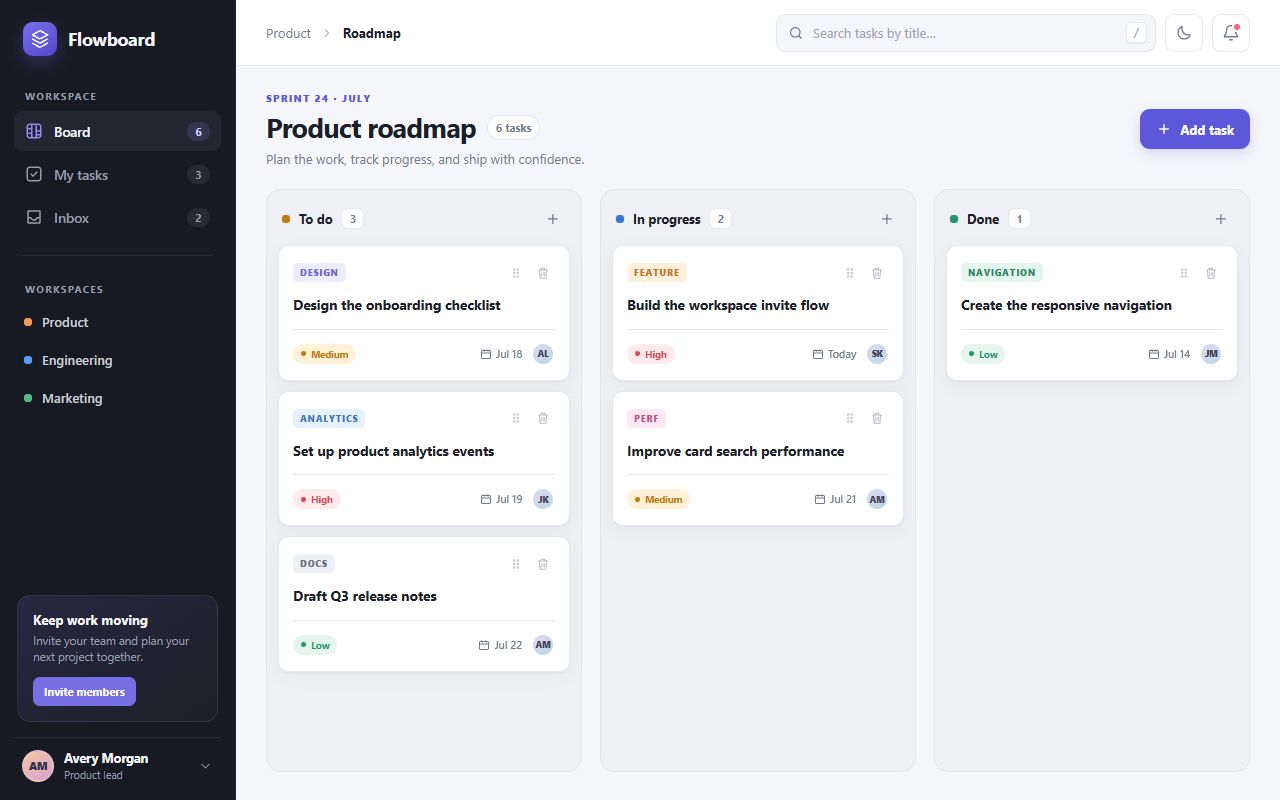
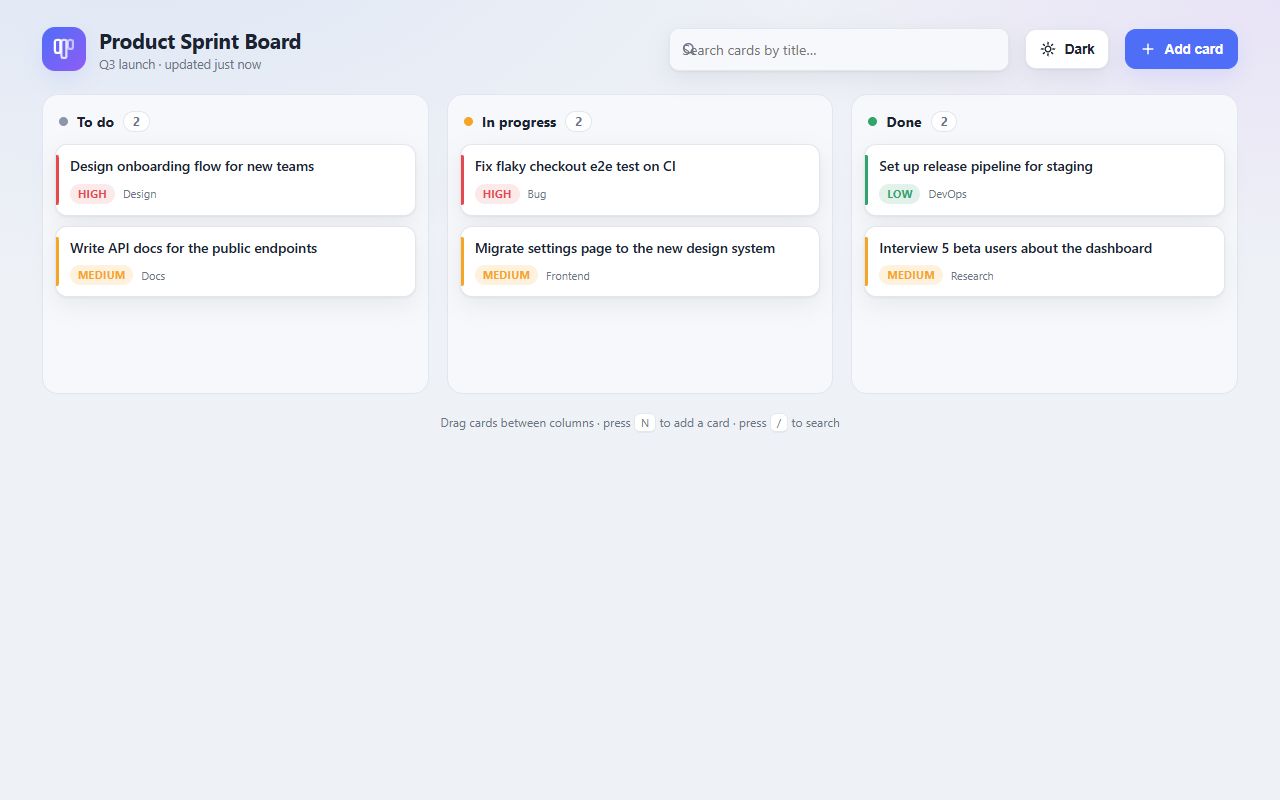
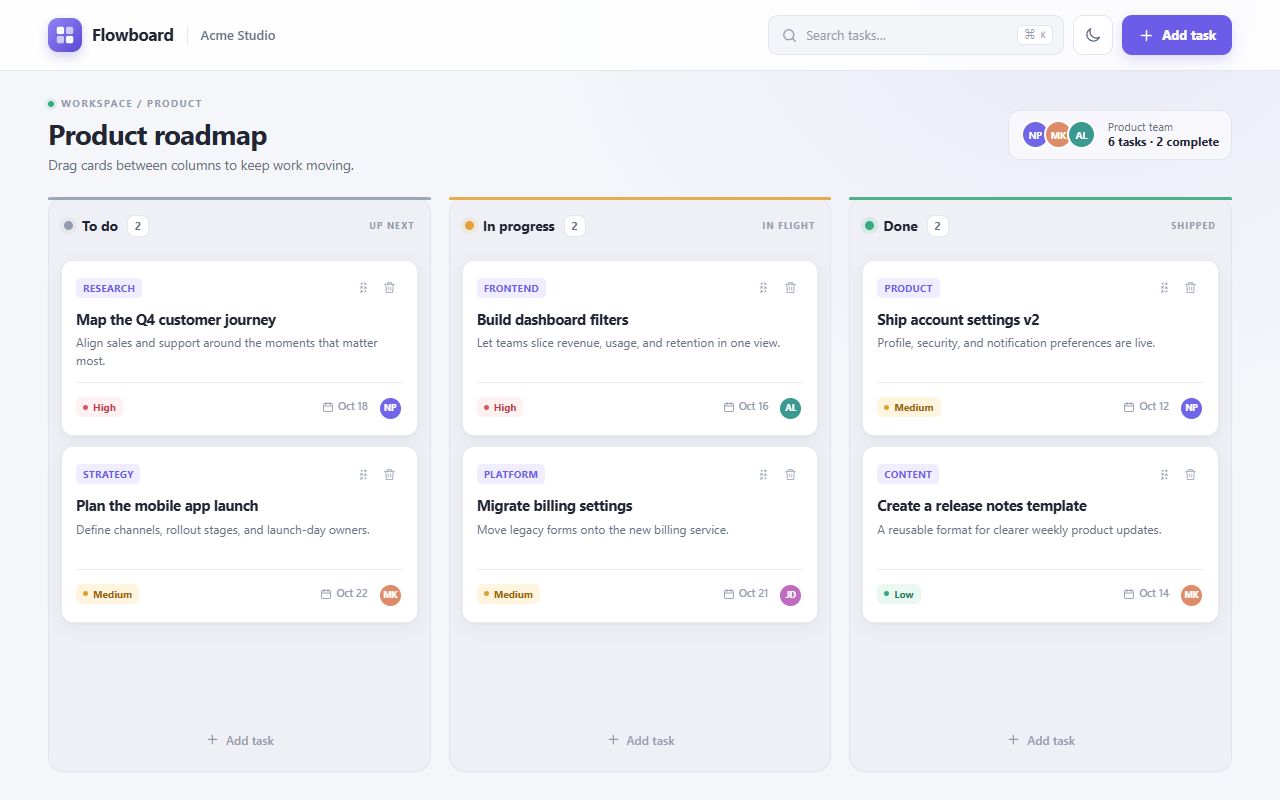
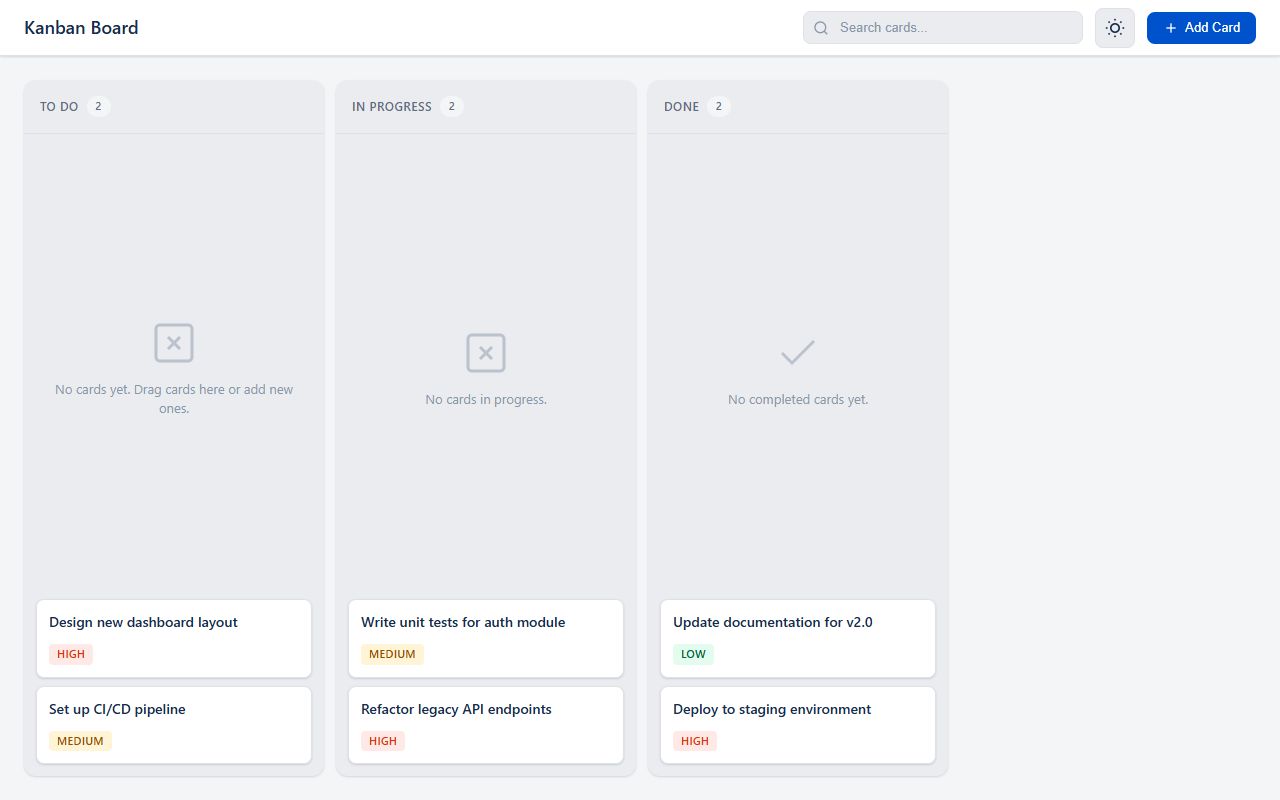
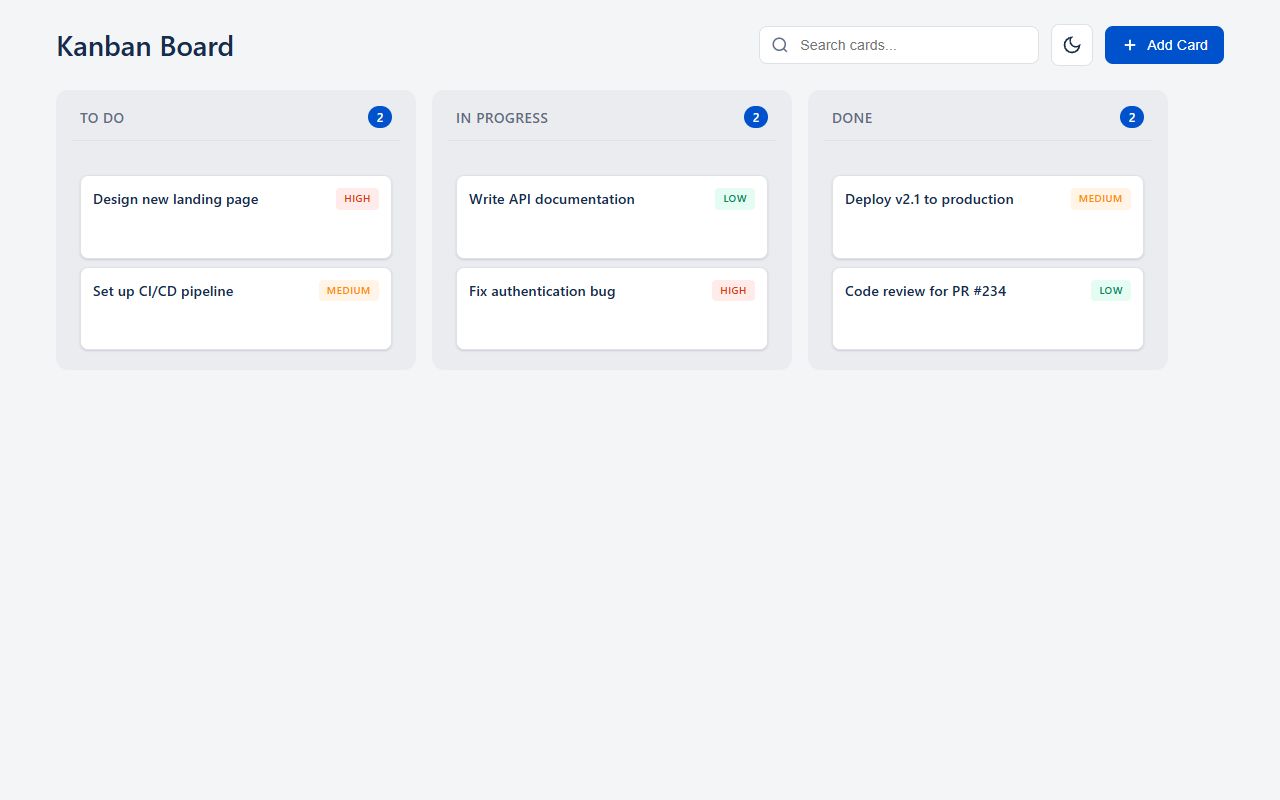
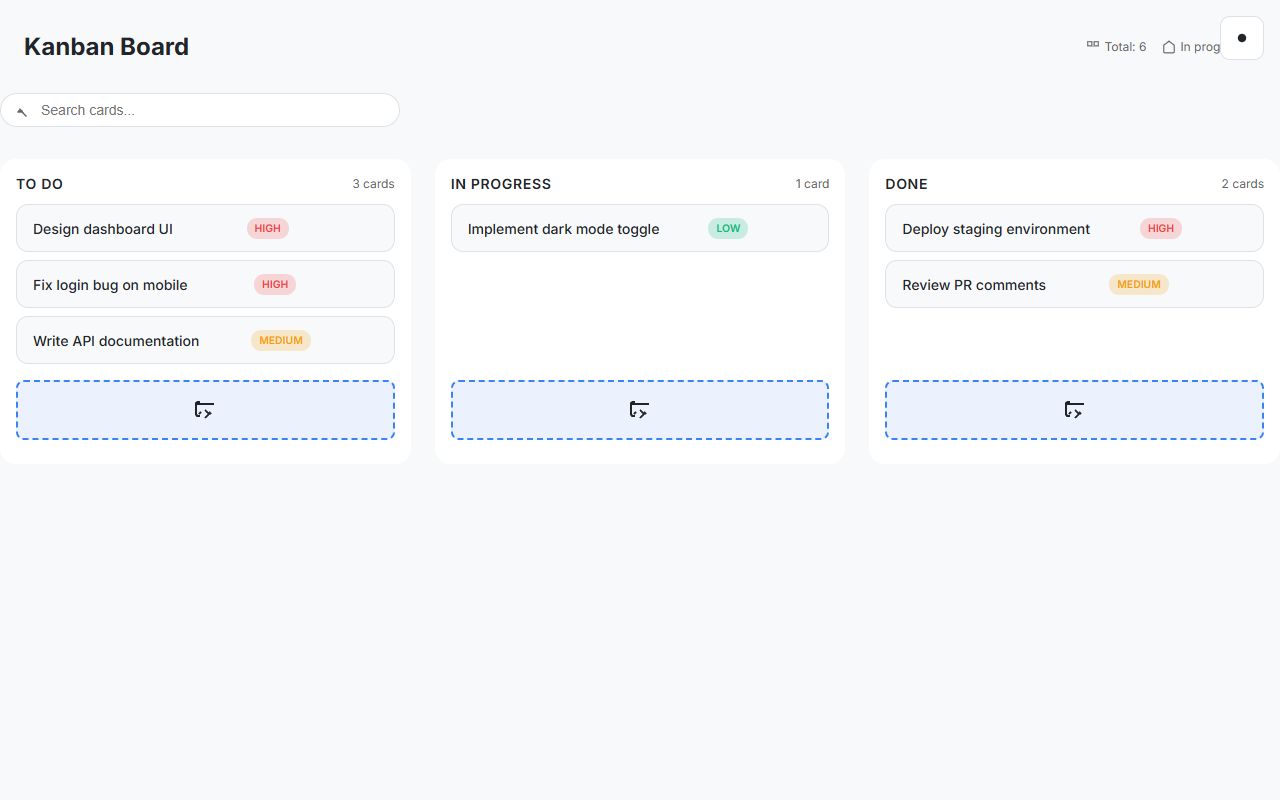
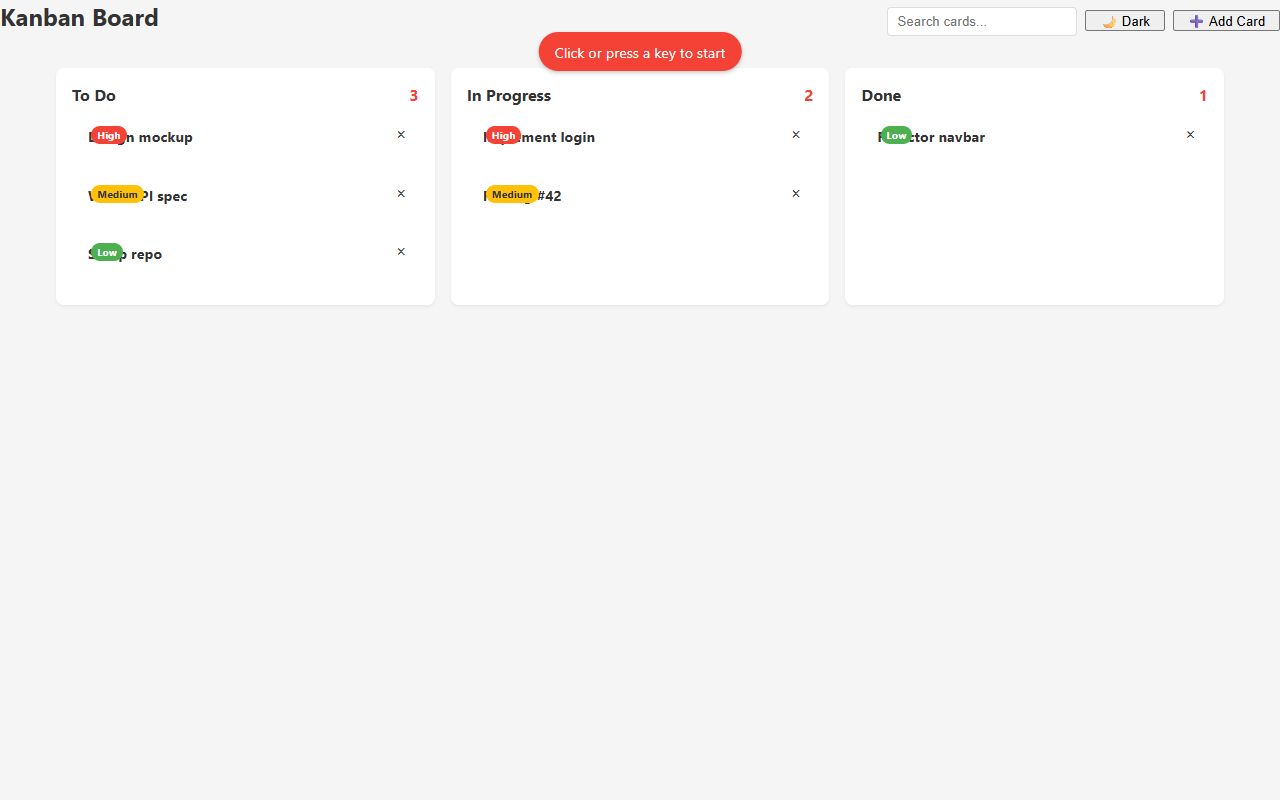
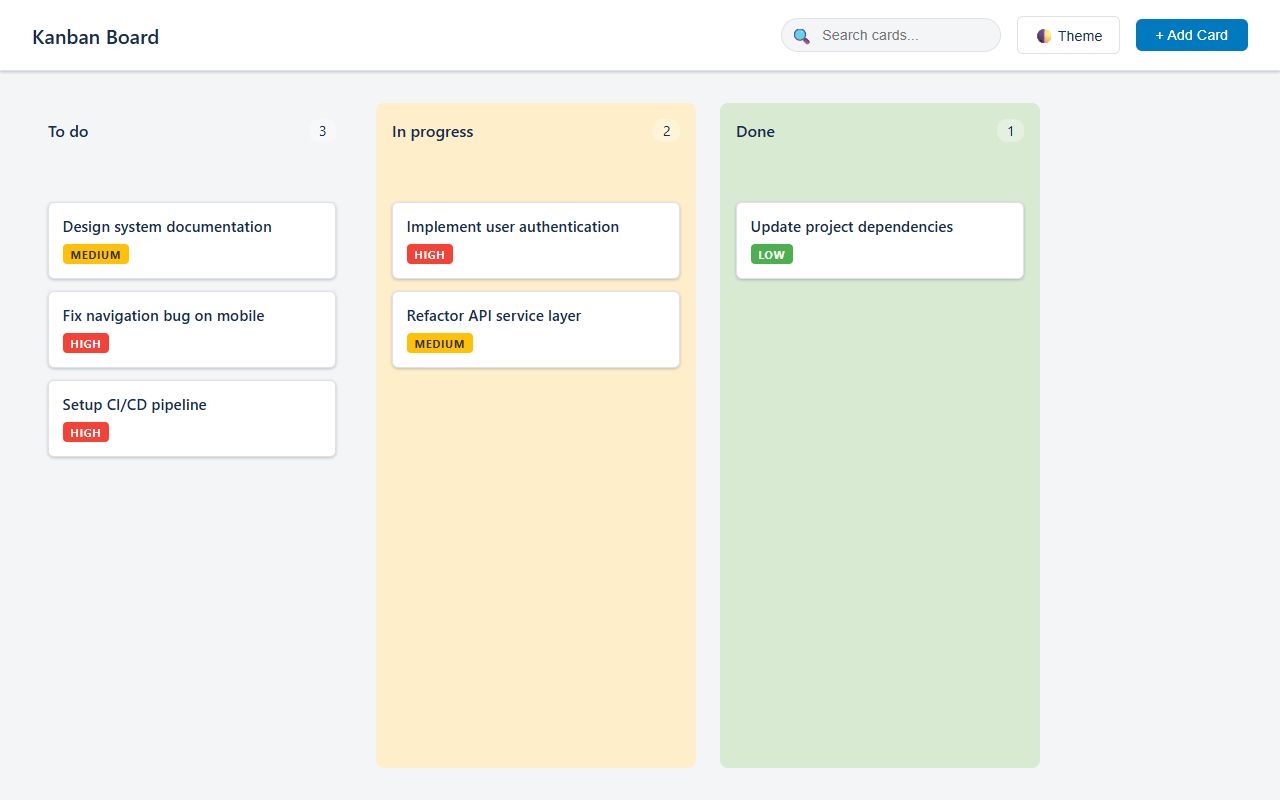
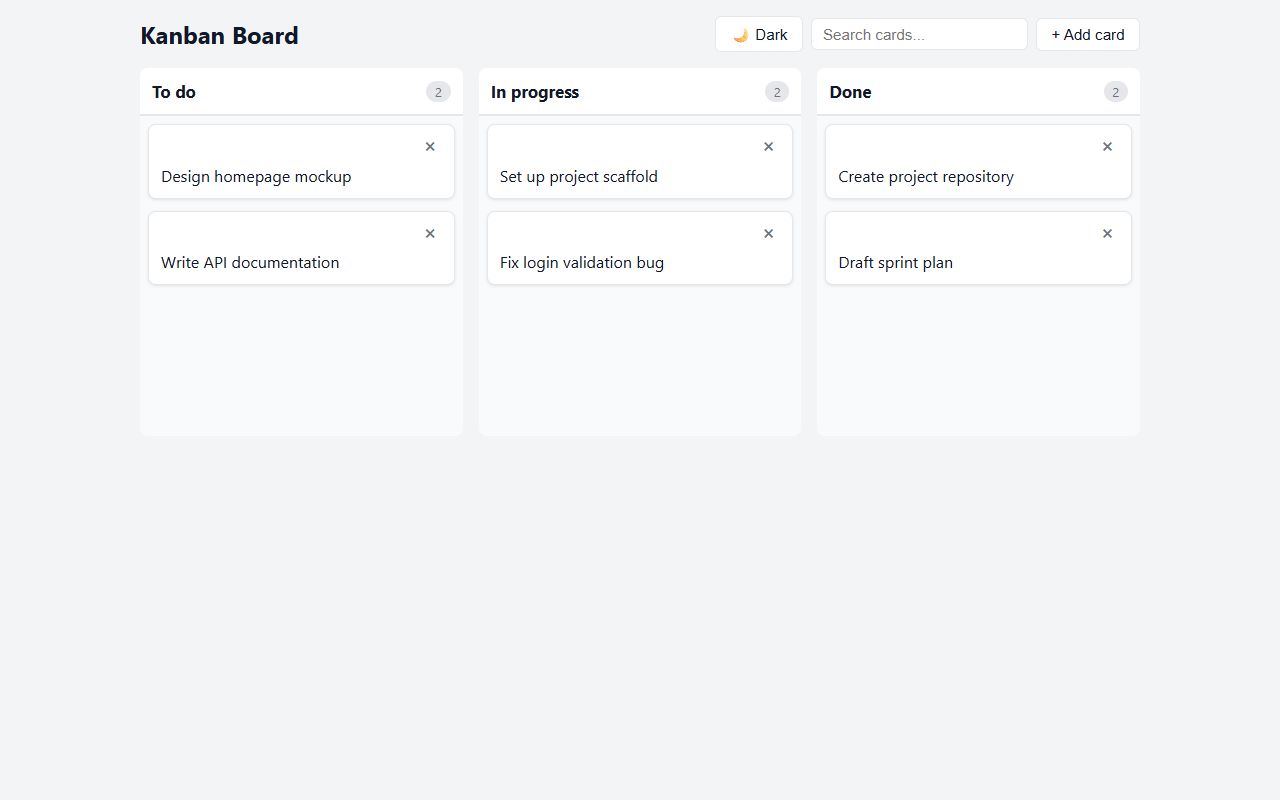
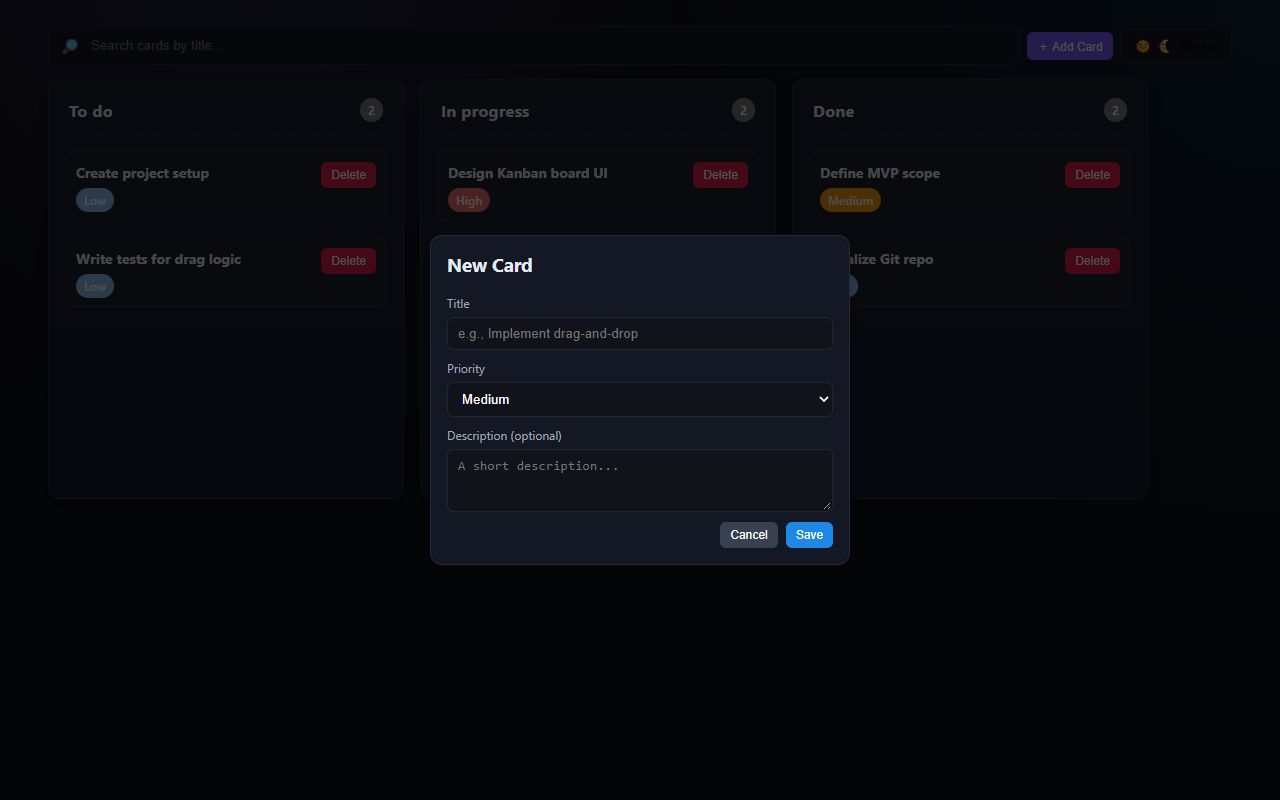
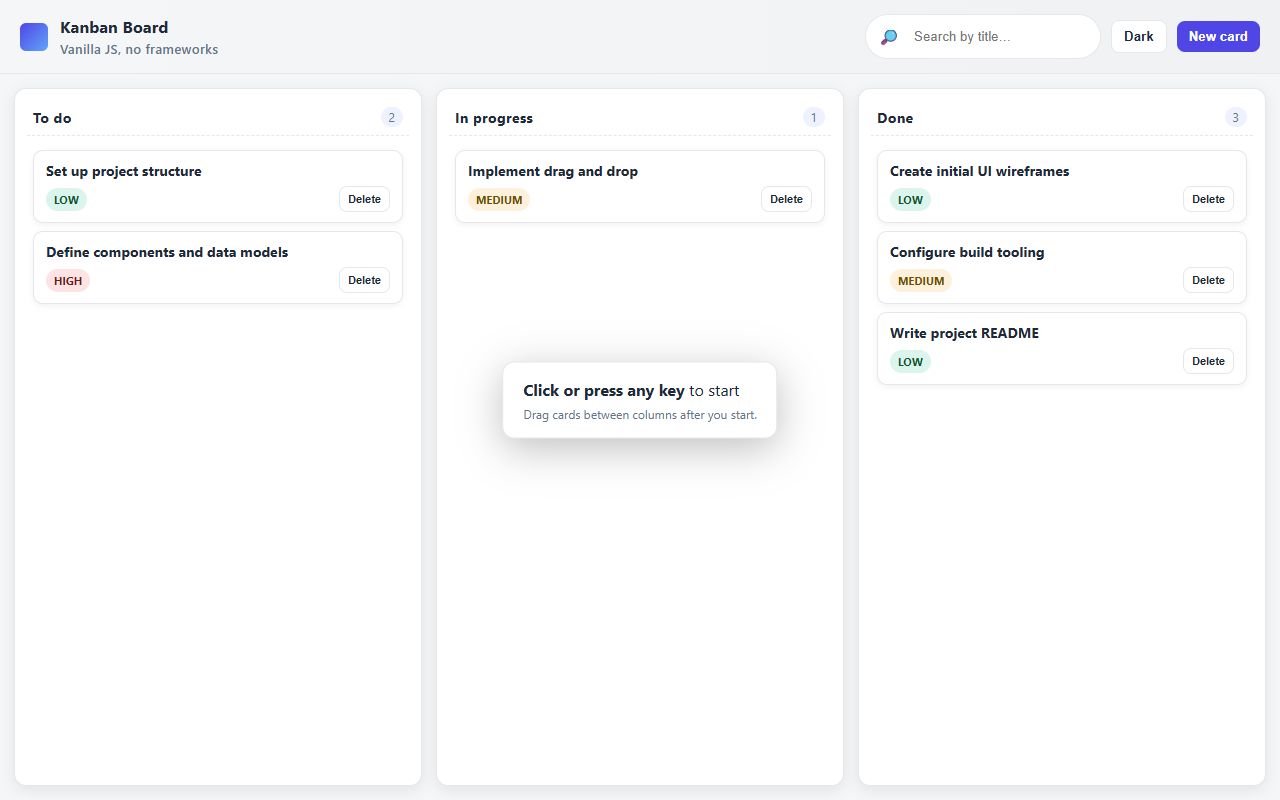
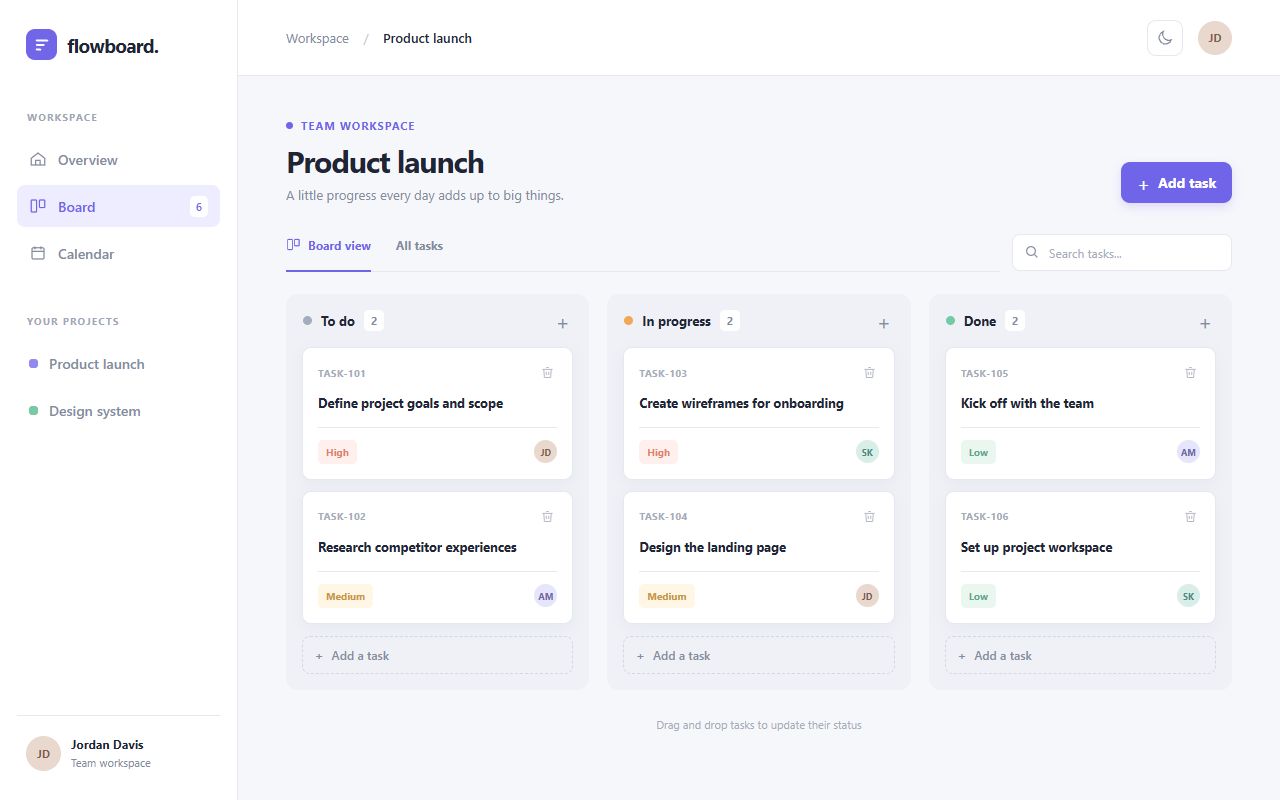
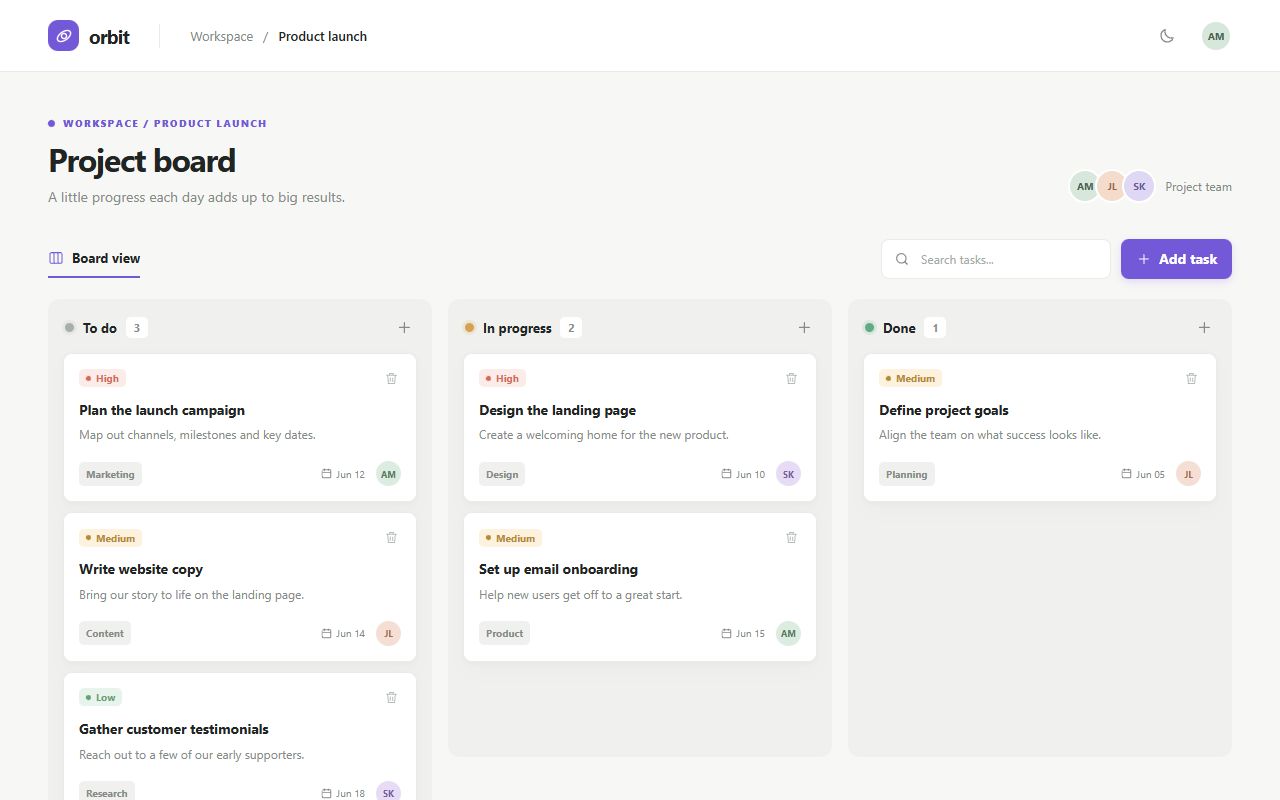
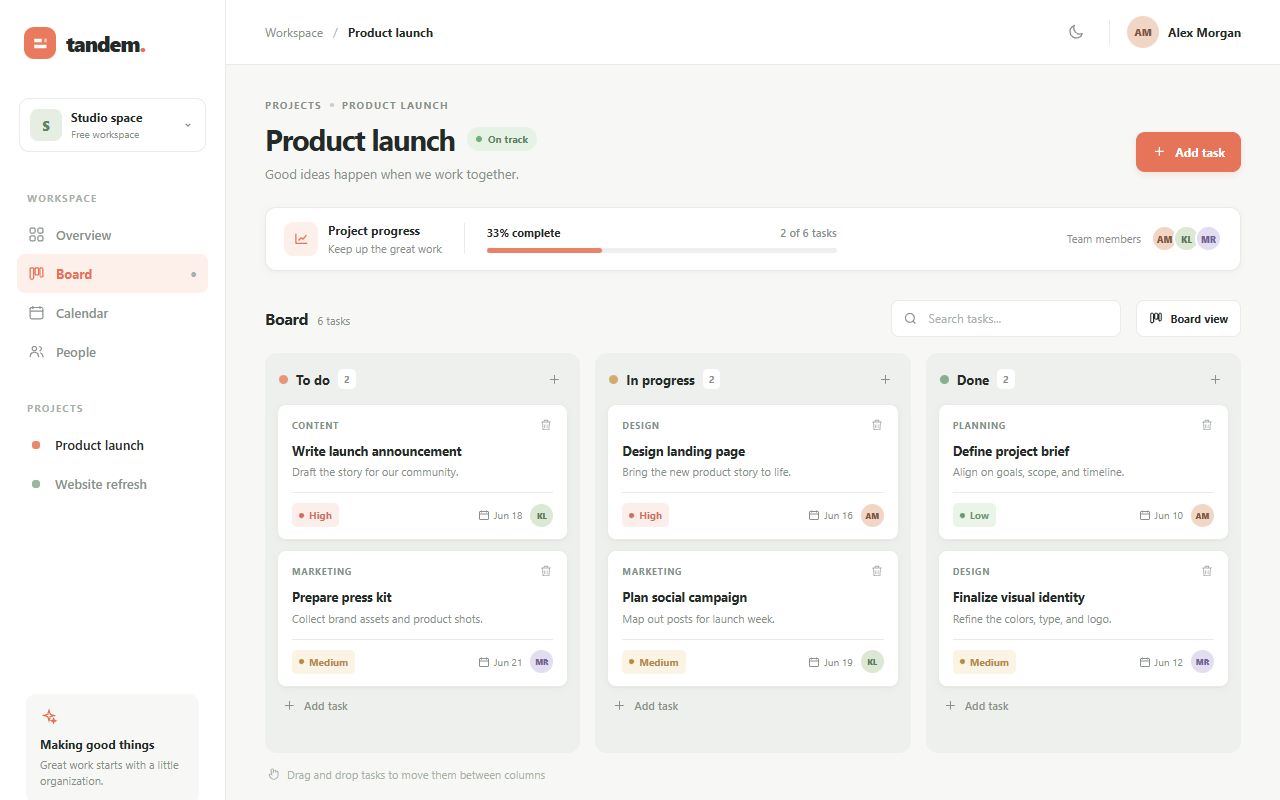
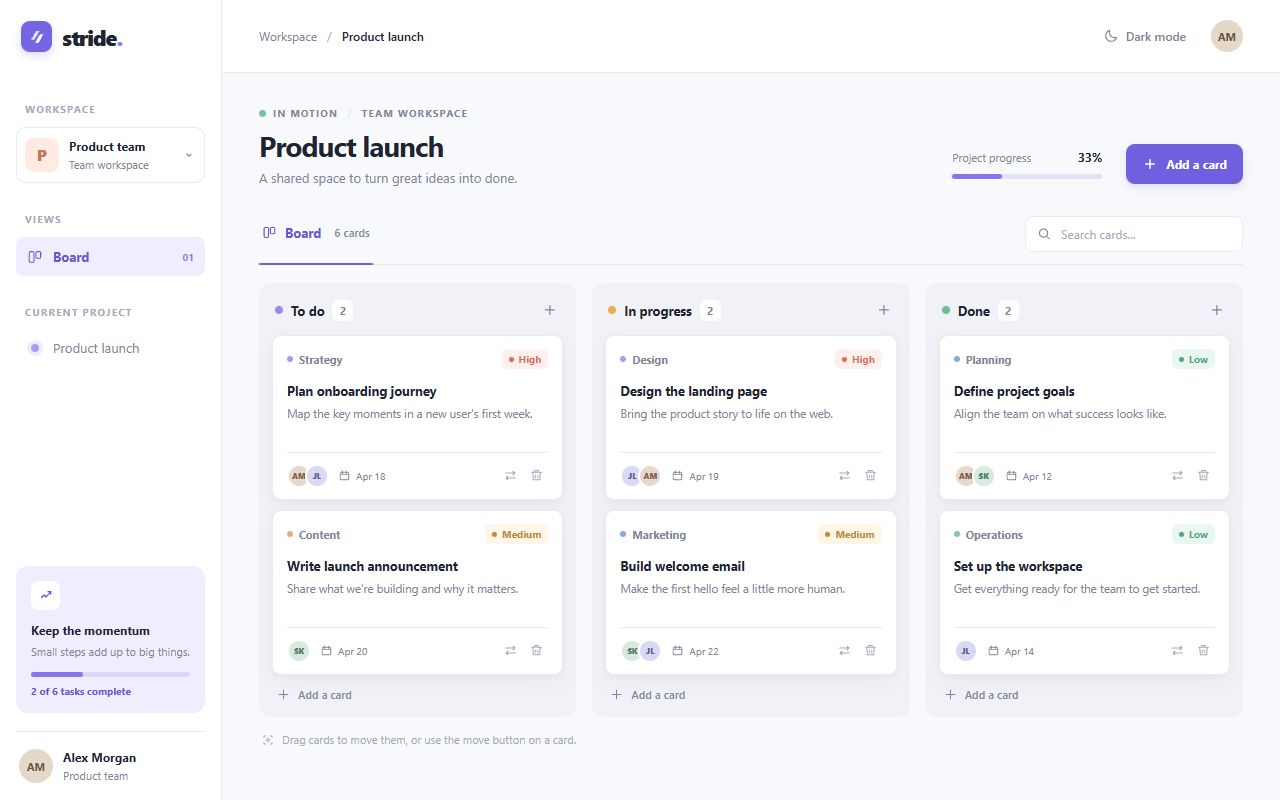
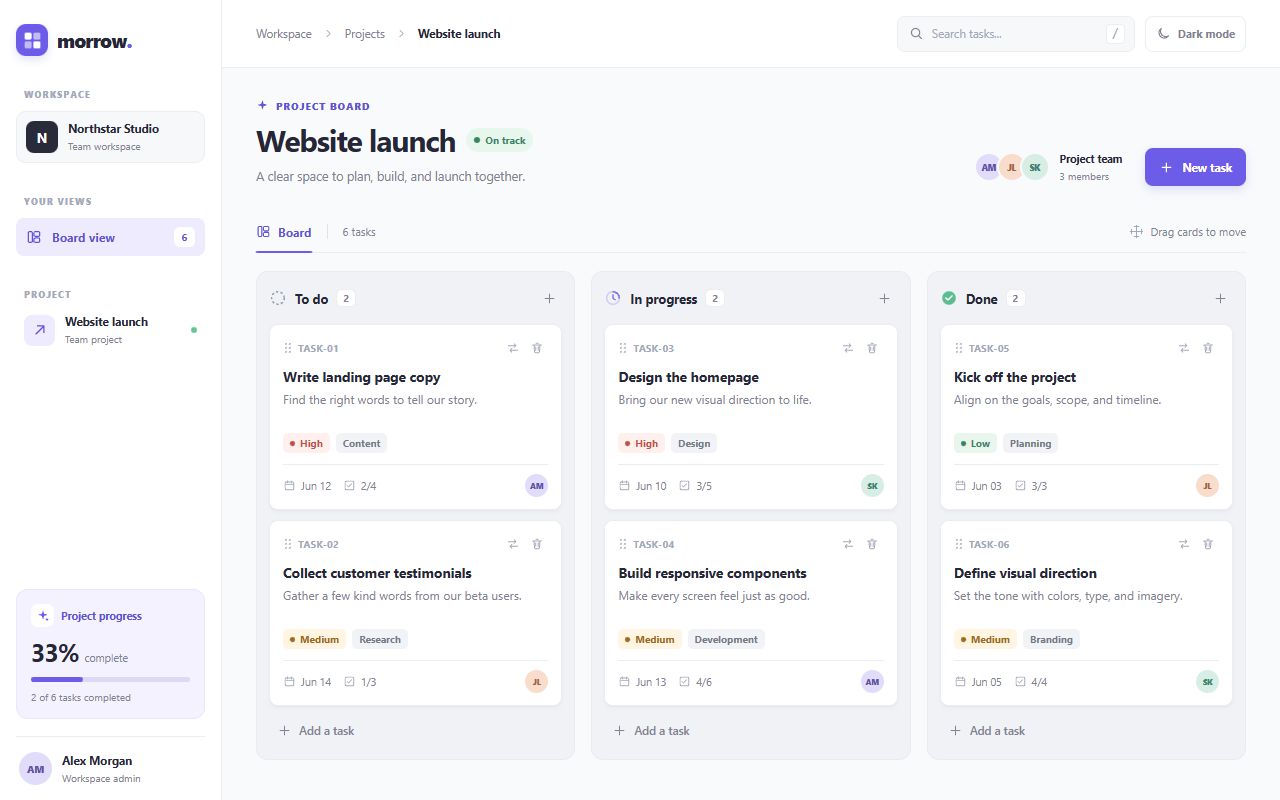
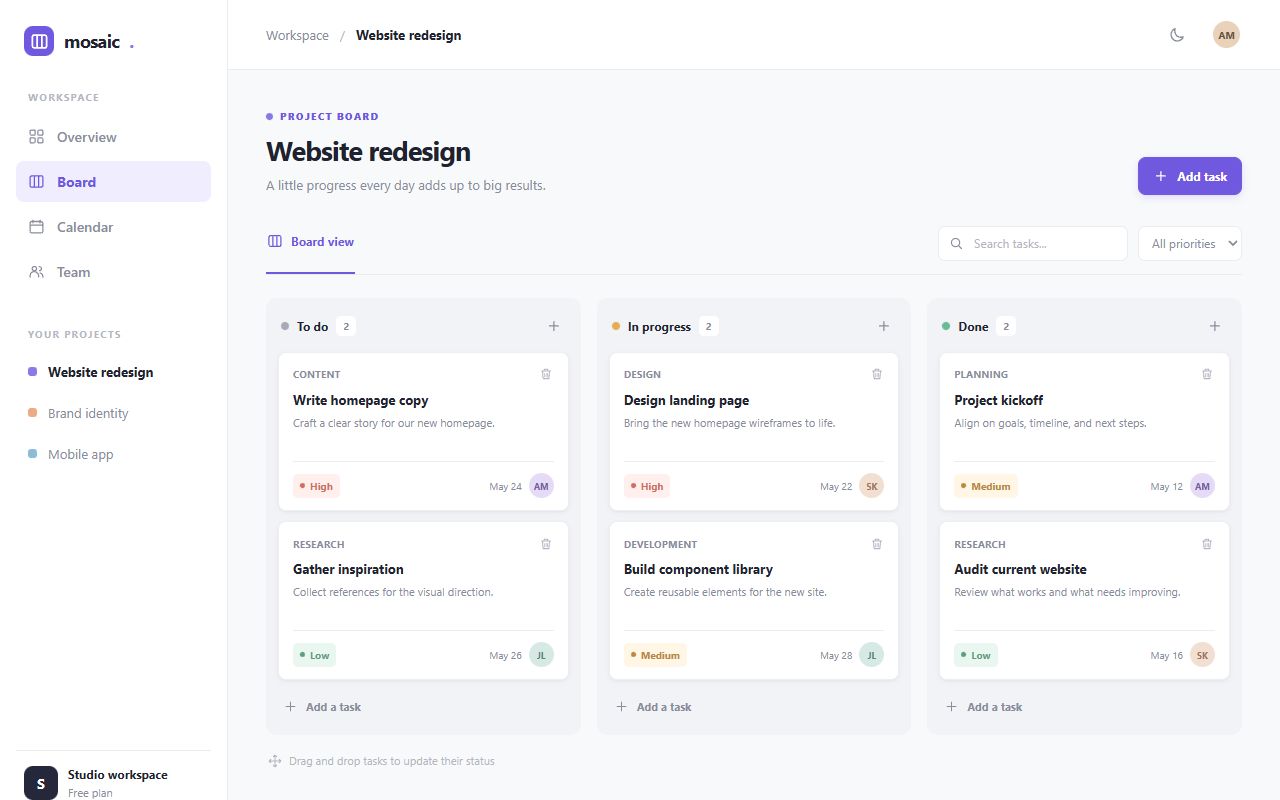
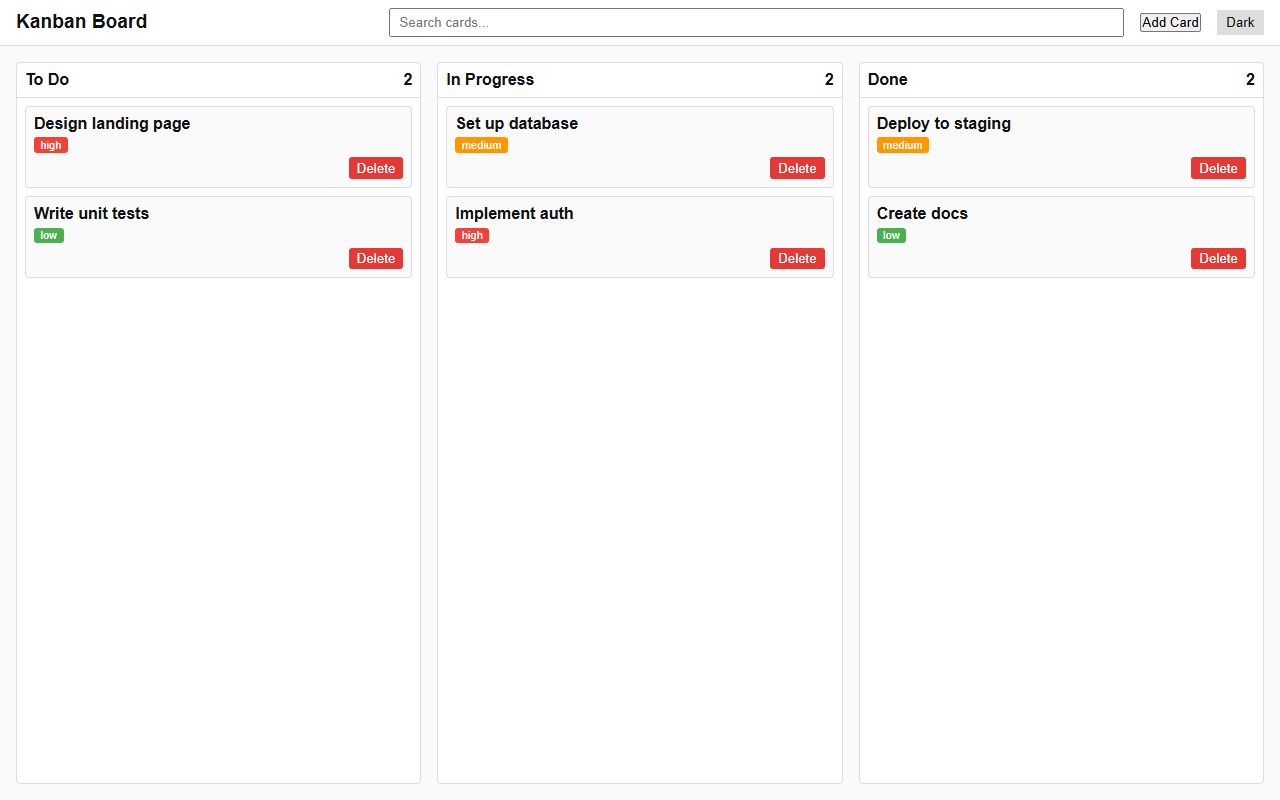
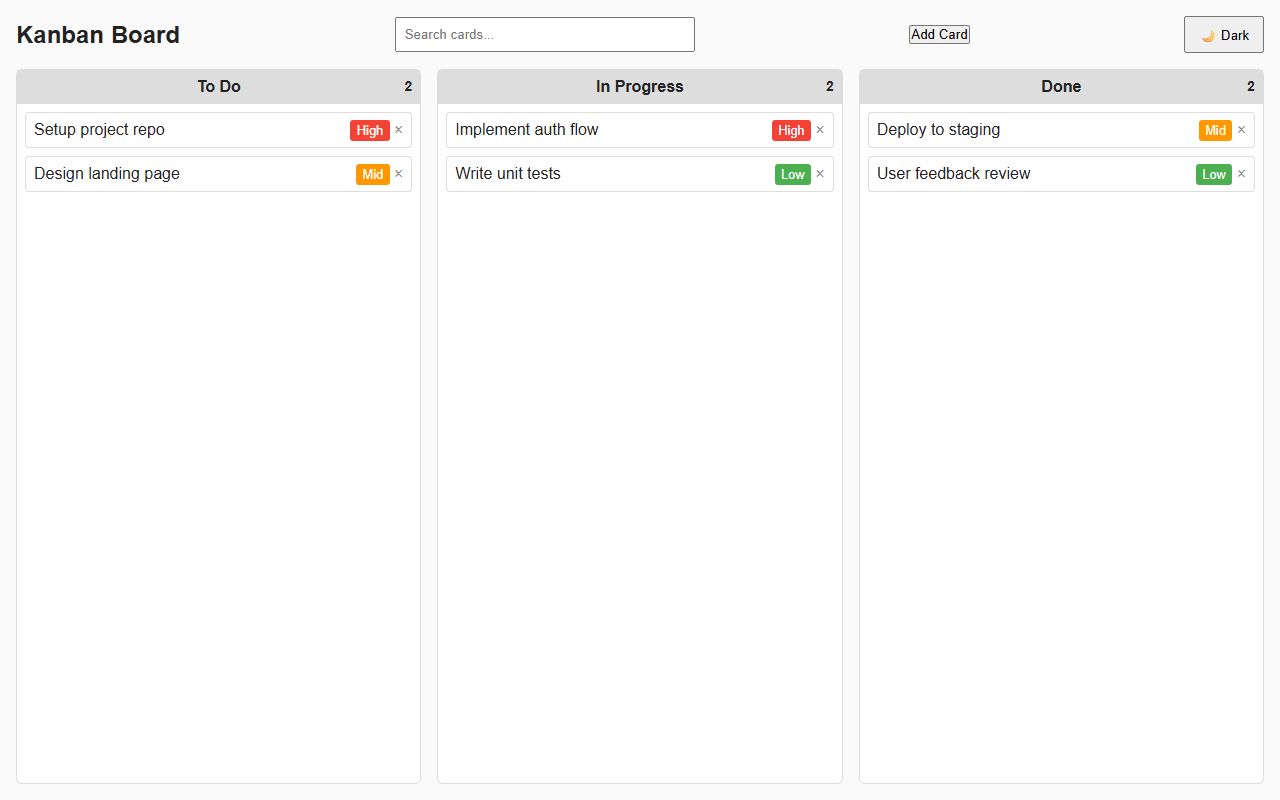
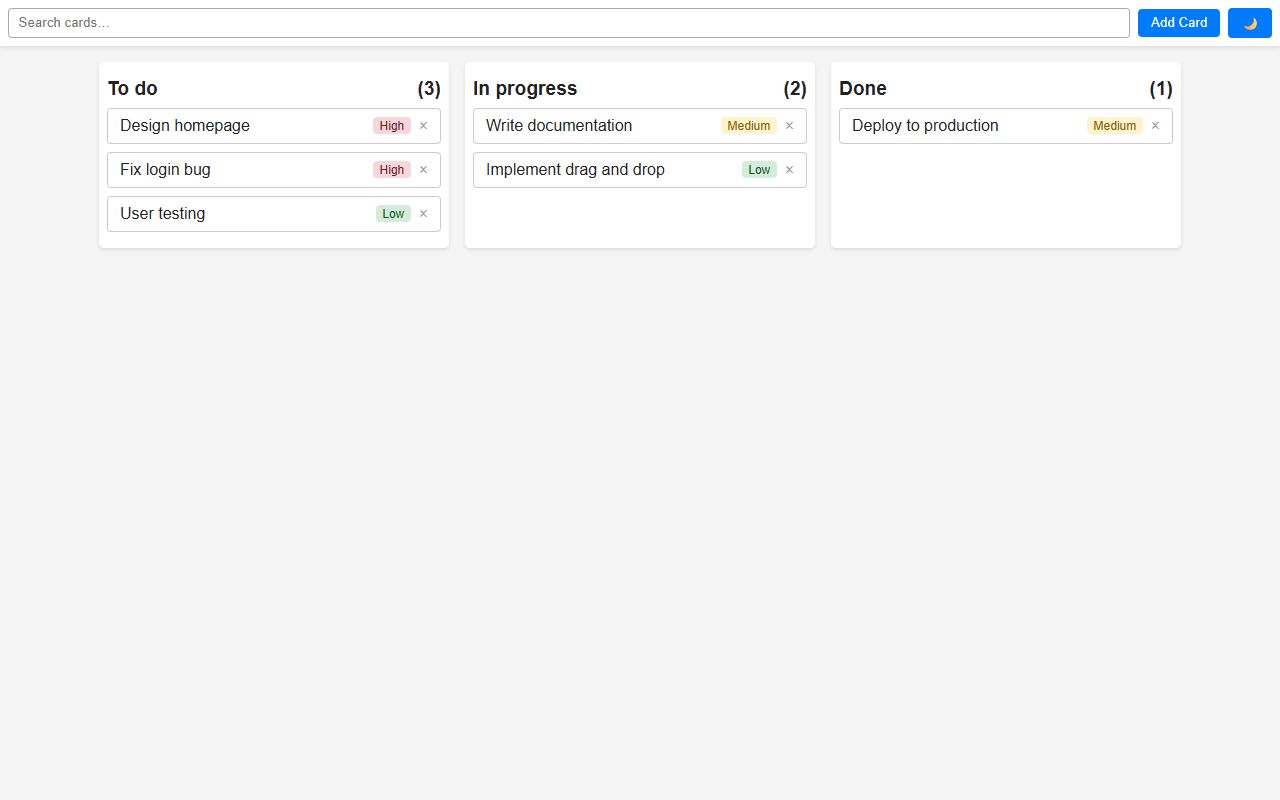
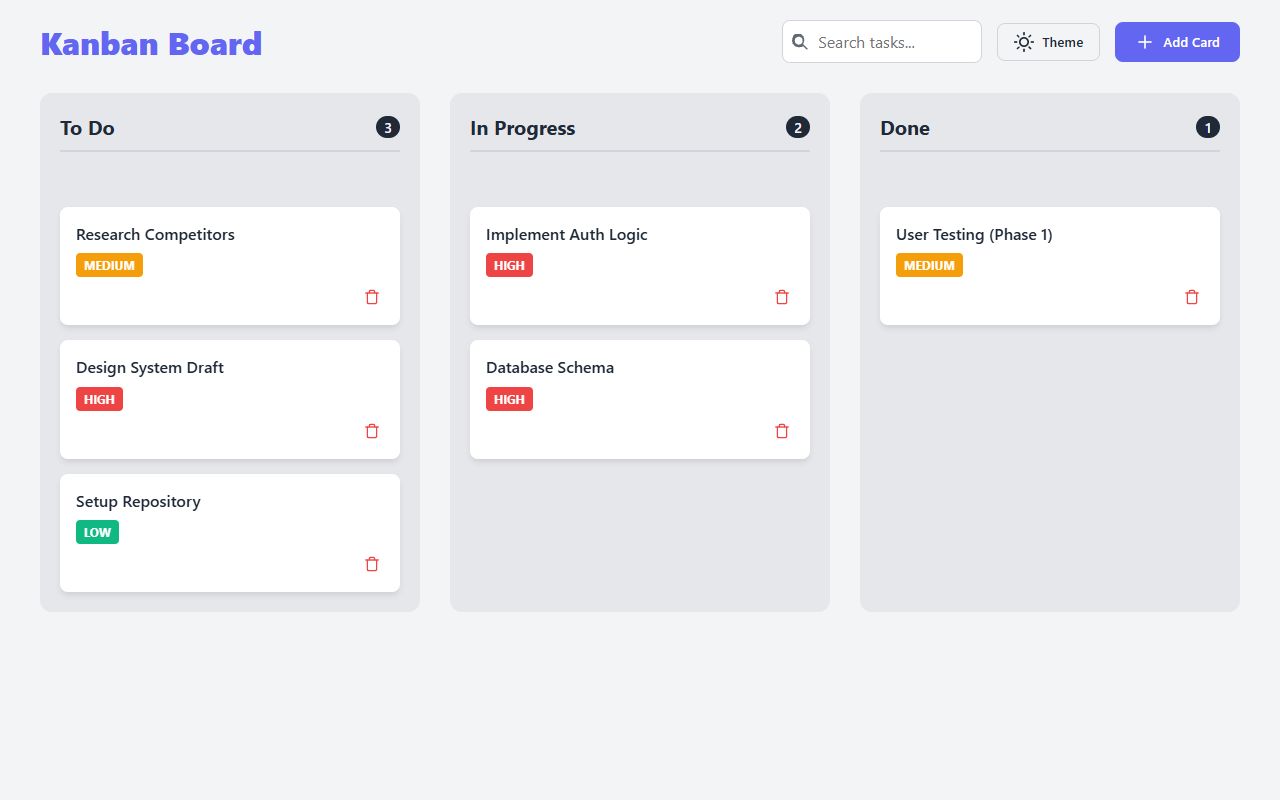
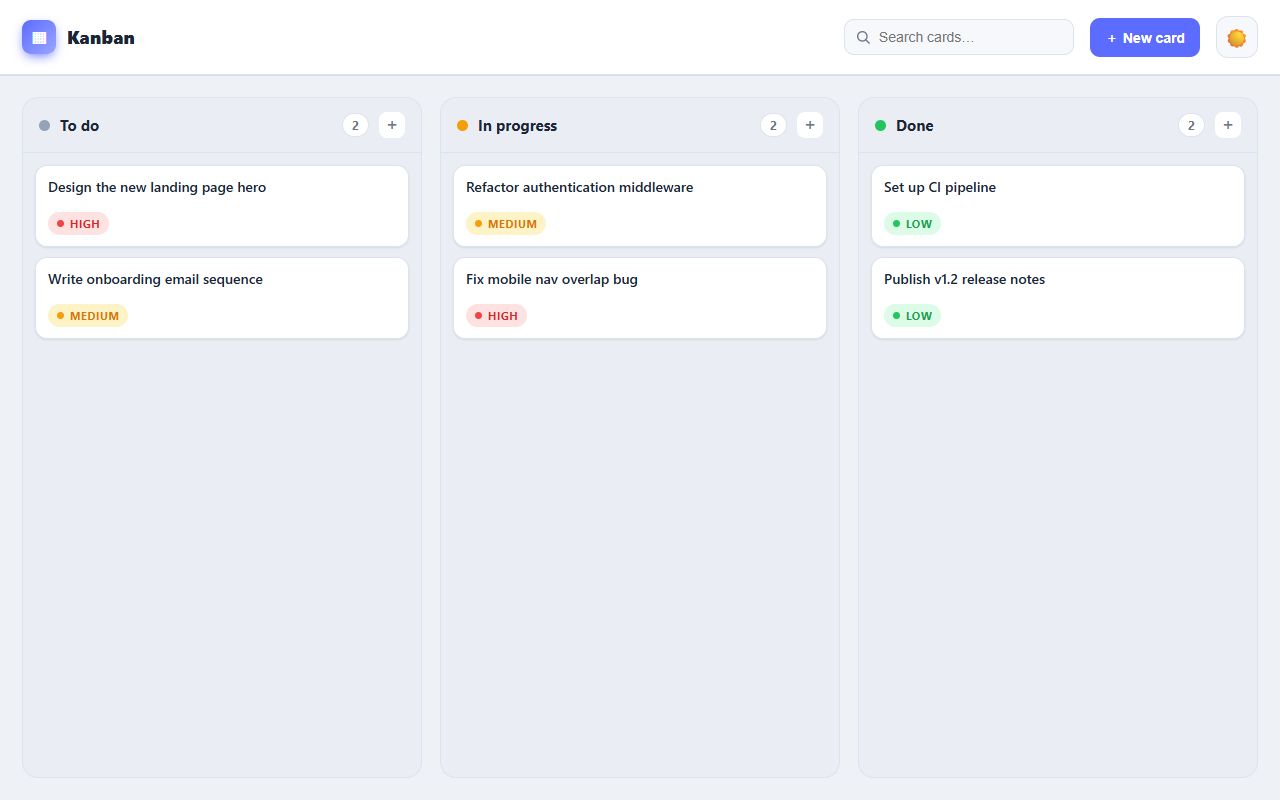
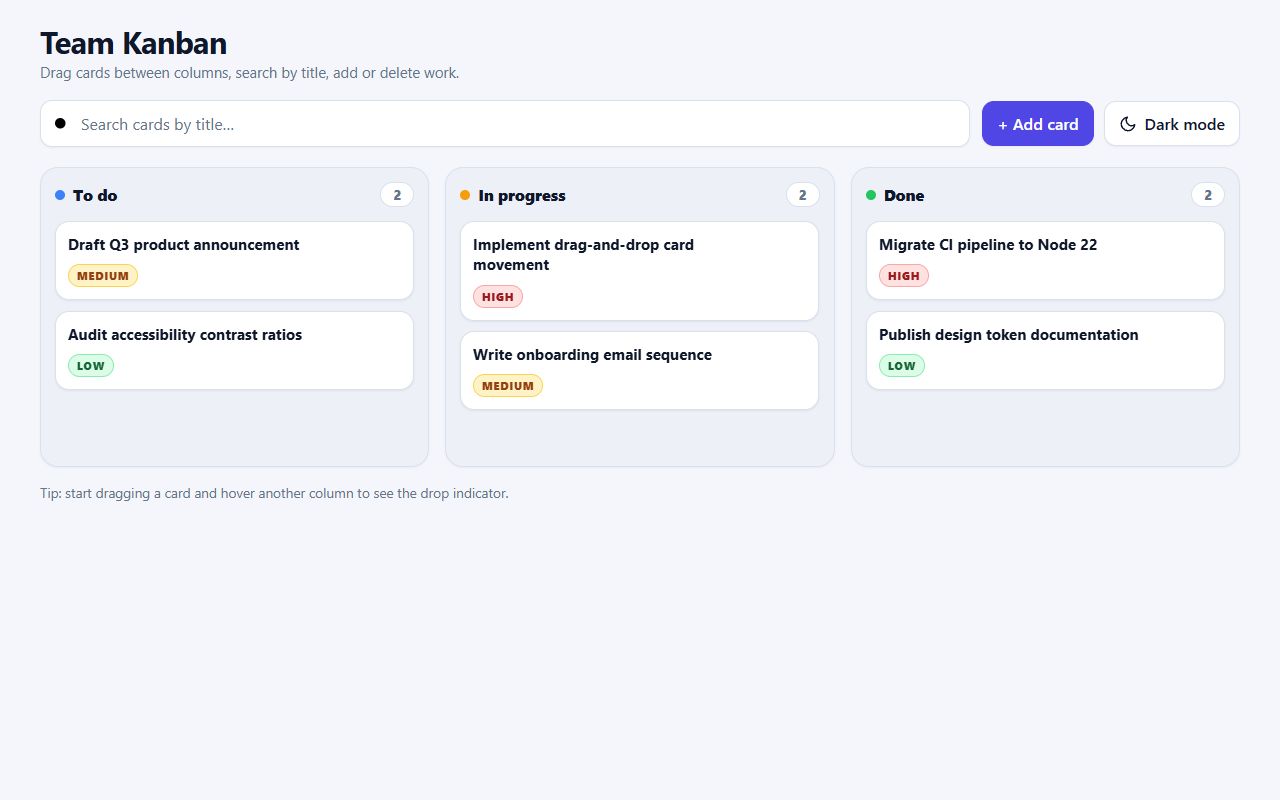
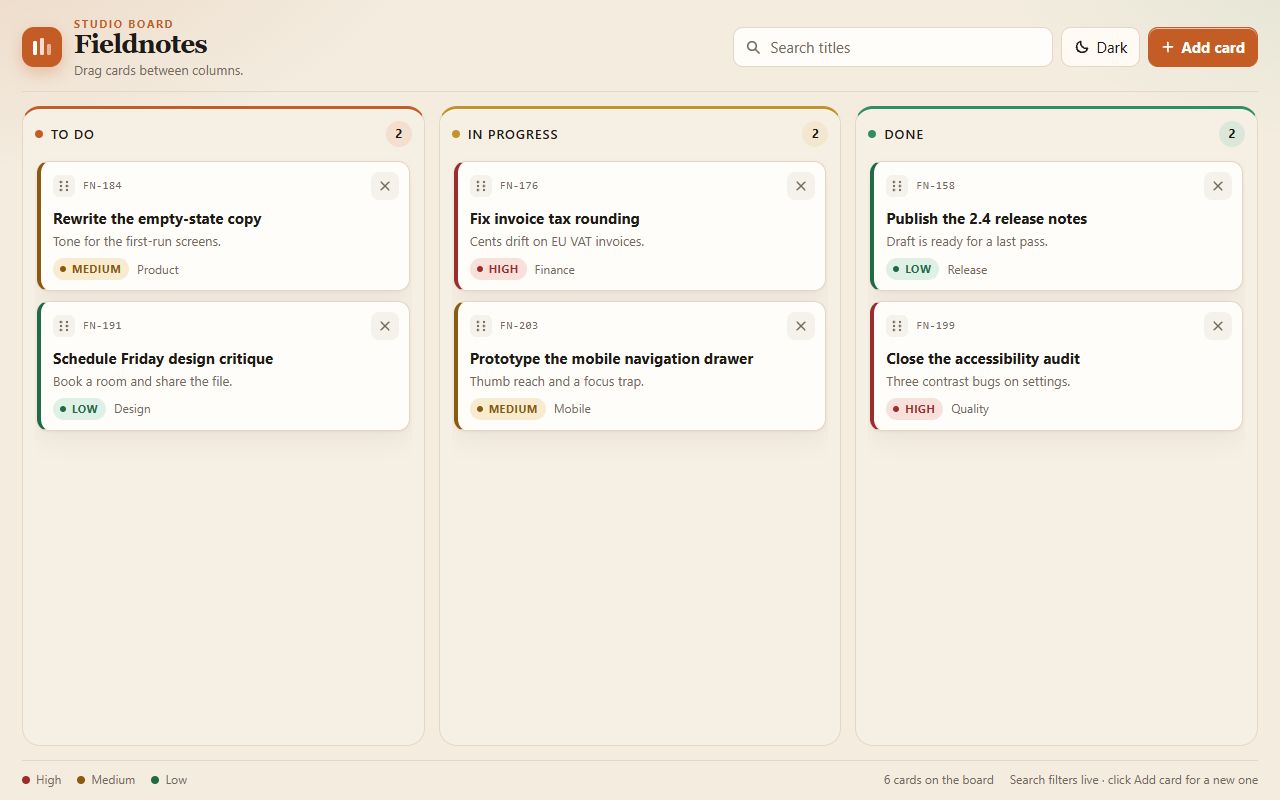
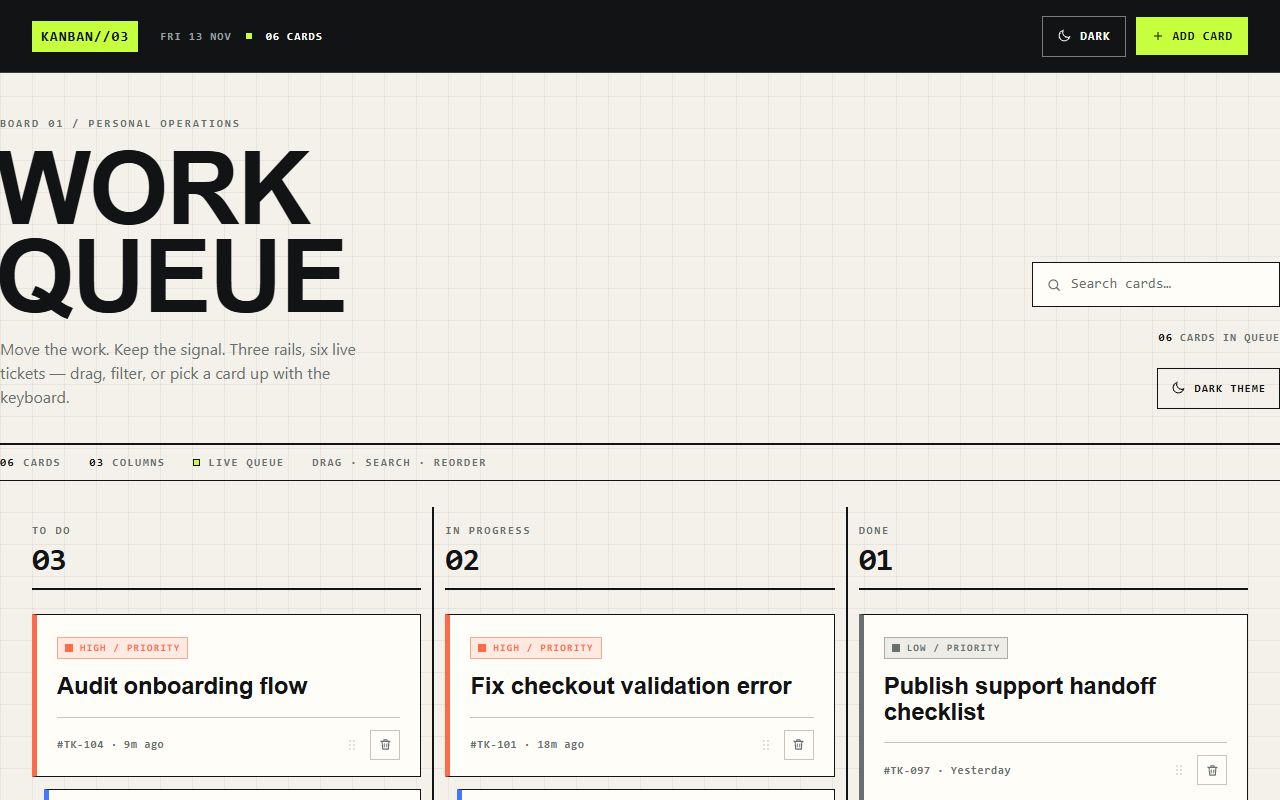
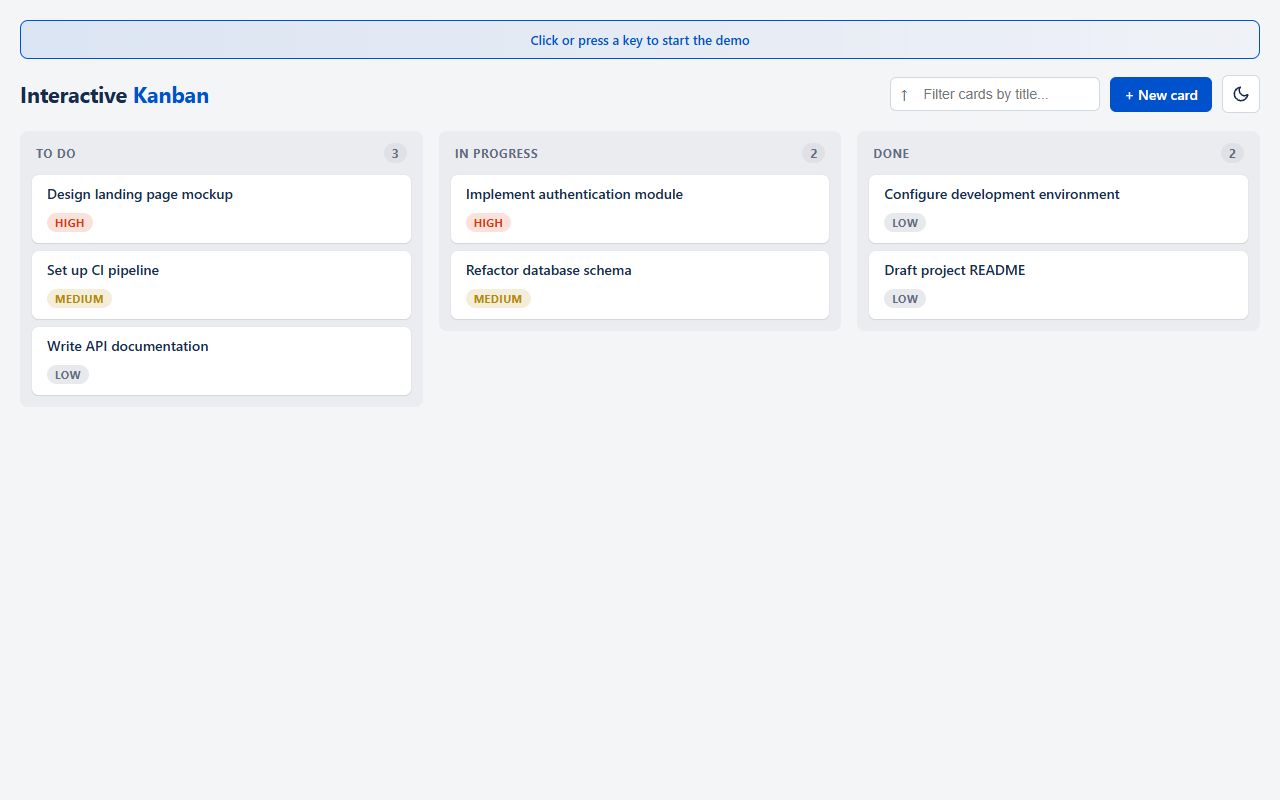
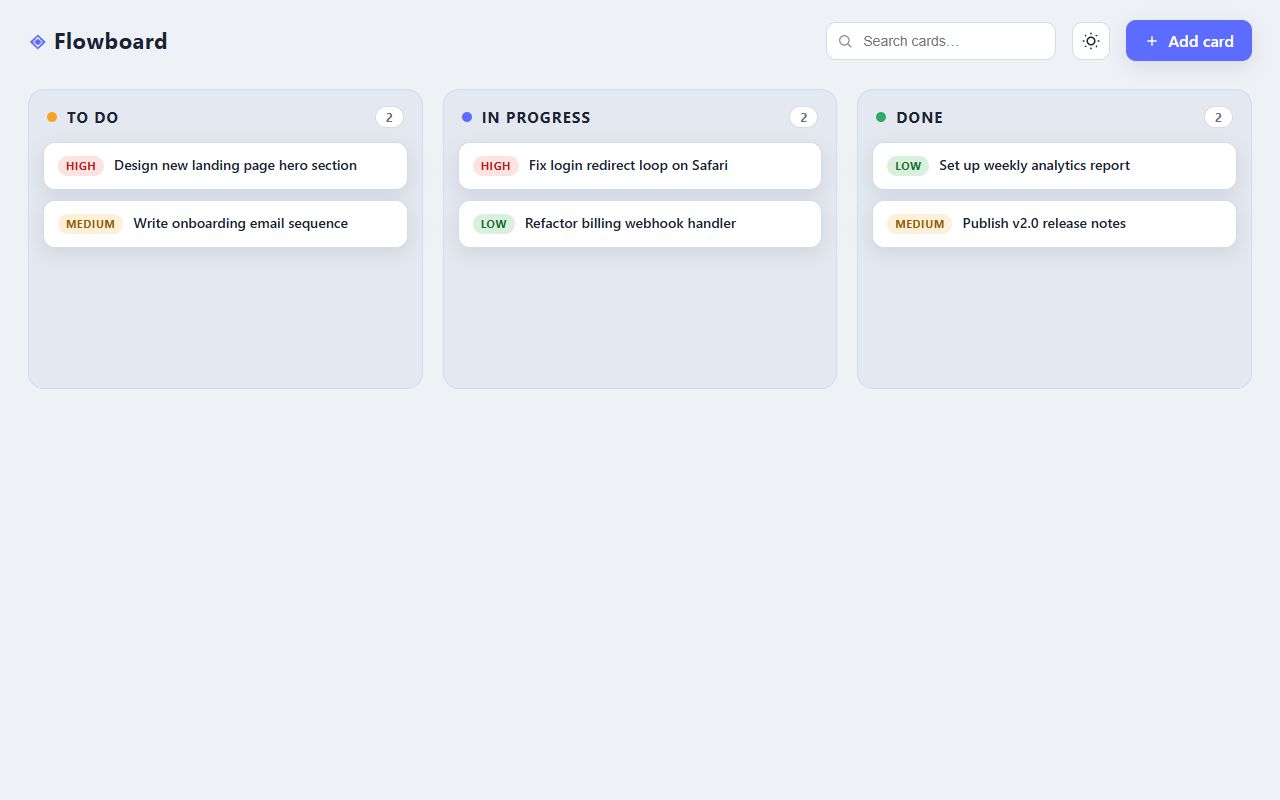
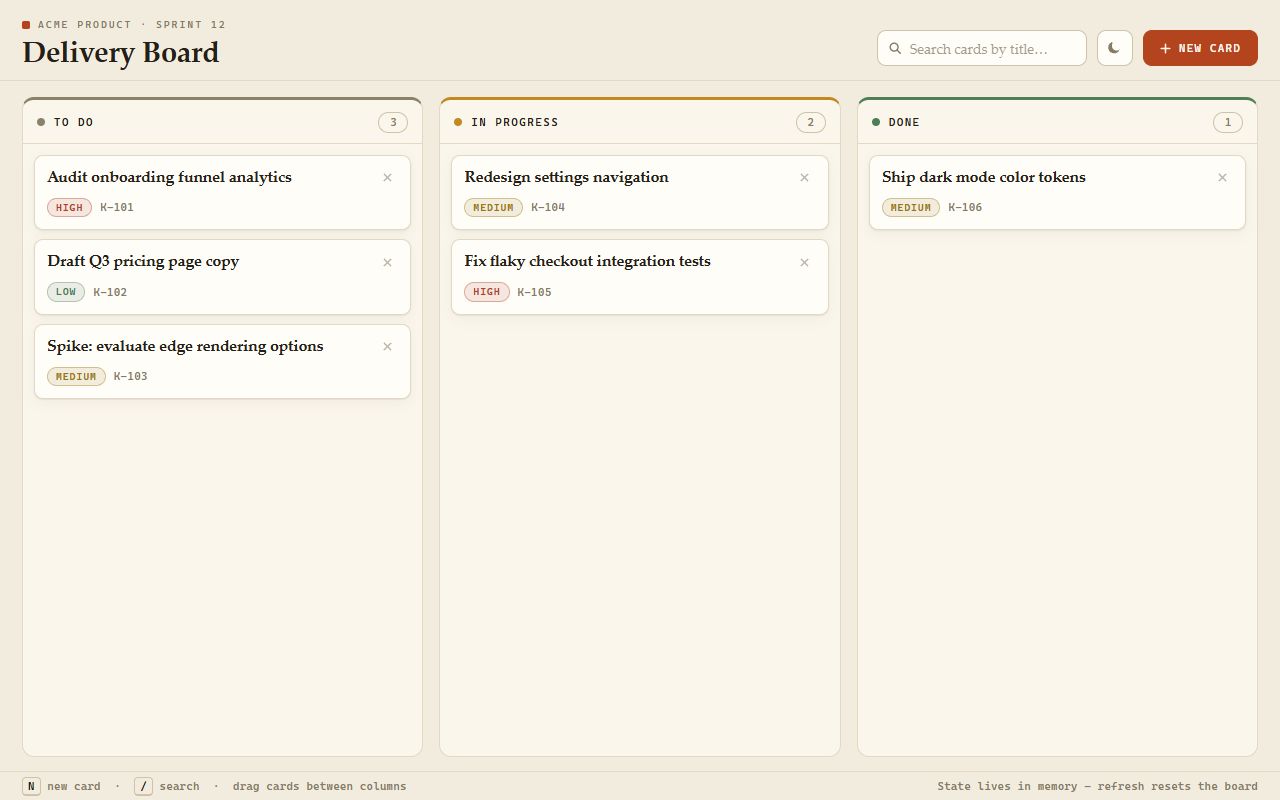
Build an interactive Kanban board in vanilla HTML, CSS and JavaScript (no framework, no library). Requirements: - Three columns: "To do", "In progress", "Done", each showing its card count. - Pre-populate the board with 6 realistic cards spread across the columns so the first screenshot looks alive. - Each card has a title and a priority (low / medium / high) shown as a colored badge. - Add a card through a small modal form (title required), and delete a card with a button on it. - Drag and drop cards between columns with the mouse, with a clear visual drop indicator. - A search field that filters cards live by title. - A light / dark theme toggle. - State lives in memory only (no storage APIs).
System prompt, sent with every prompt
You are generating a self-contained web demo. It will be rendered automatically in a sandboxed iframe and compared side by side with the output of other AI models given the exact same task.

Output rules:
- Reply with exactly ONE fenced code block containing the complete file: ```html (or ```svg when the task asks for an SVG). No text before or after the code block.
- Everything must be inline: CSS in <style>, JavaScript in <script>. No external files, images, fonts or network requests, except the CDN URLs explicitly allowed by the task.
- Do not use localStorage, sessionStorage, cookies, IndexedDB, alert(), confirm(), prompt() or window.open(): they are blocked in the sandbox and will throw.
- The page must look right in a 1280×800 viewport and adapt gracefully down to 375px wide. No horizontal scrollbar.
- Something meaningful must be visible on first paint: a screenshot is taken automatically about 3 seconds after load, without any interaction.
- Everything that makes the demo interesting must be visible within the first seconds: nothing hidden behind a high score, a later level or a long play session.
- Games must start in a self-playing demo mode (a simple AI plays) behind a "Click or press a key to start" message, so the game can be judged in action without playing.
- The iframe only receives keyboard events after the user clicks it: if the demo uses the keyboard, display a clear "Click or press a key to start" message.
- The code must run with zero errors in the console of the latest Chrome.
What each model made
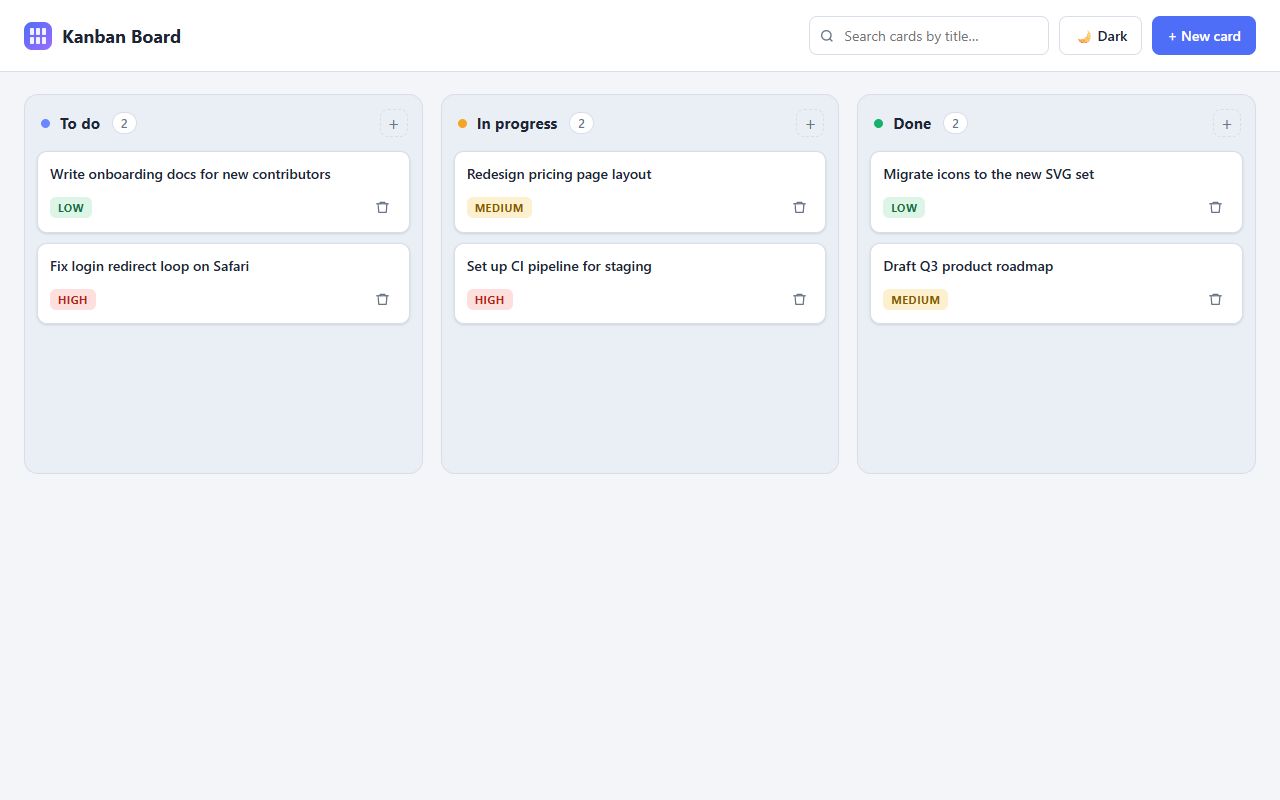
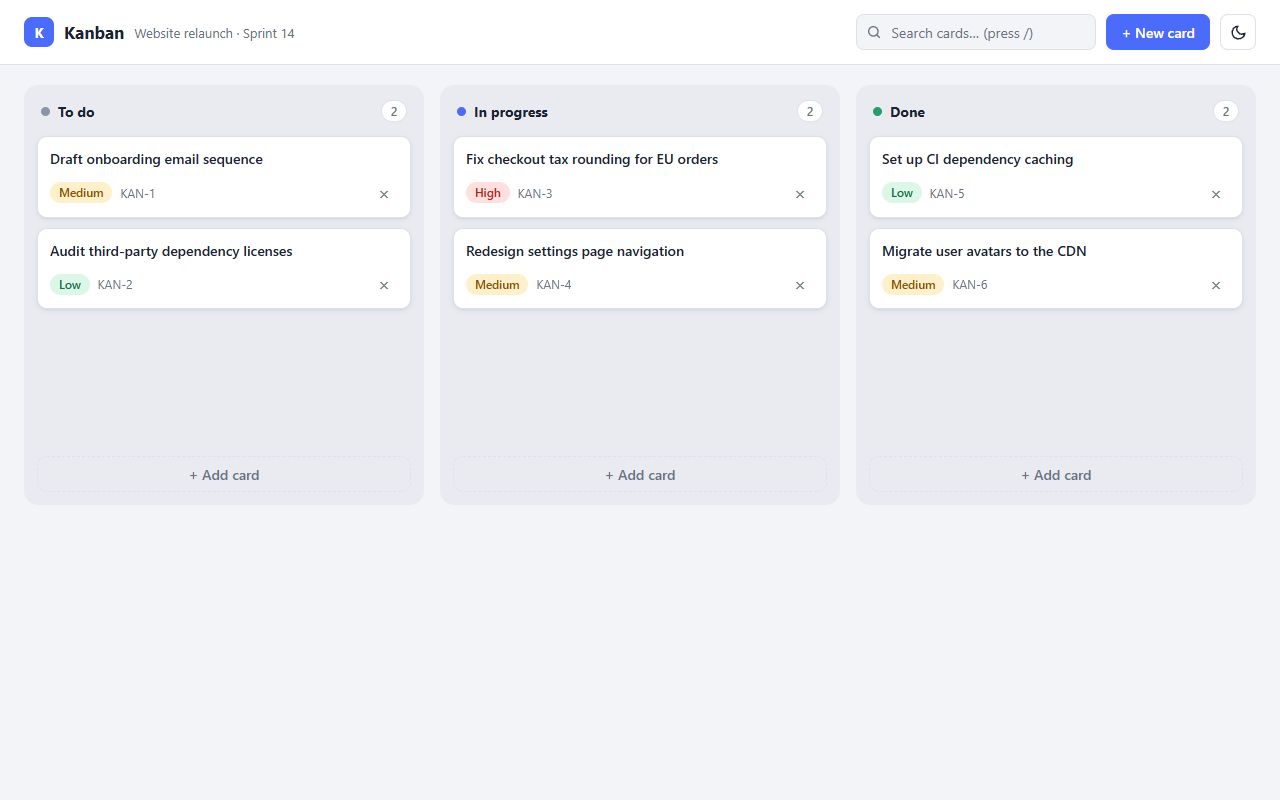
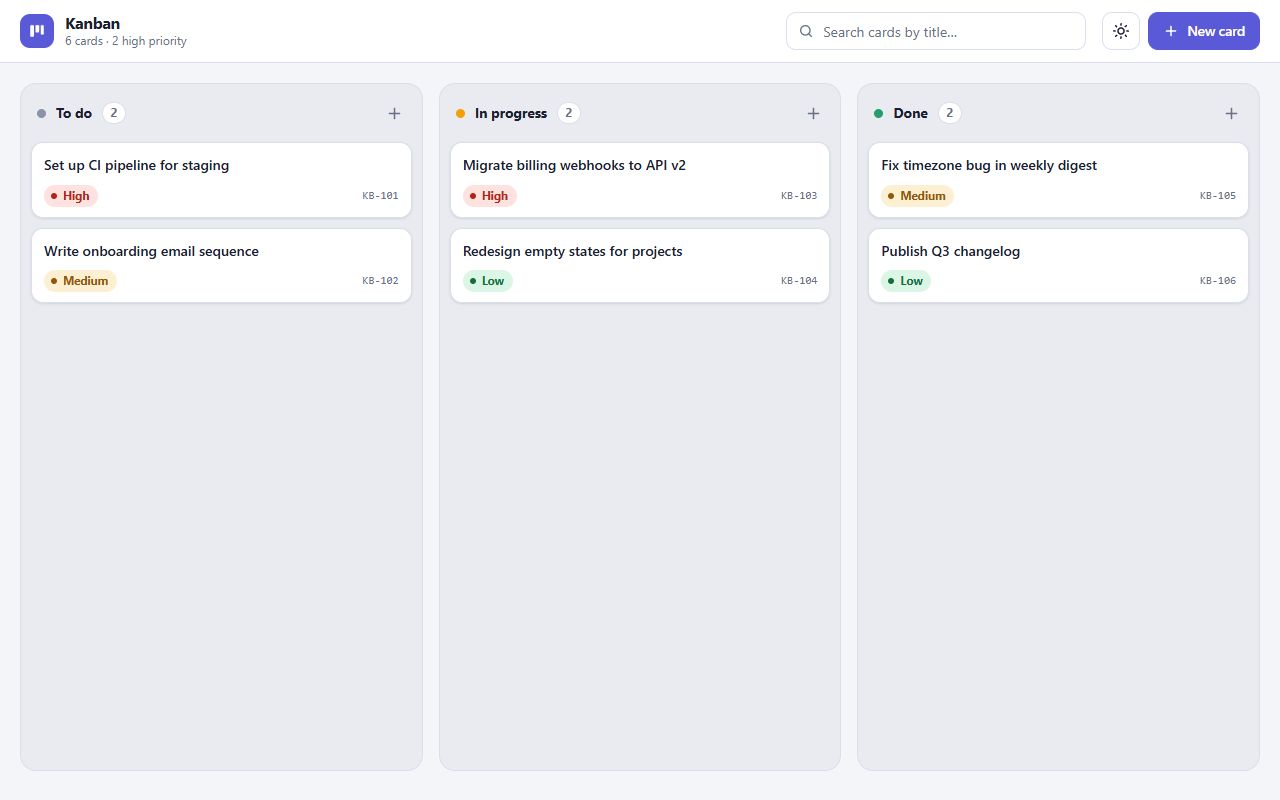
Ran out of tokensThe model spent its whole budget thinking.
Ran out of tokens8 min 51 s128.0k tokens$0.064
Anthropic
Claude Haiku 5.5
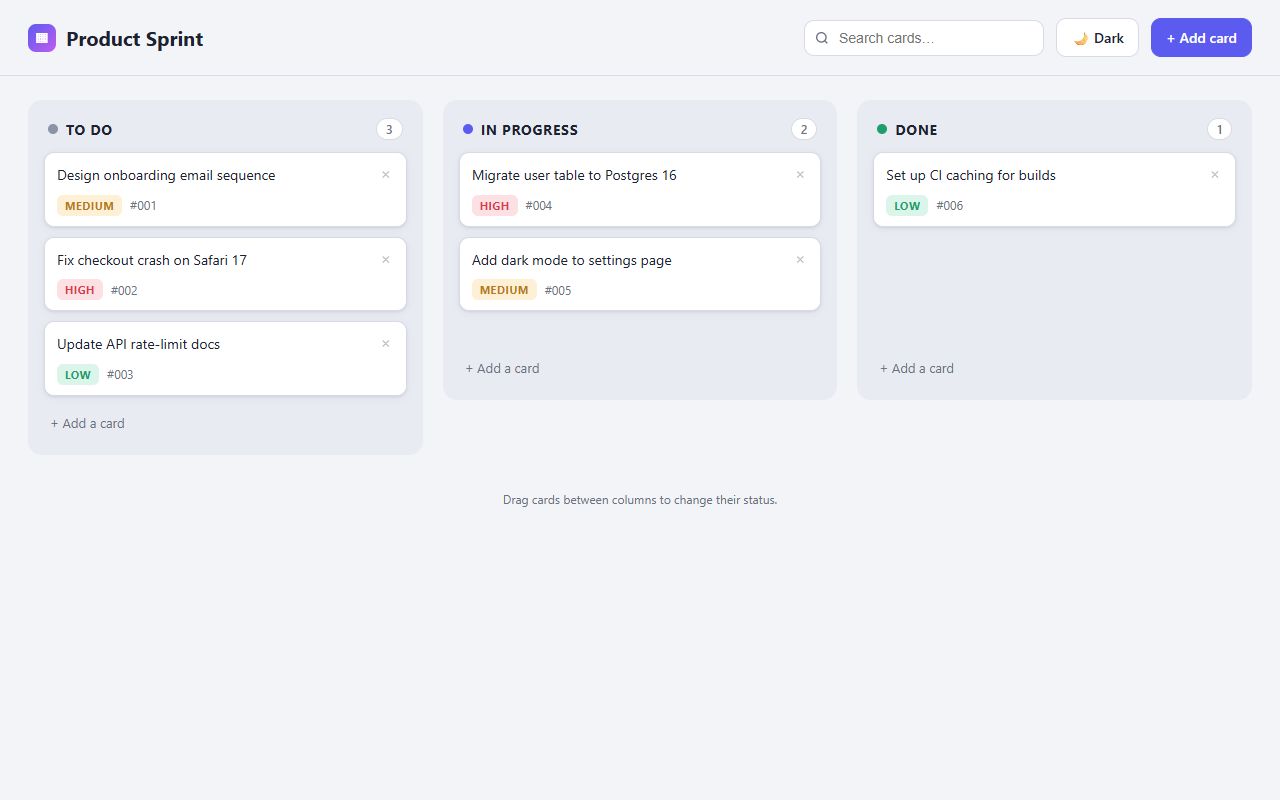
Anthropic
reasoning defaultClaude Opus 5.5
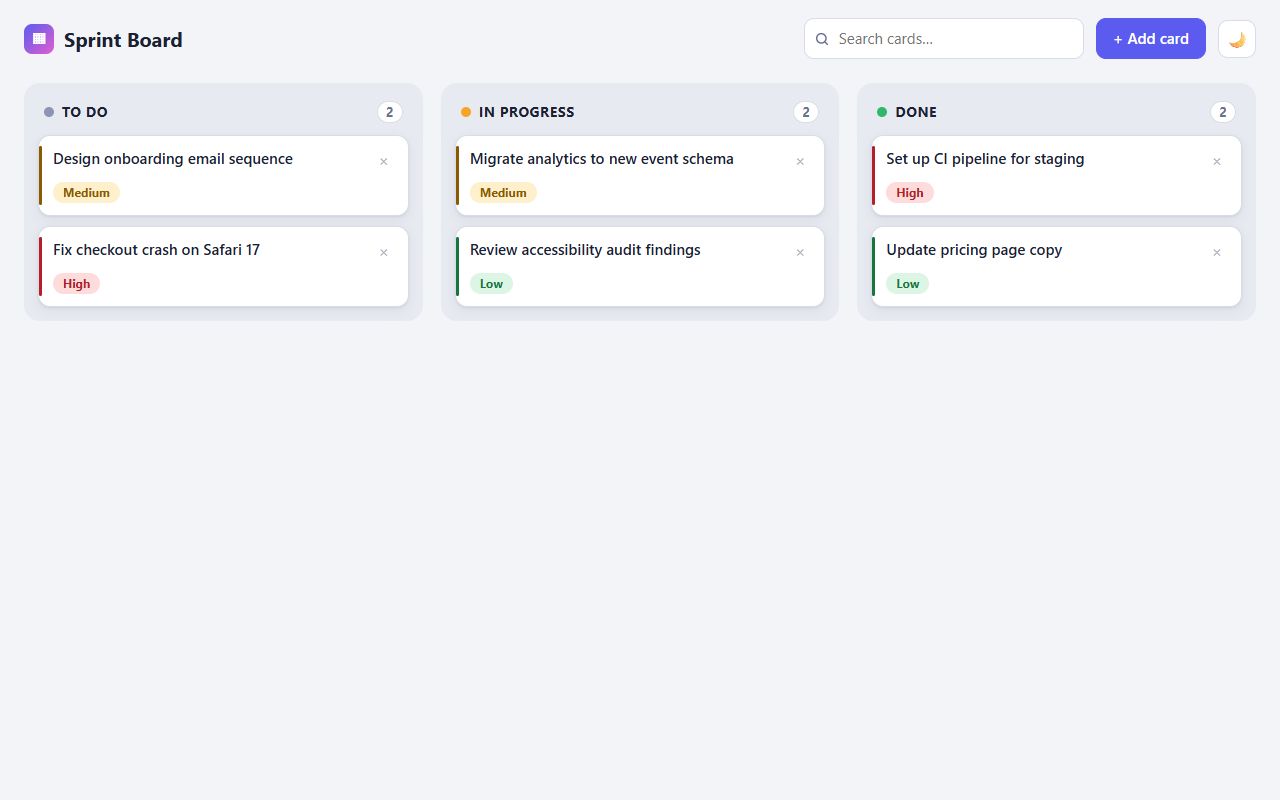
Anthropic
reasoning defaultClaude Sonnet 5.5
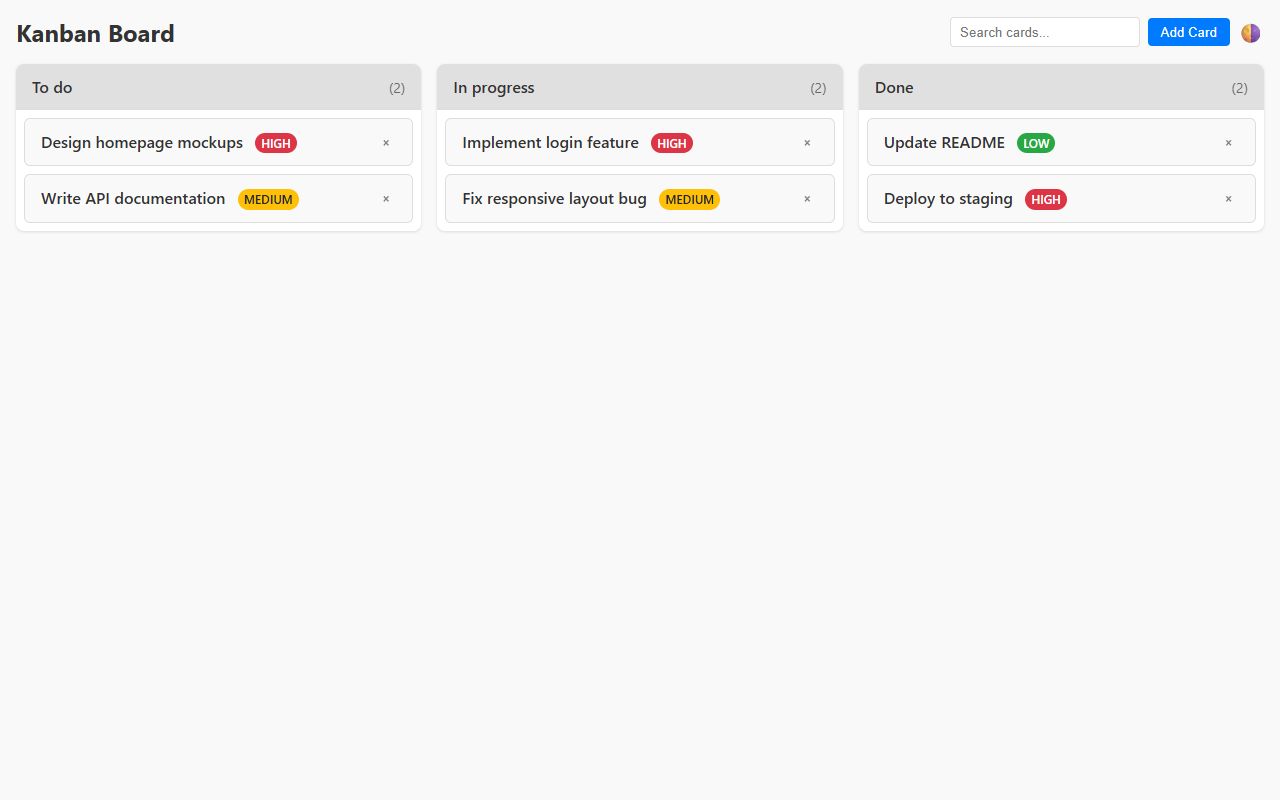
Cohere
North Mini Code (free)
DeepSeek
reasoning defaultDeepSeek V4 Flash 0423
No codeThe response had no usable code.
No code1.4 s0 tokens
DeepSeek
reasoning defaultDeepSeek V4 Pro 0813
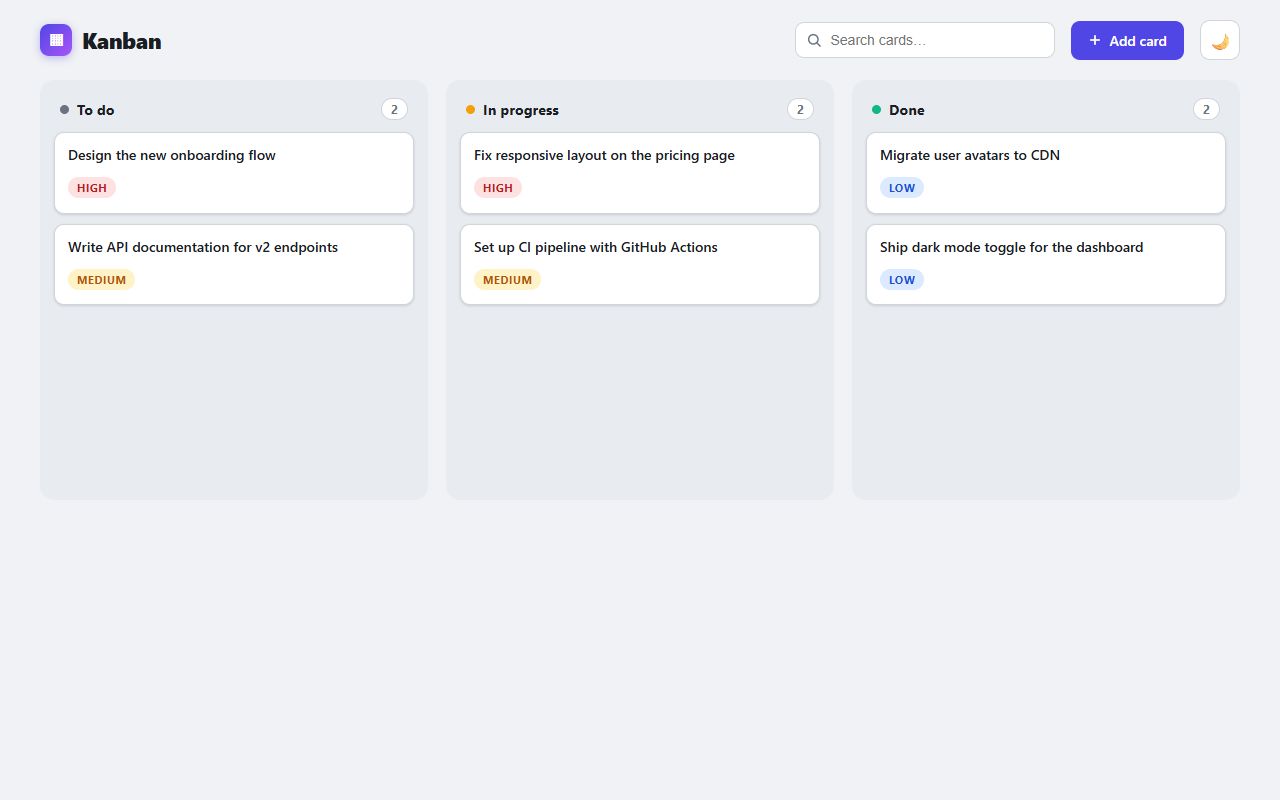
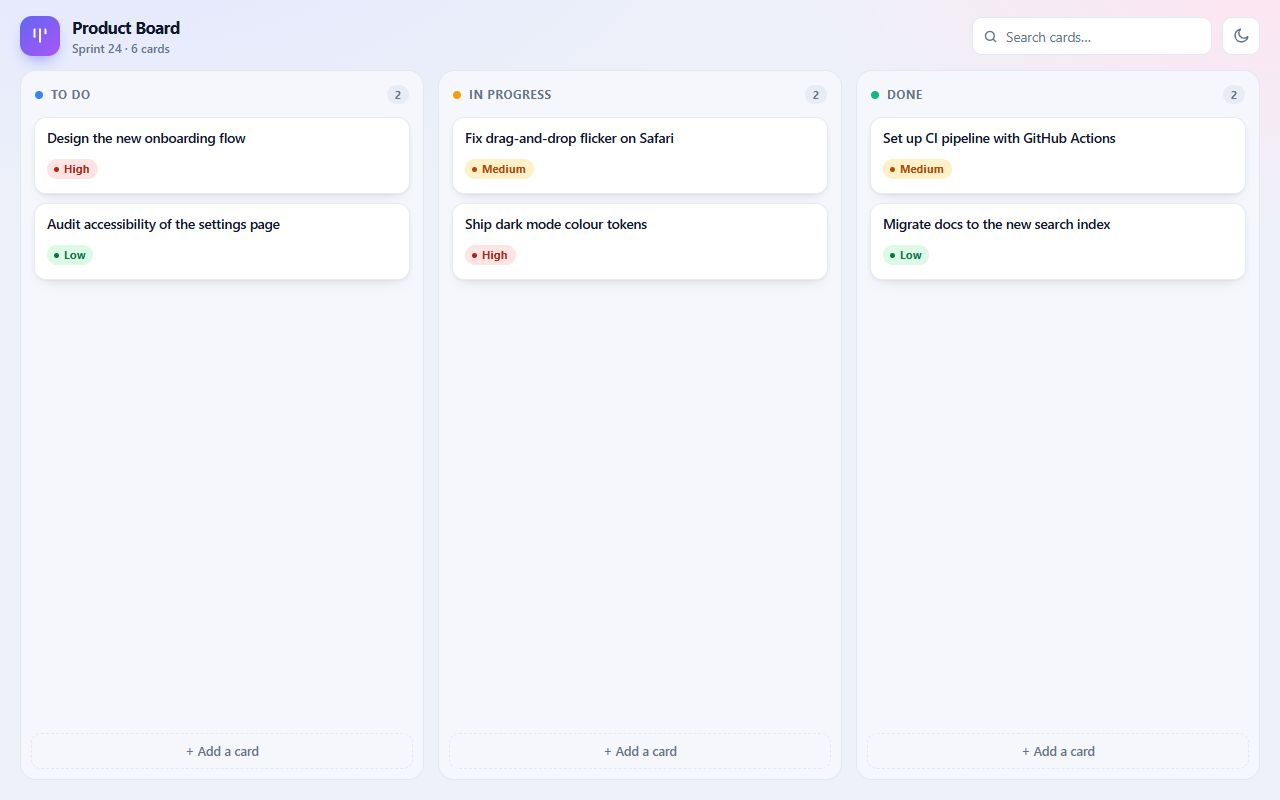
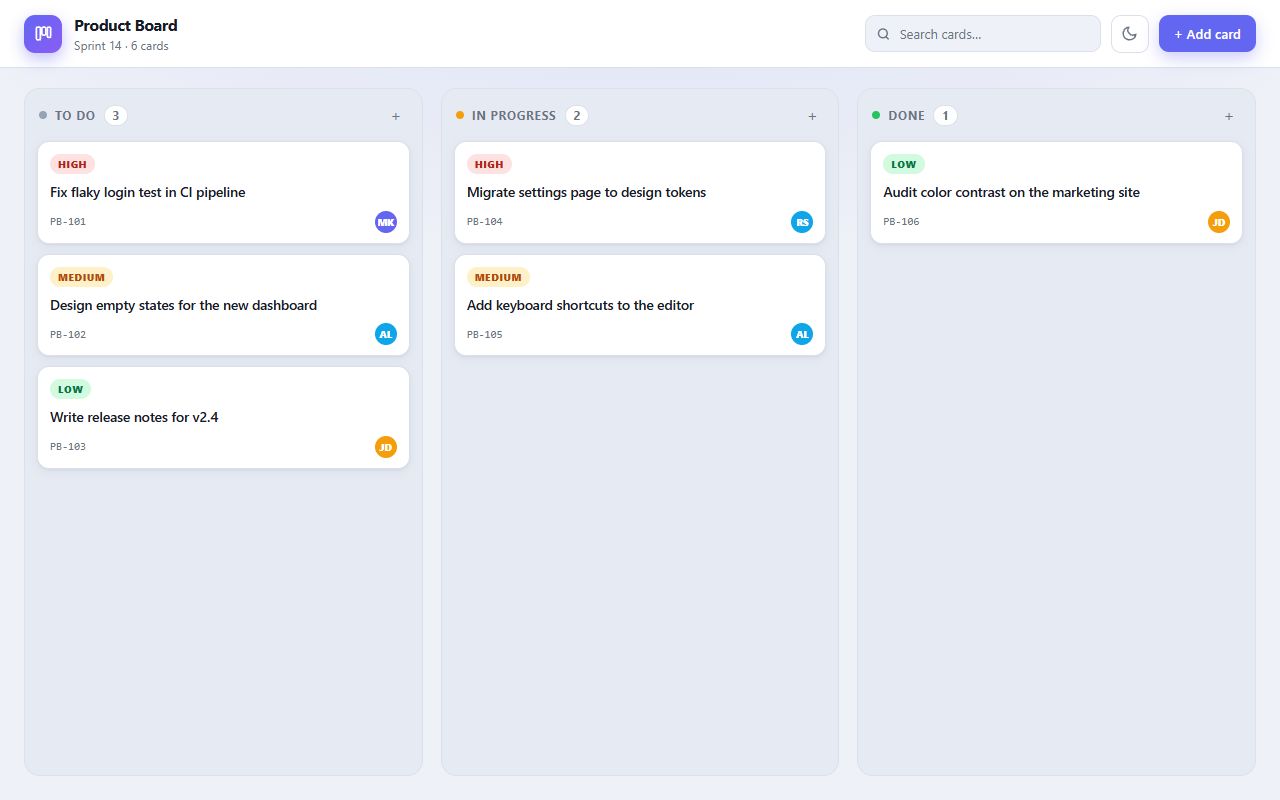
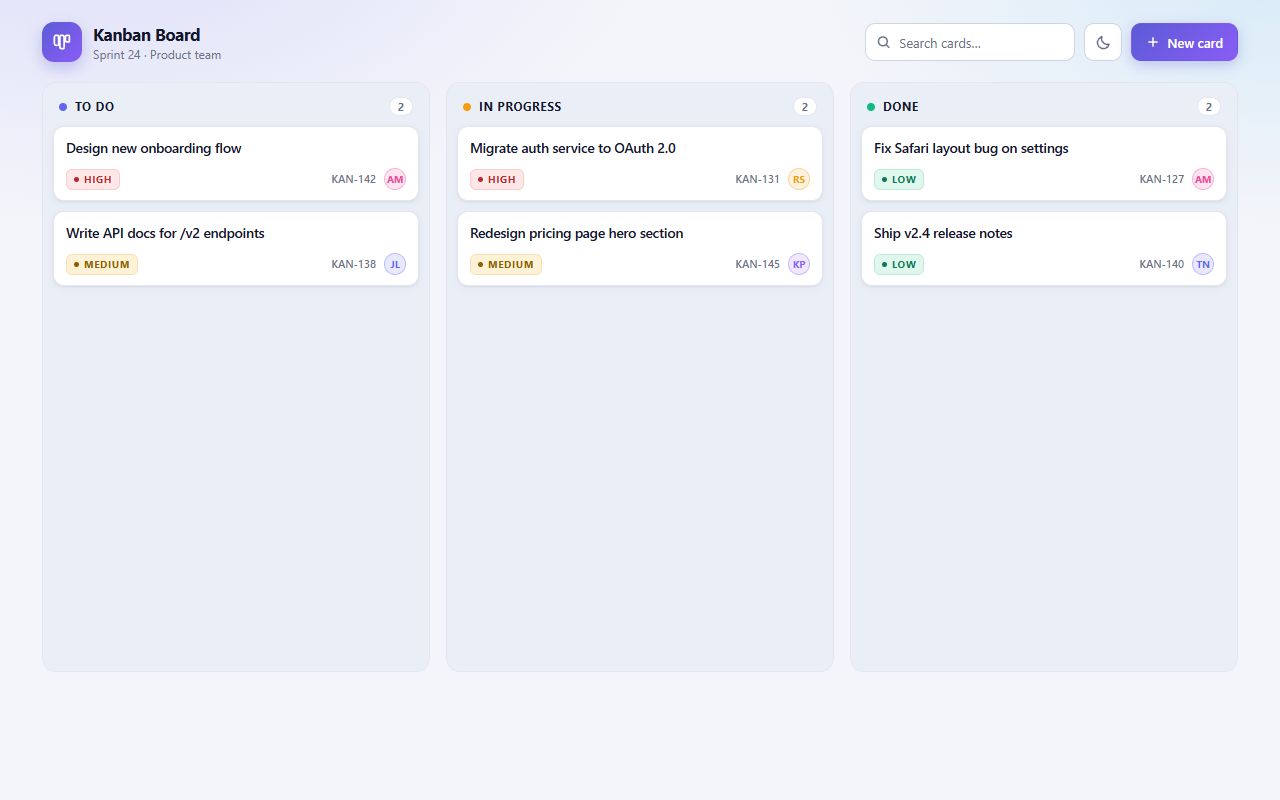
DeepSeek
DeepSeek V4.1 Flash 1017
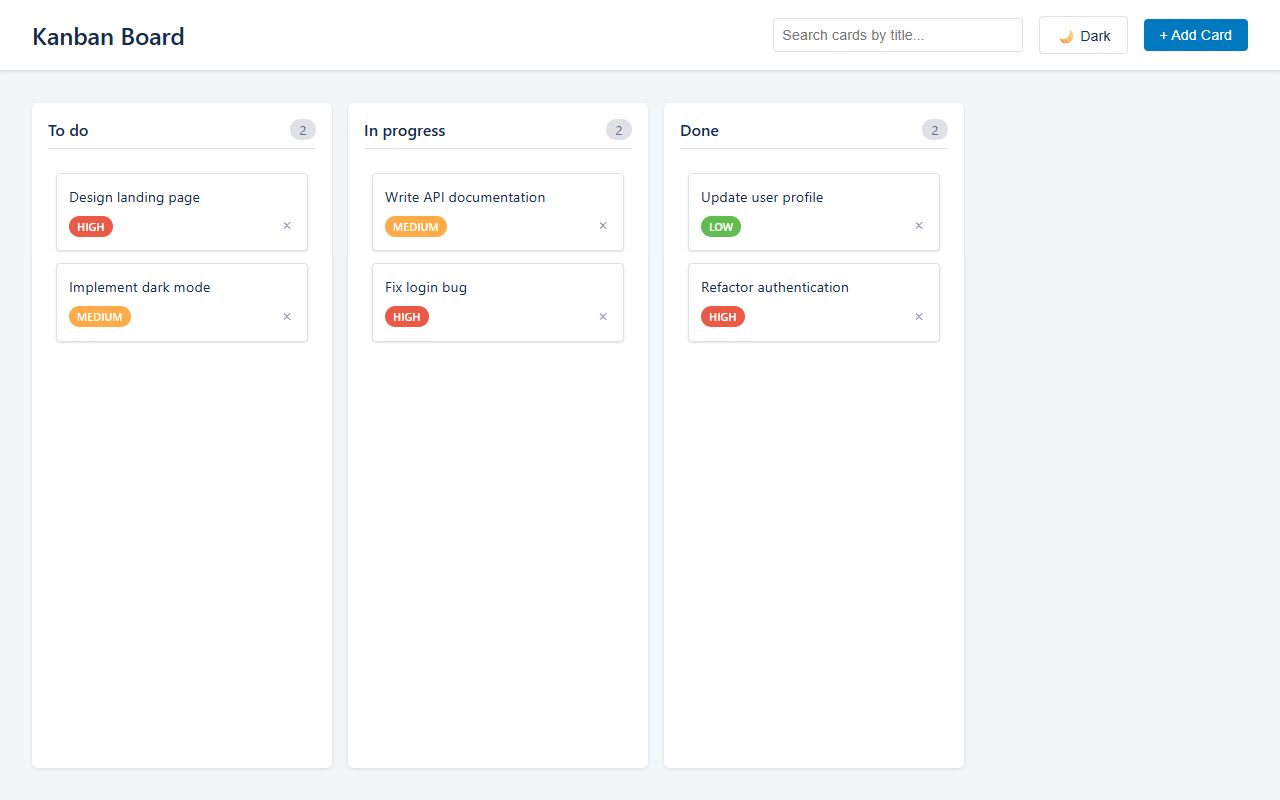
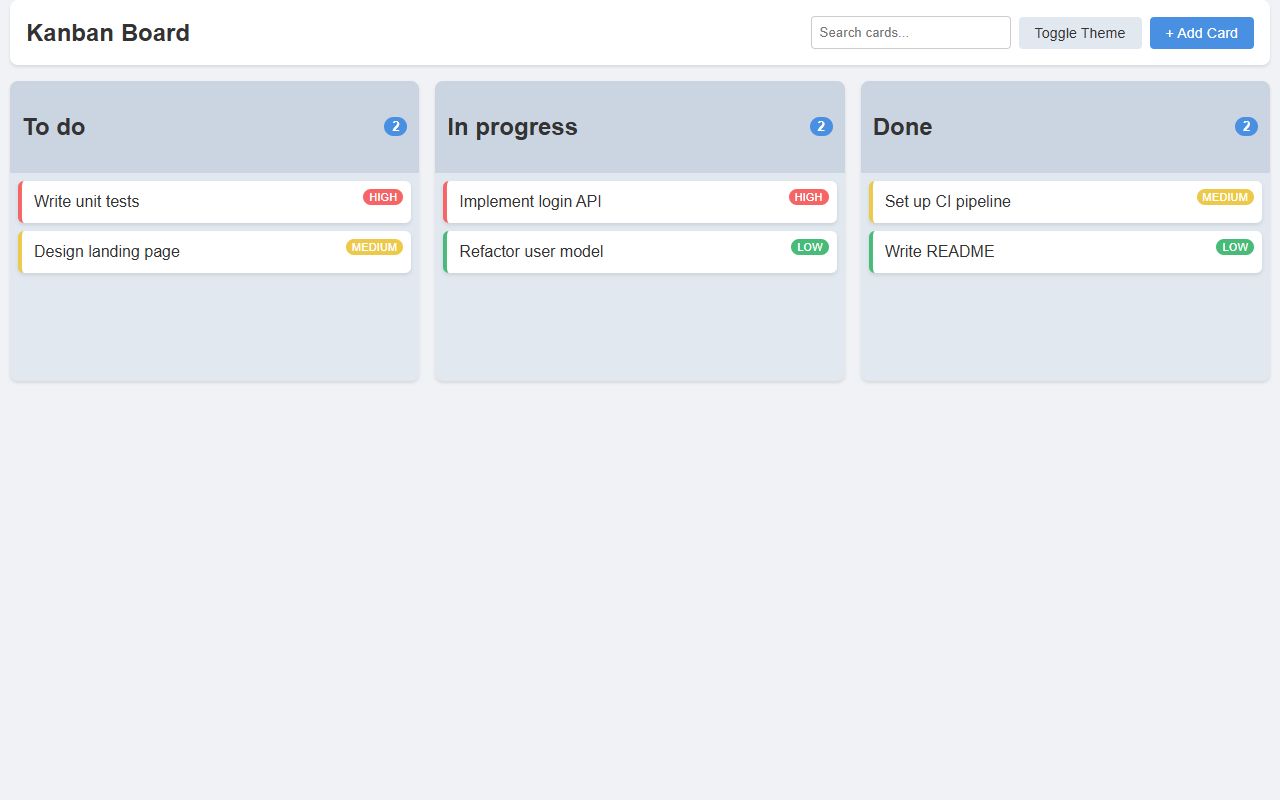
Dots Studio
Dots3-Note Preview (free)
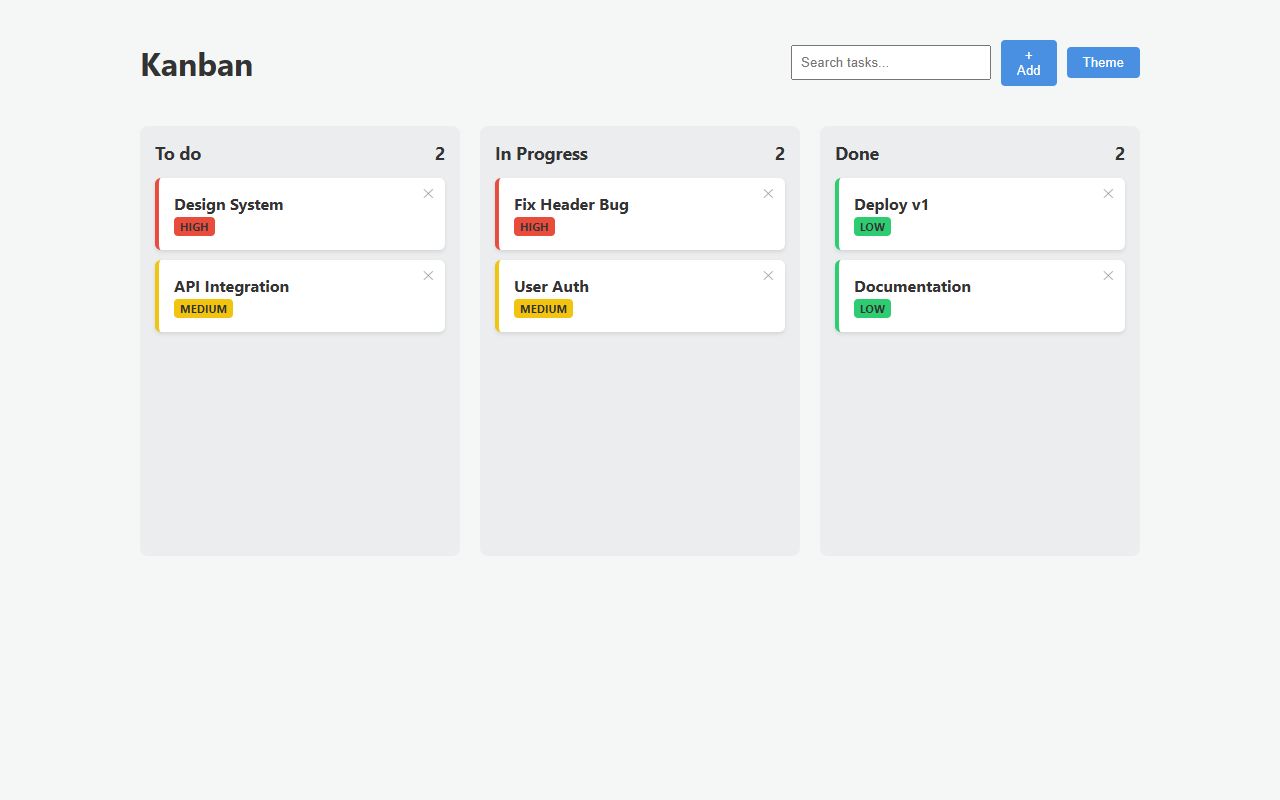
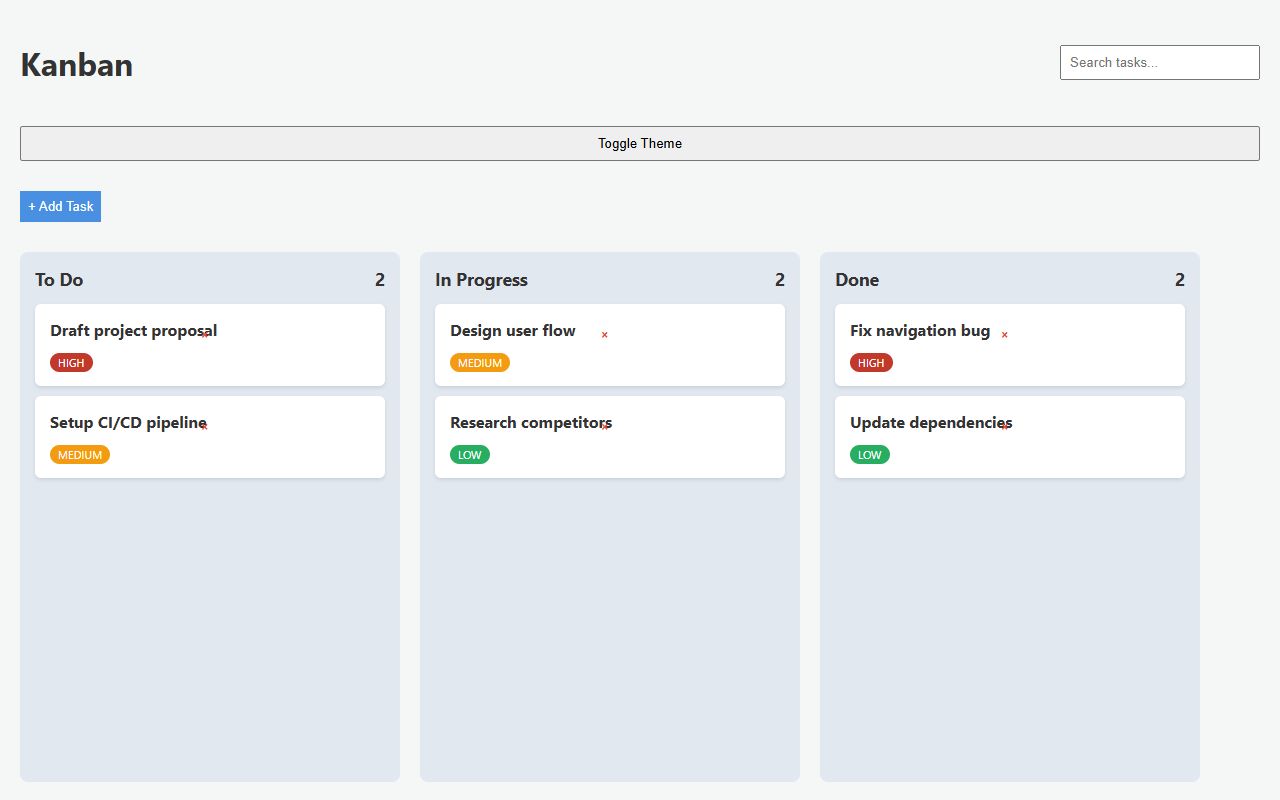
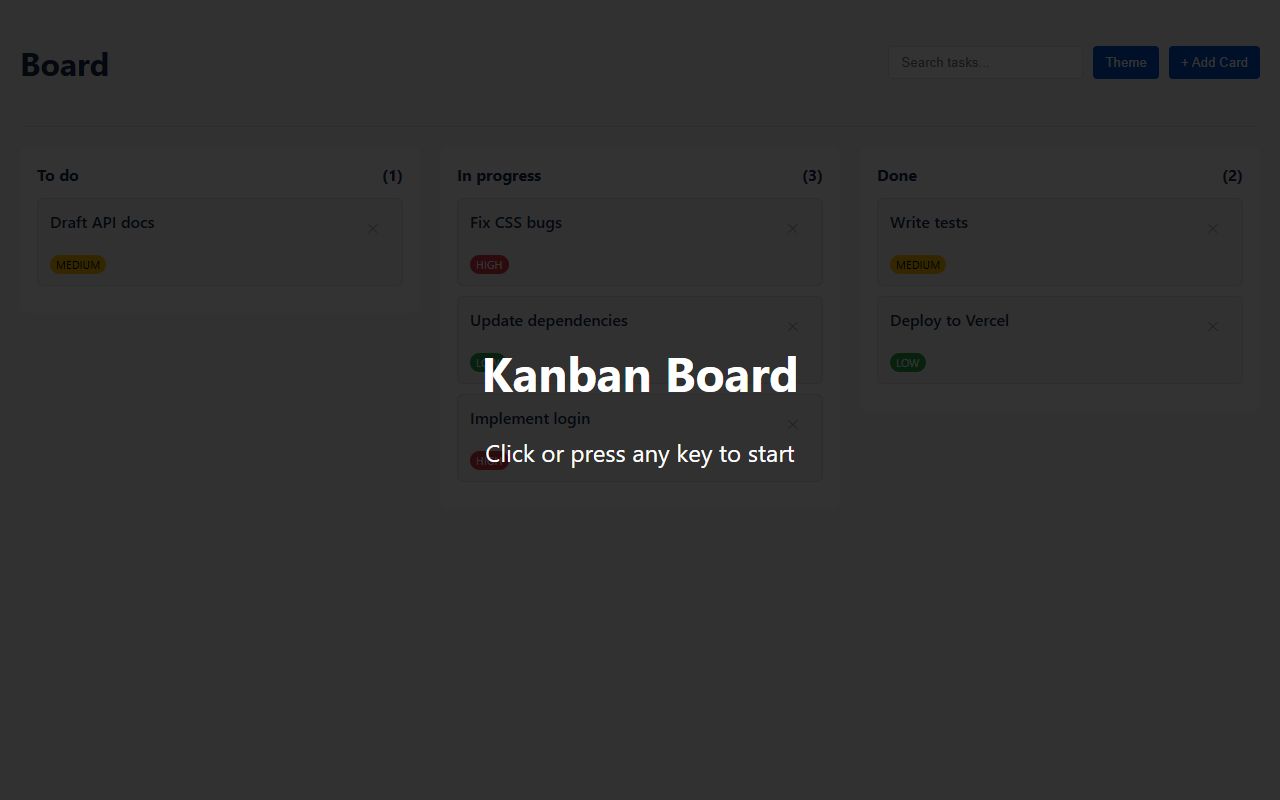
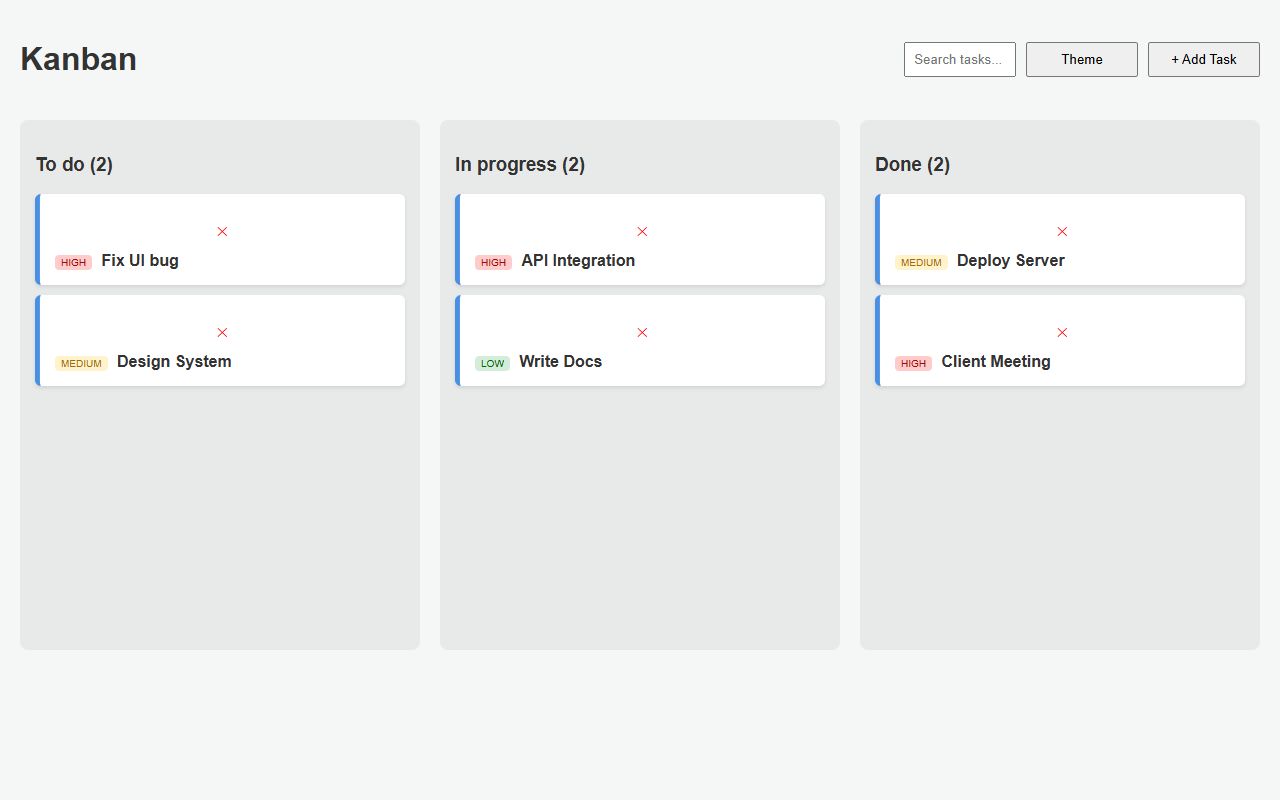
Google
Gemini 3.1 Flash Lite
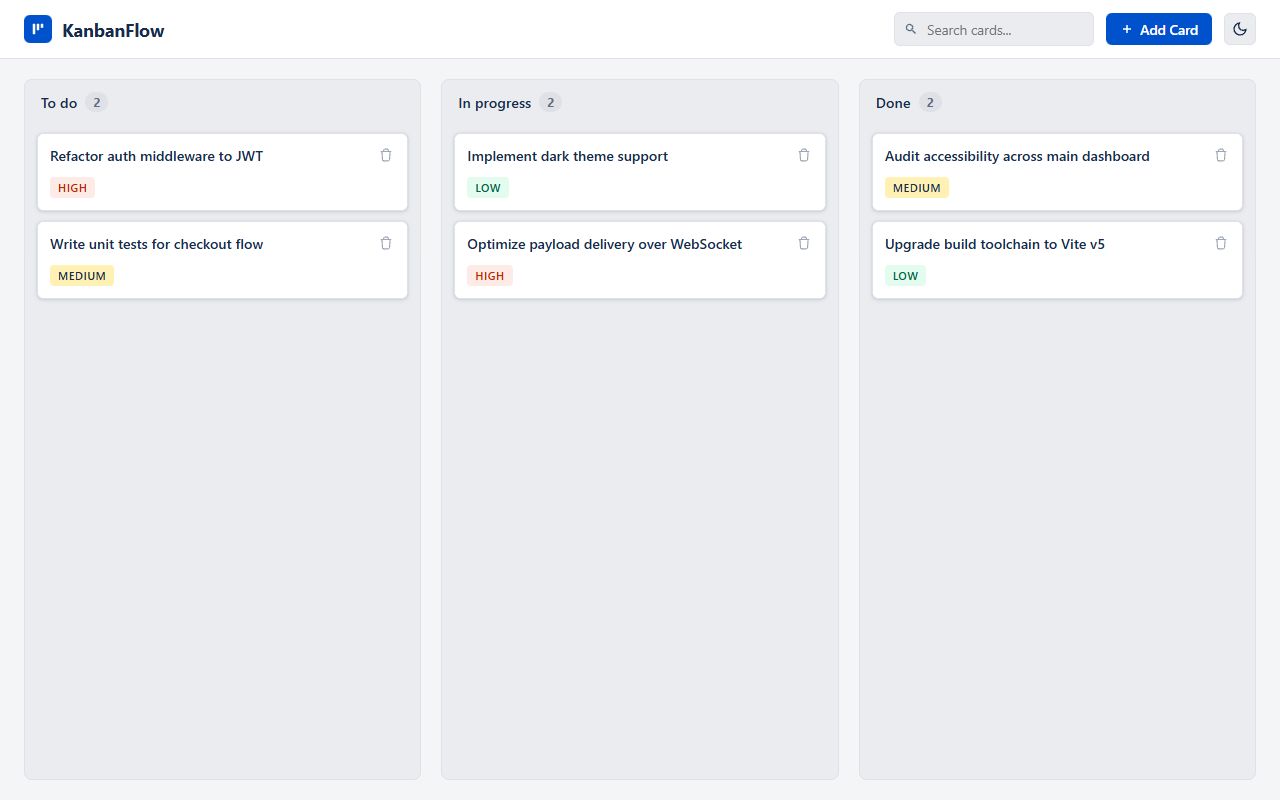
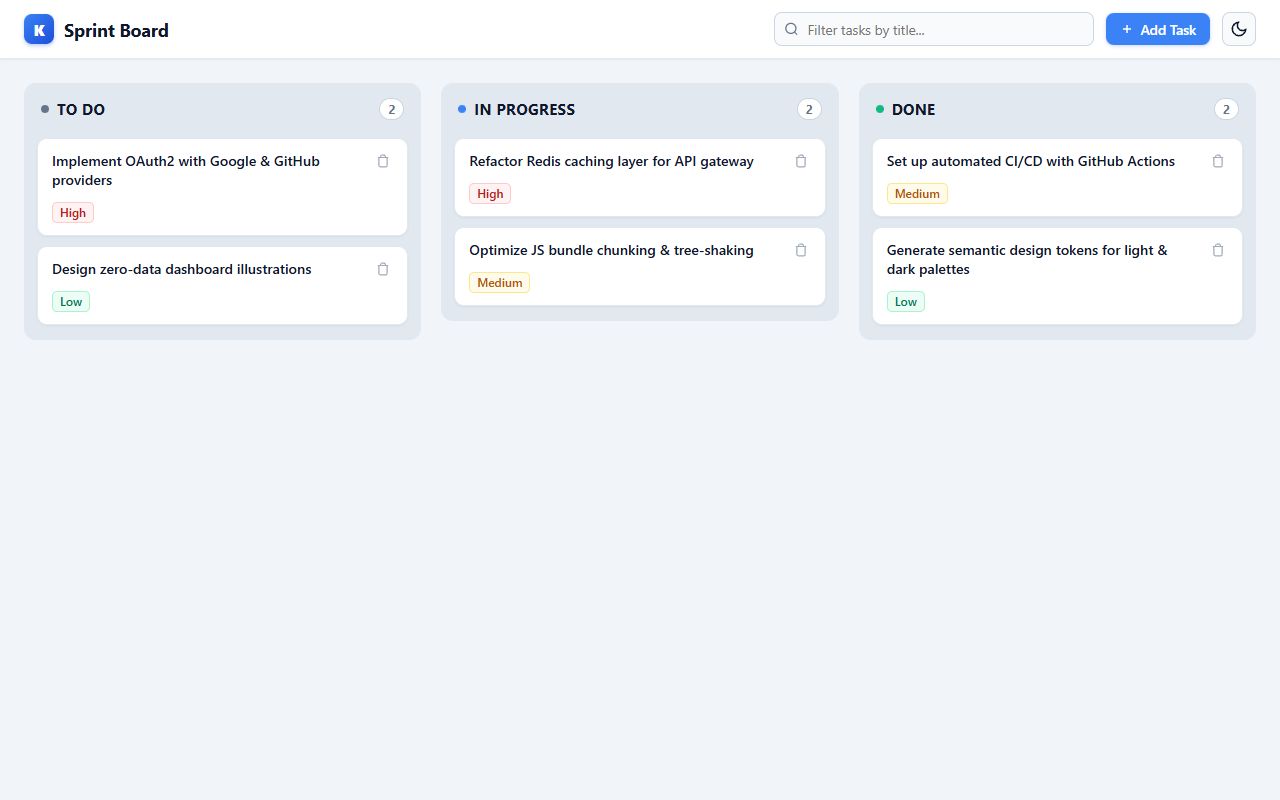
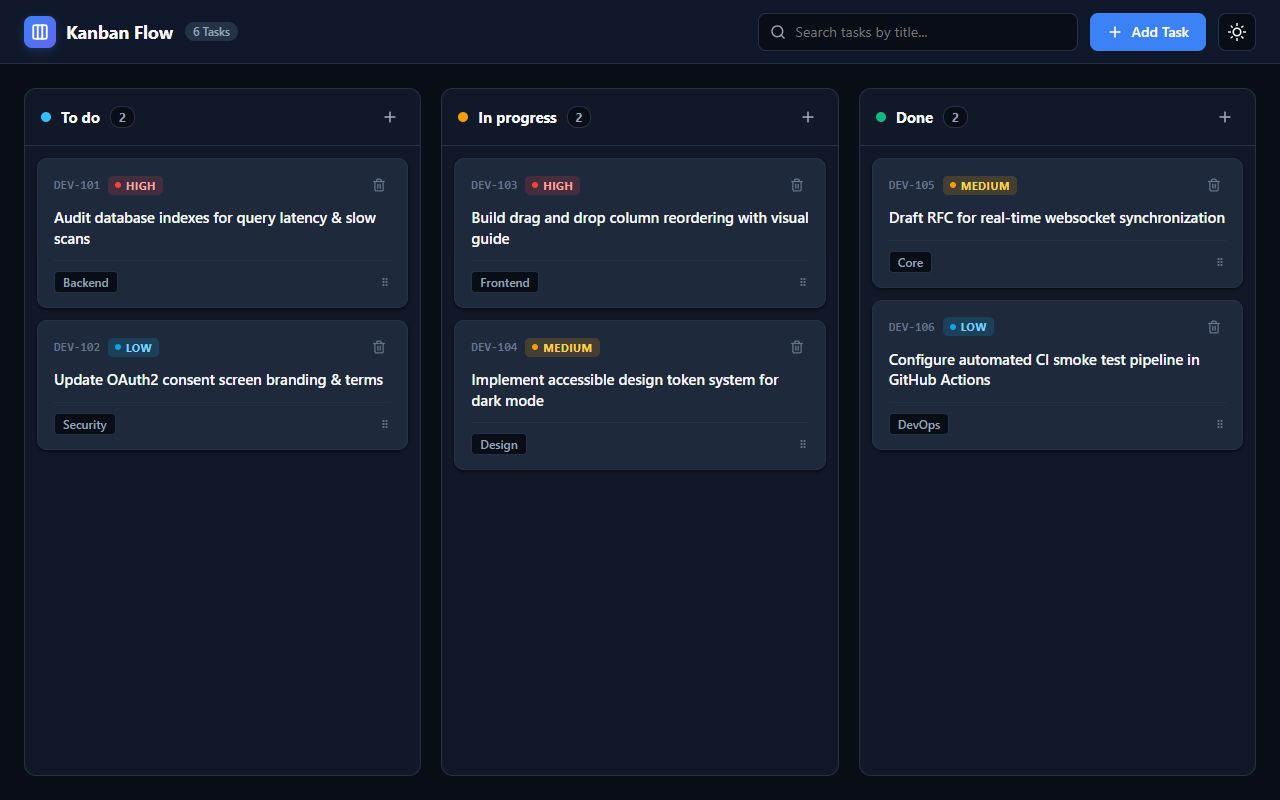
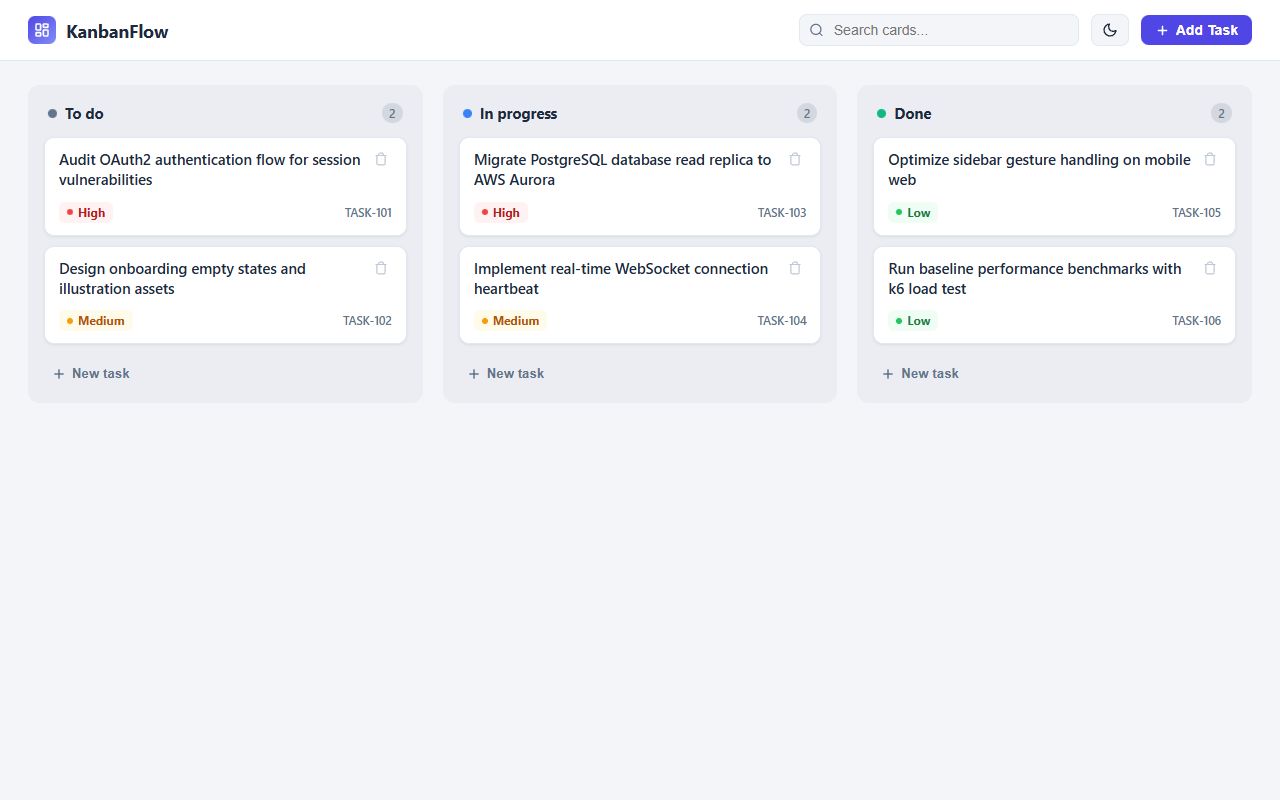
Google
Gemini 3.8 Flash
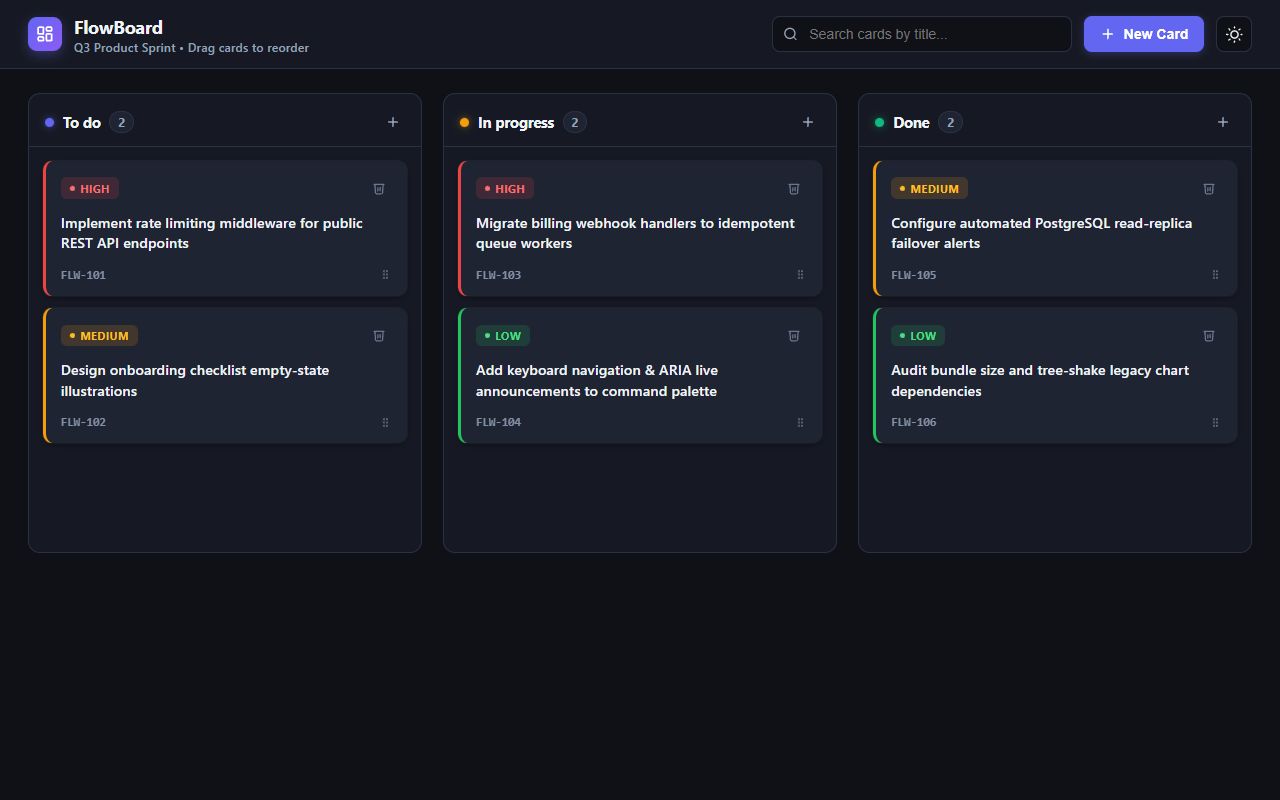
Google
reasoning defaultGemini 4 Argon
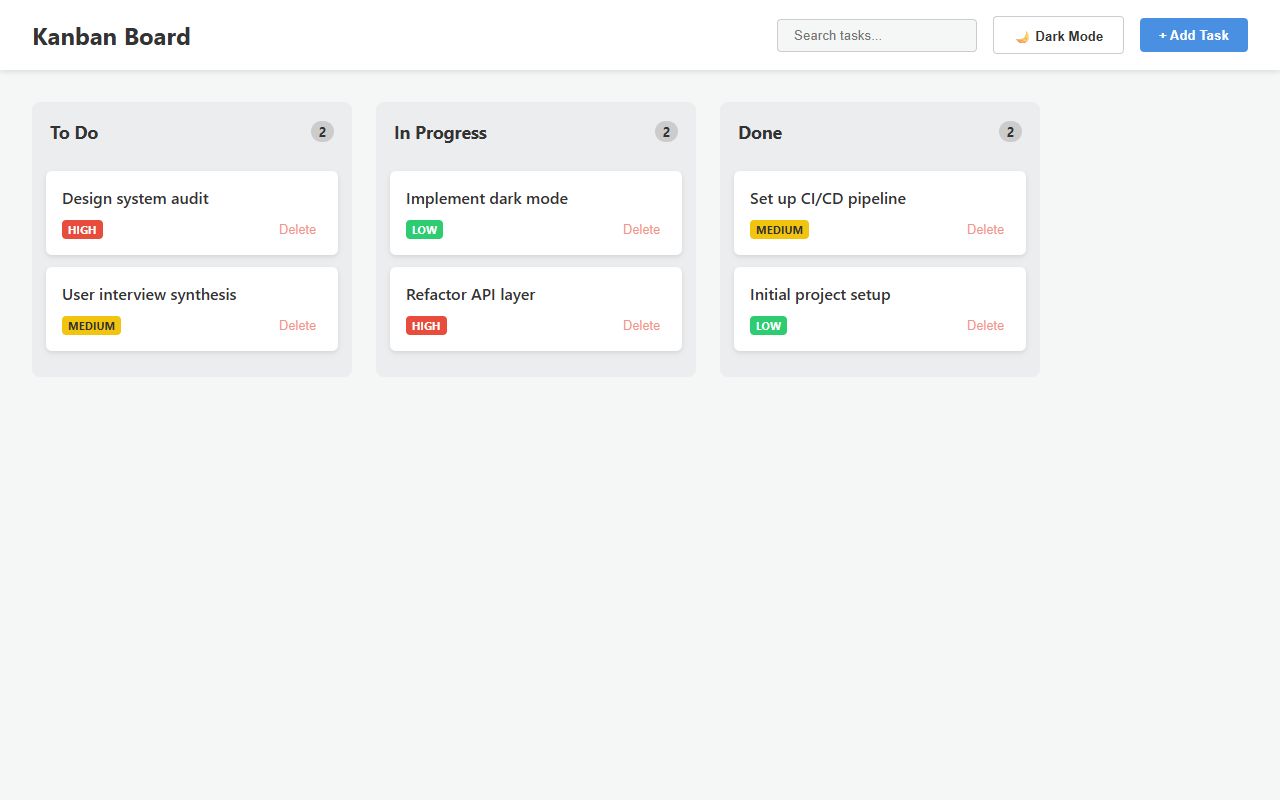
Google
reasoning defaultGemma 4 31B
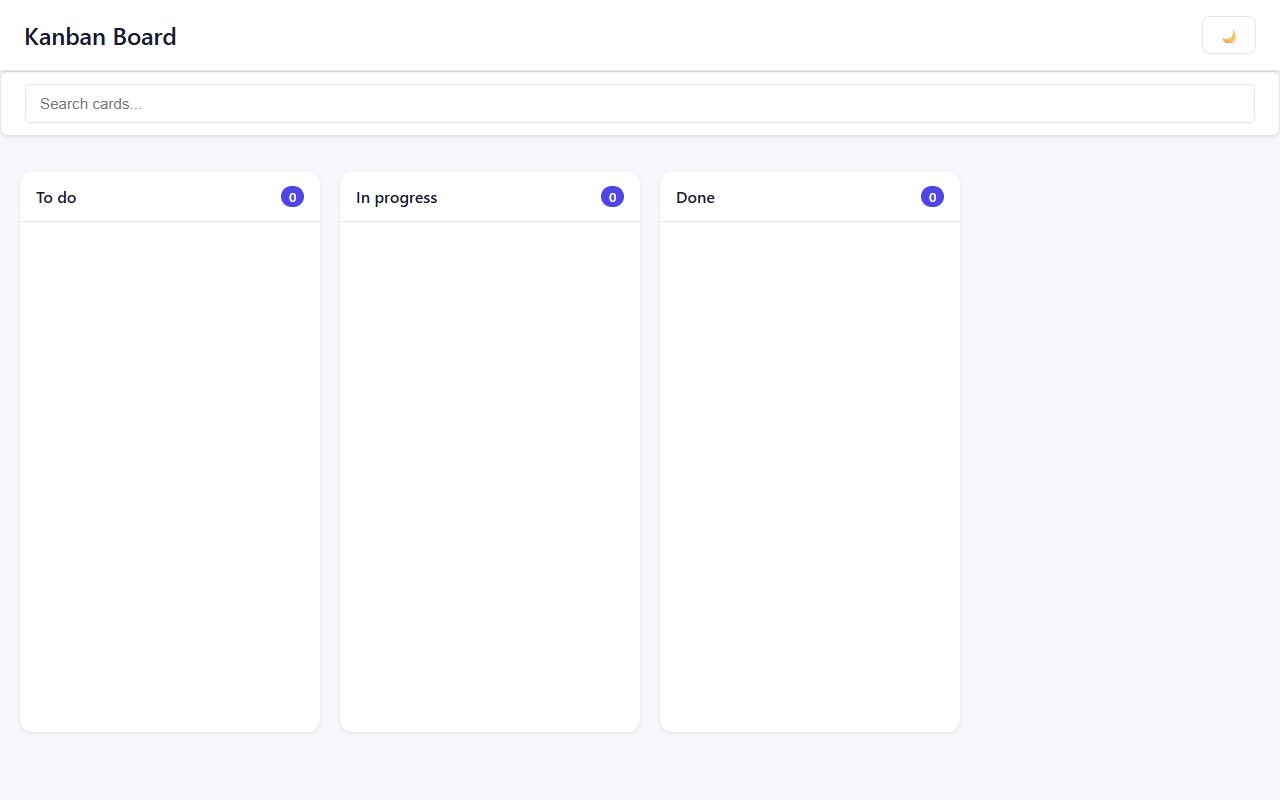
LiquidAI
reasoning defaultLFM2.5-2.6B (free)
Ran out of tokensThe model spent its whole budget thinking.
Ran out of tokens40.6 s8.2k tokens
LiquidAI
reasoning defaultLFM3-1.7B (free)
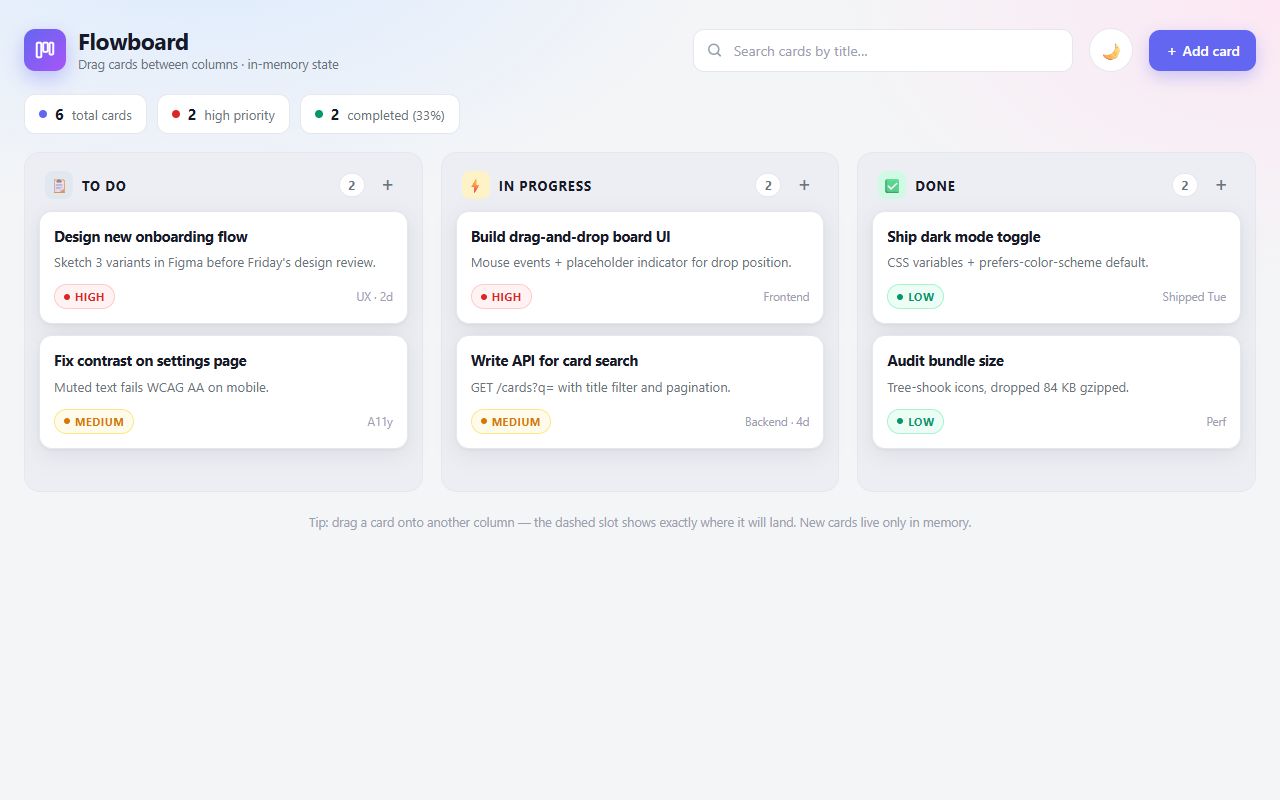
Meta
Muse Ember
MiniMax
reasoning defaultMiniMax M3
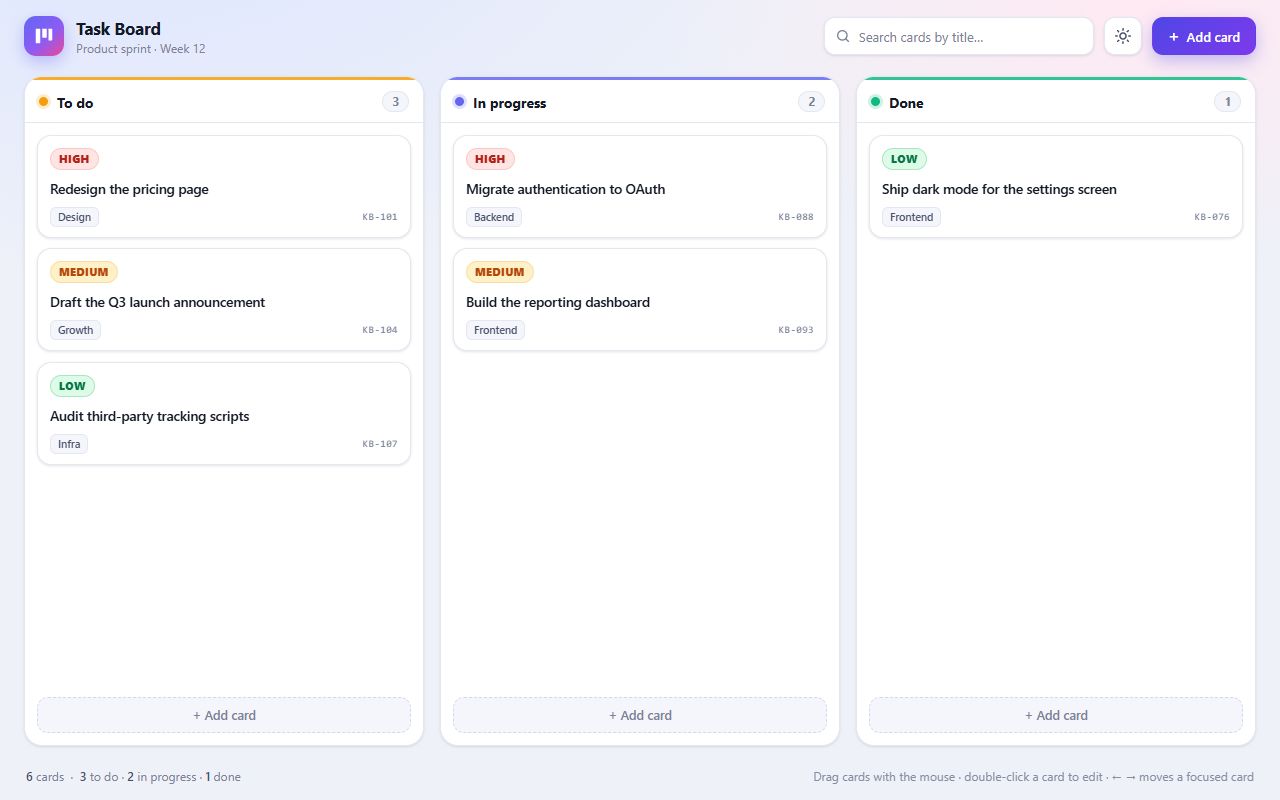
MiniMax
MiniMax M3.1 Flash
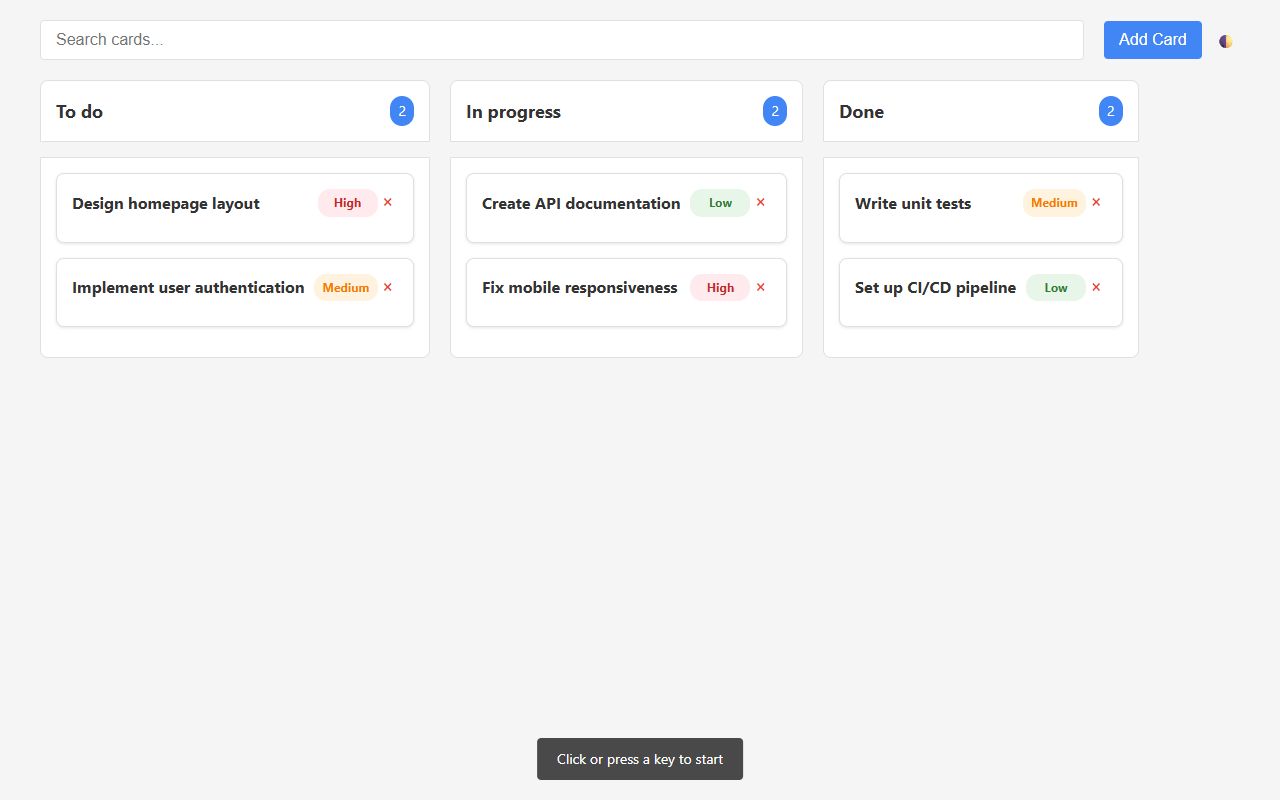
Mistral
reasoning defaultMinistral 3 14B 2512
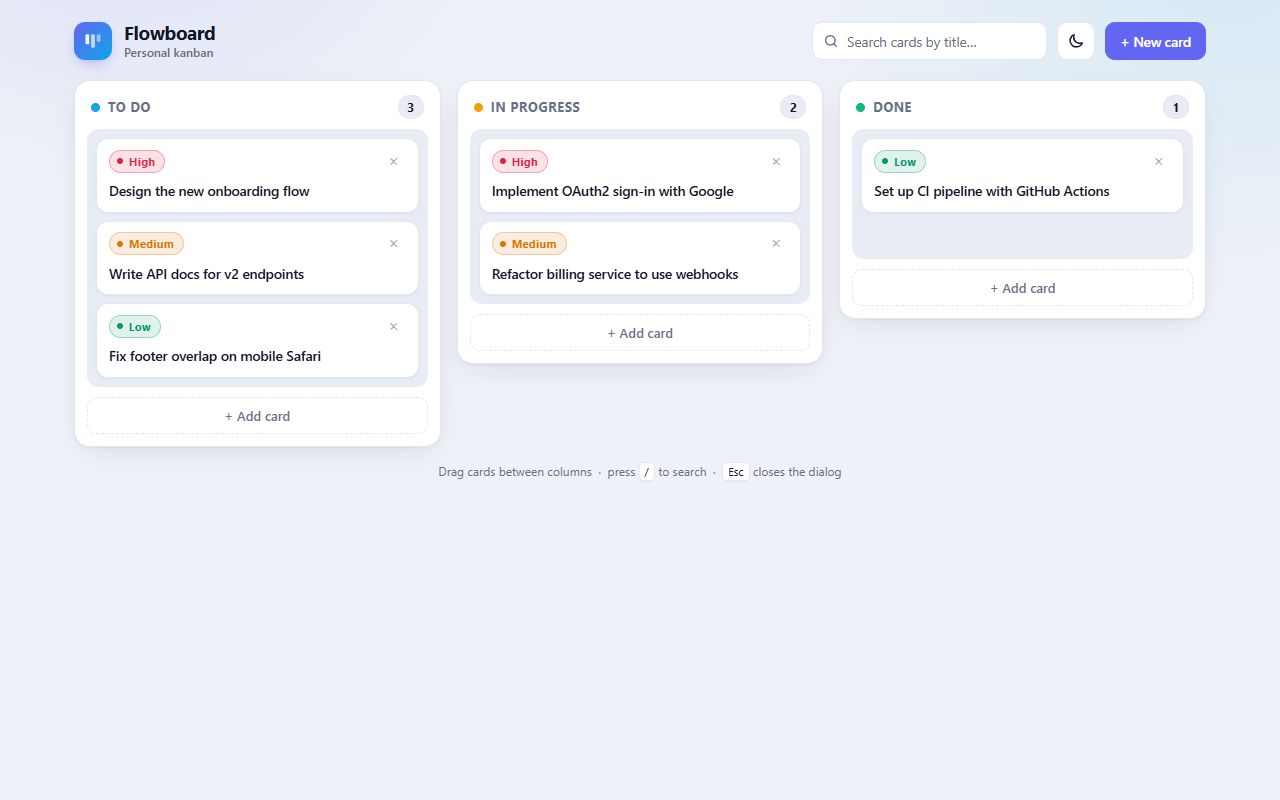
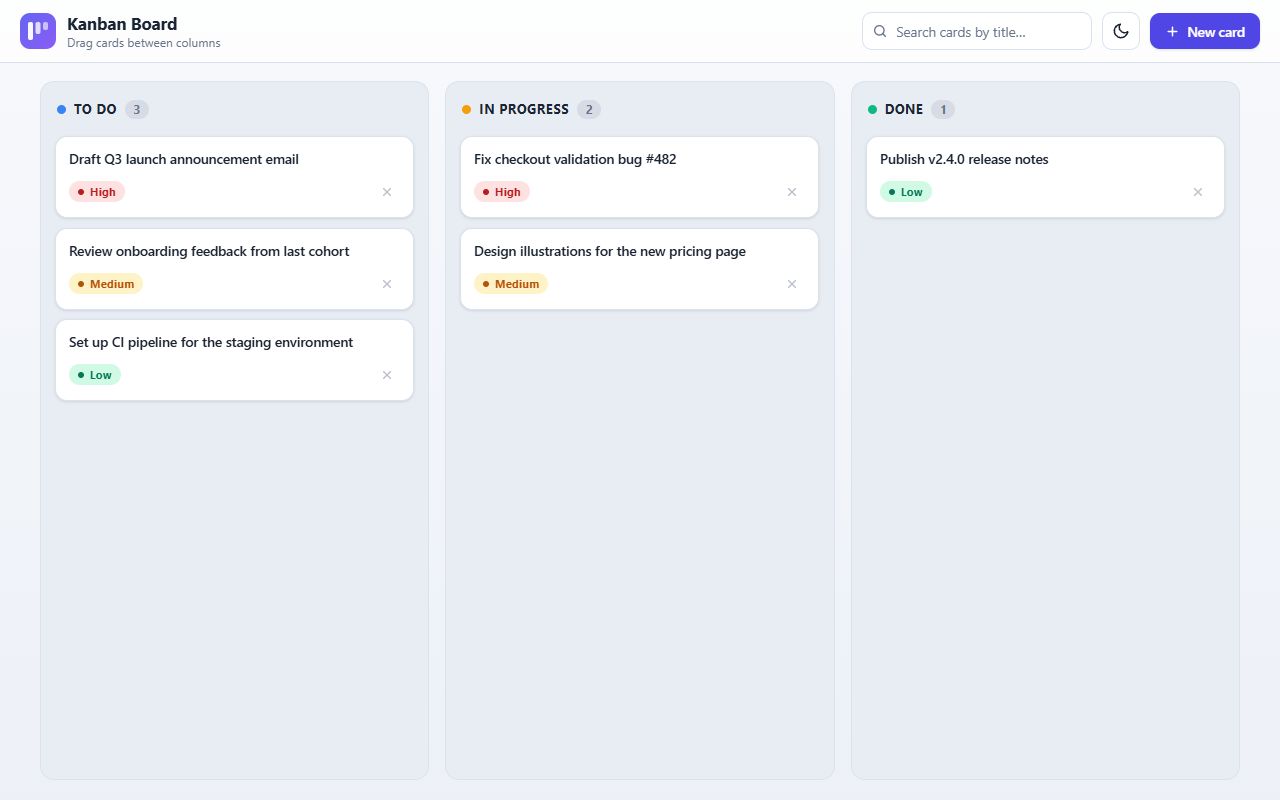
Mistral
Mistral Large 4
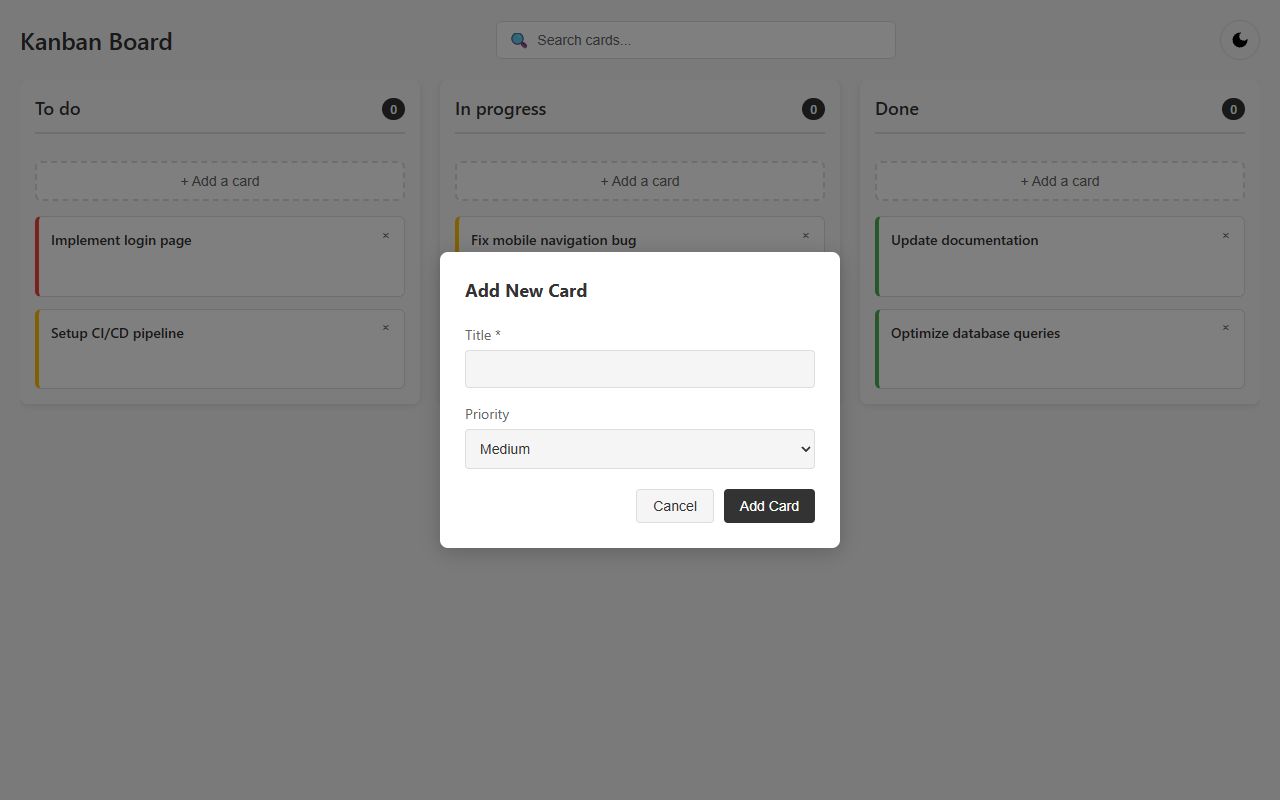
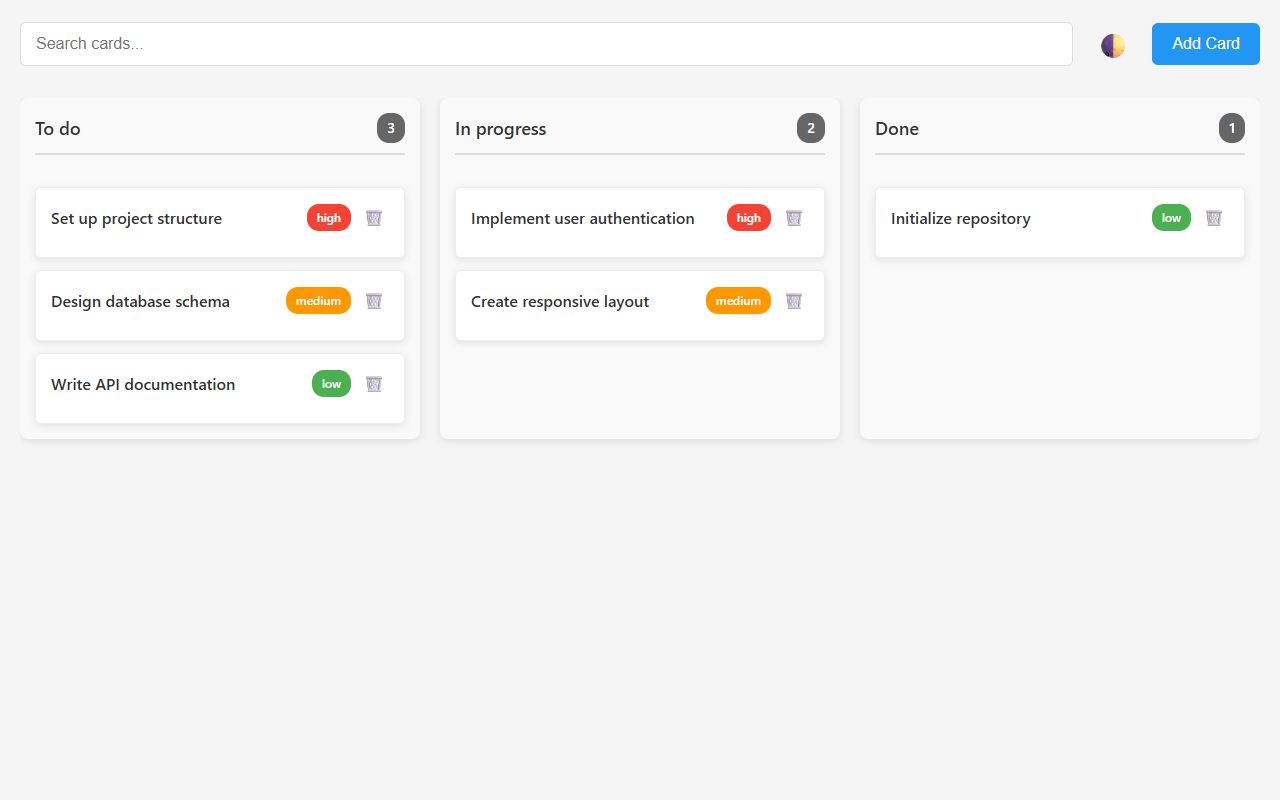
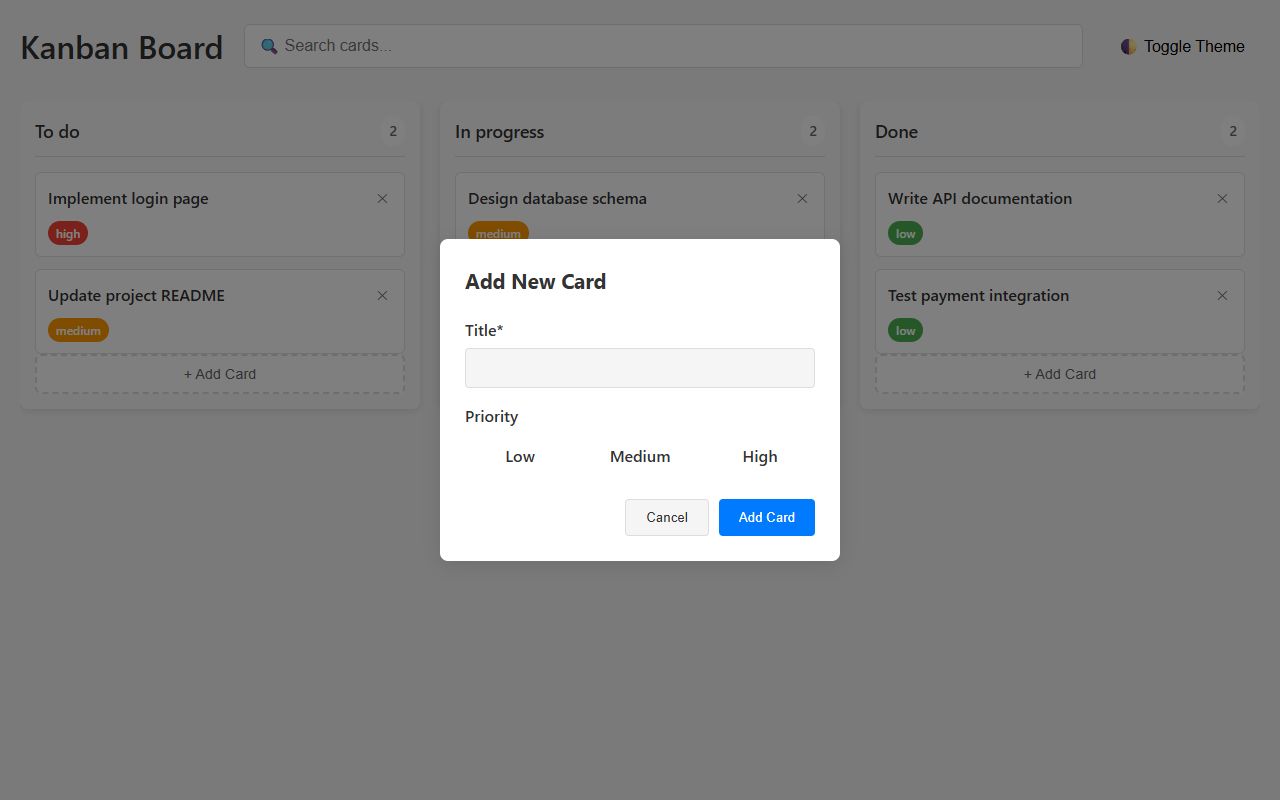
Mistral
Mistral Small 4
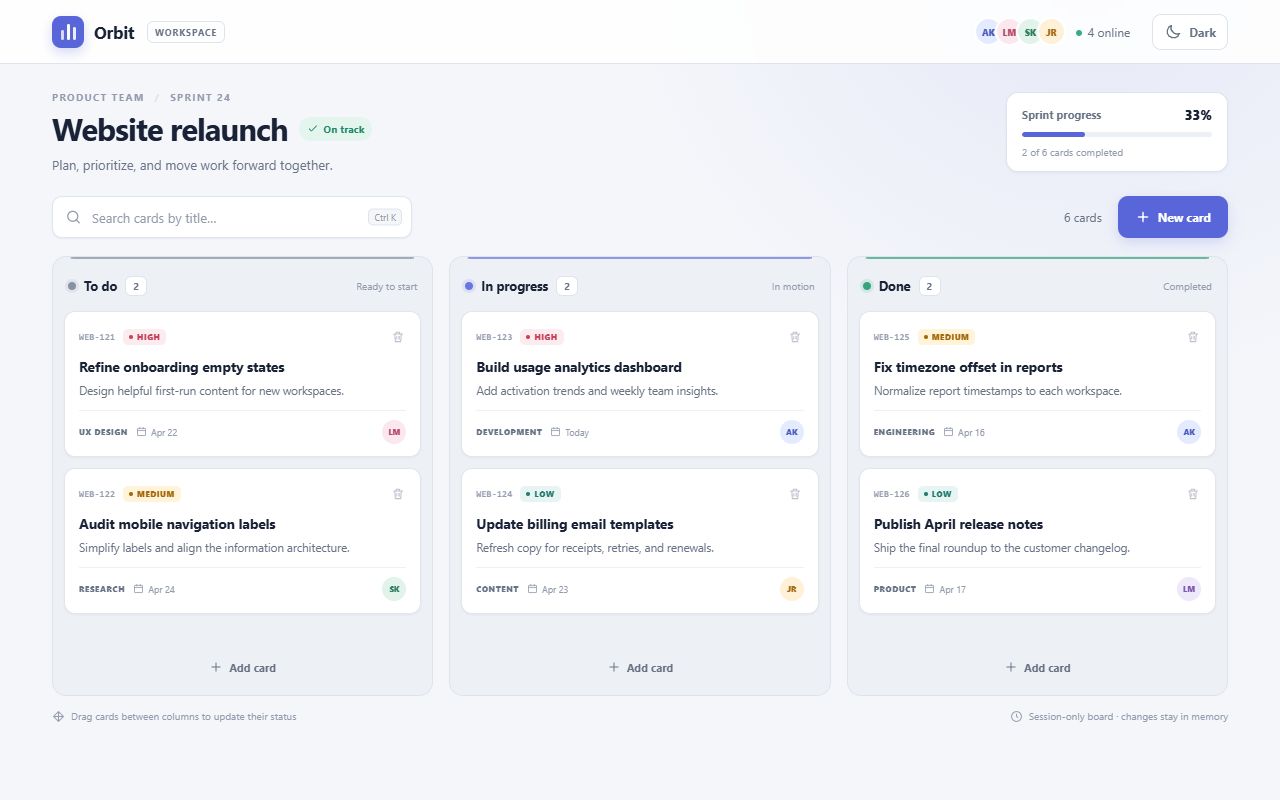
MoonshotAI
reasoning defaultKimi K3.1 Pro
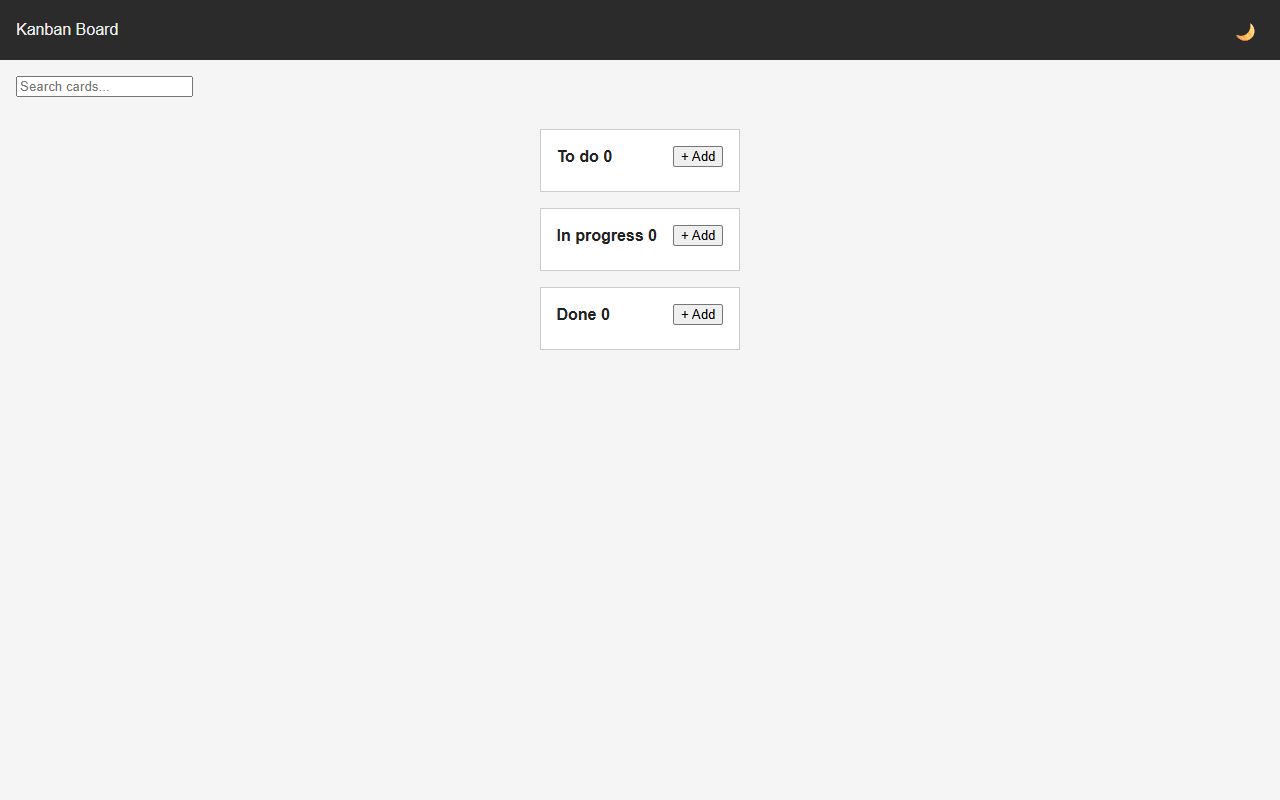
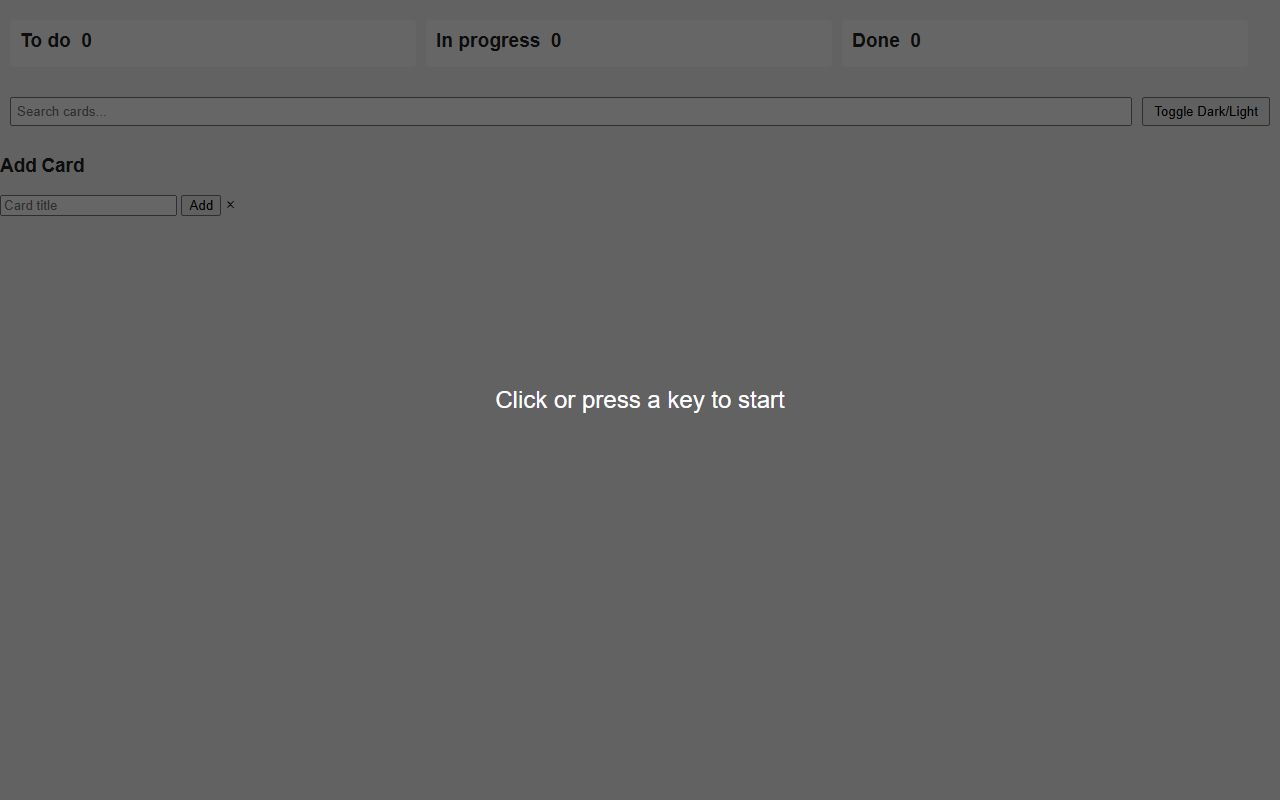
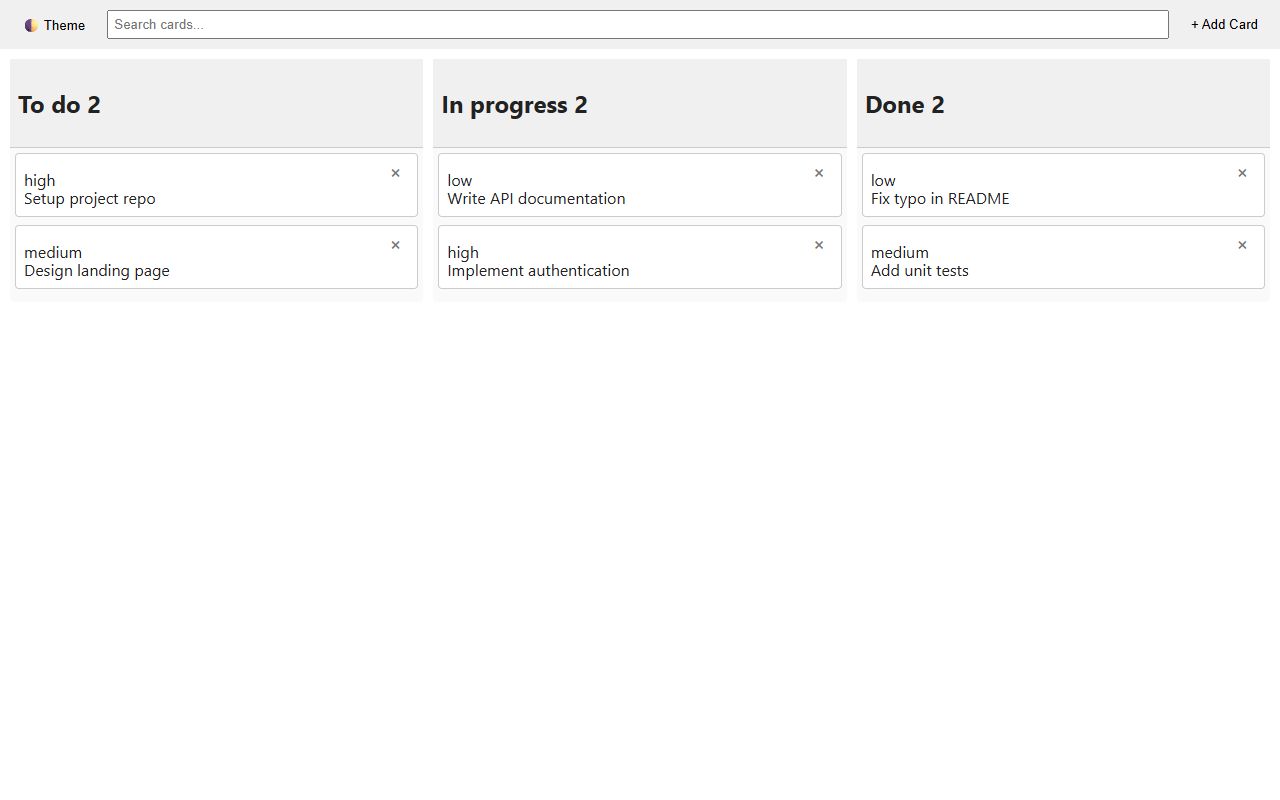
NVIDIA
reasoning defaultNemotron 3 Super
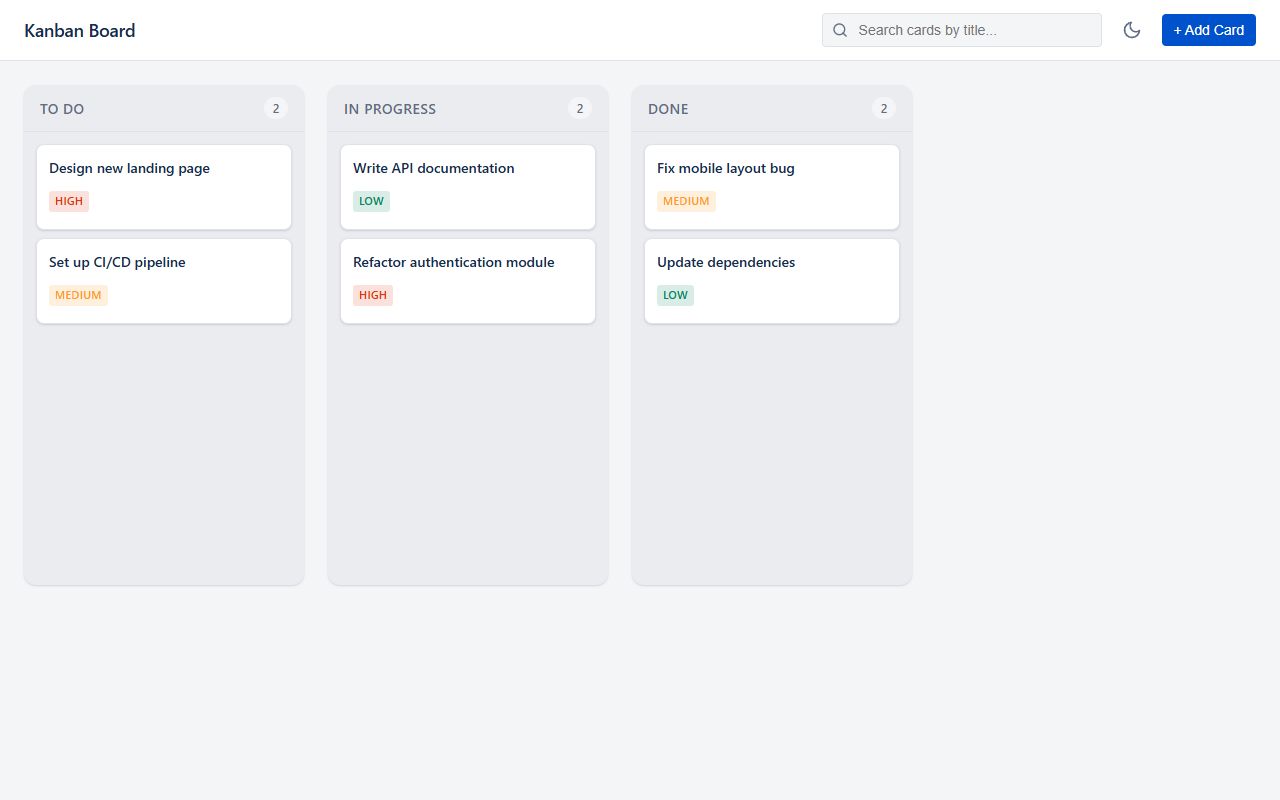
NVIDIA
Nemotron 3 Ultra (free)
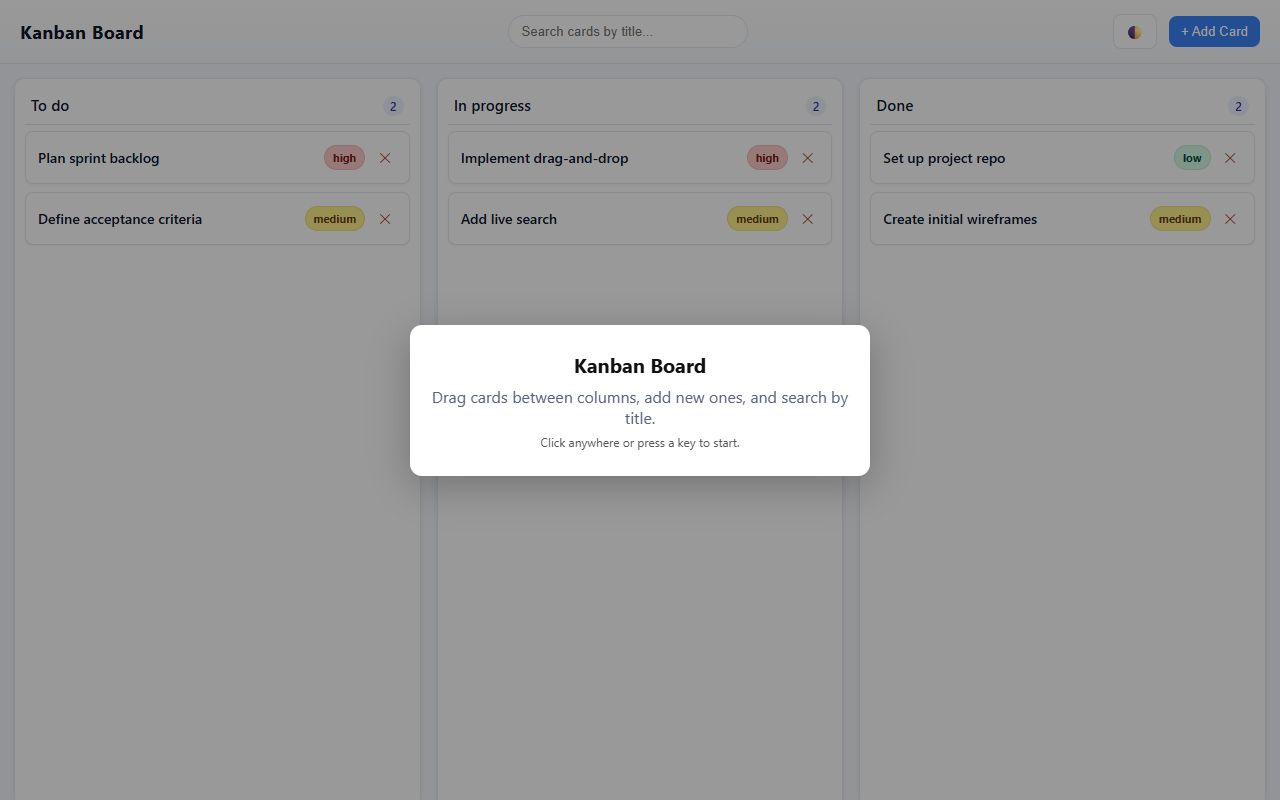
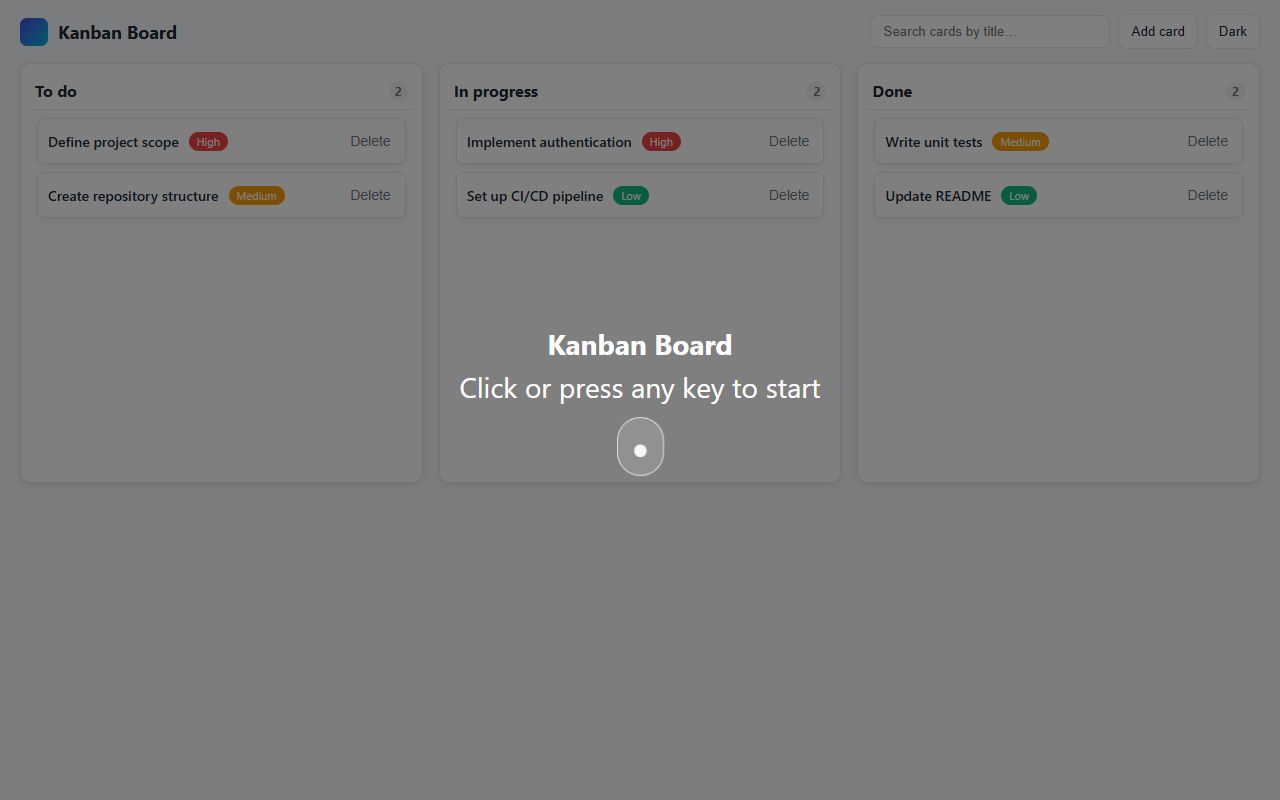
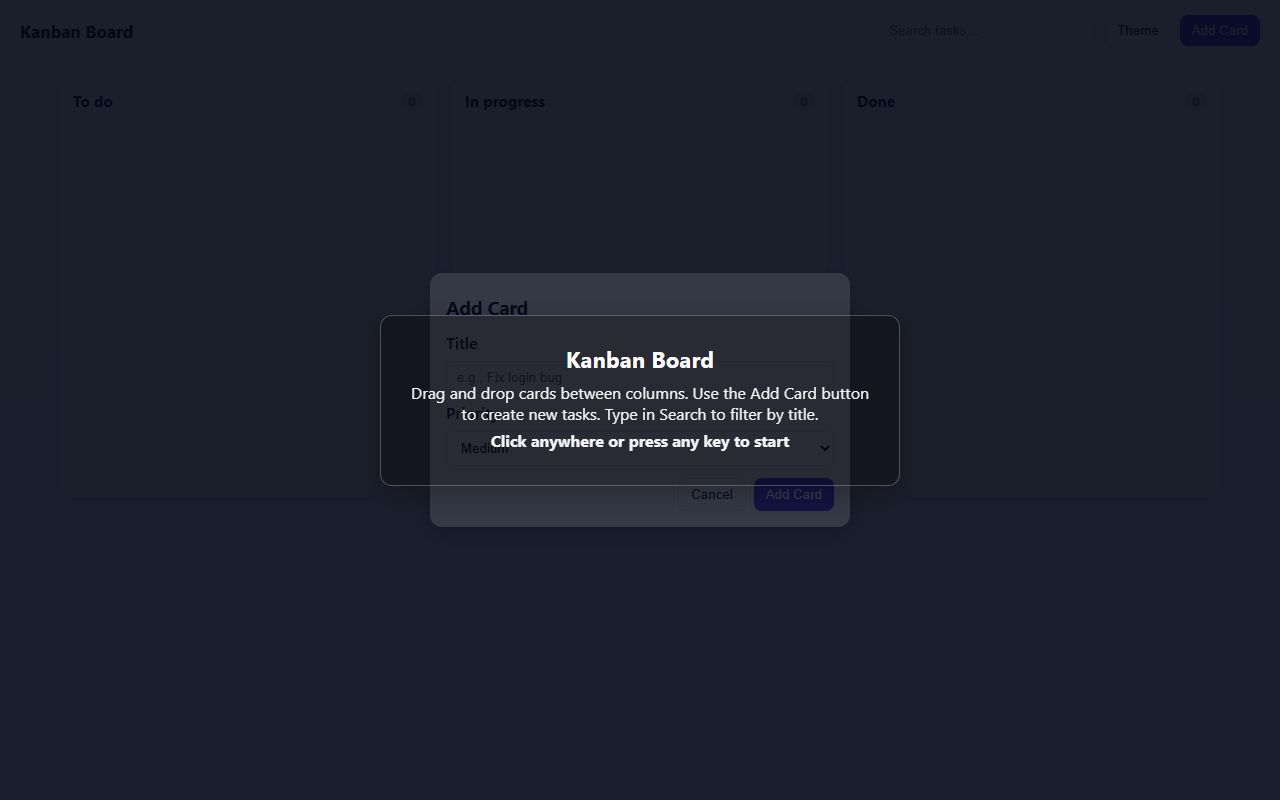
OpenAI
GPT-5 Nano
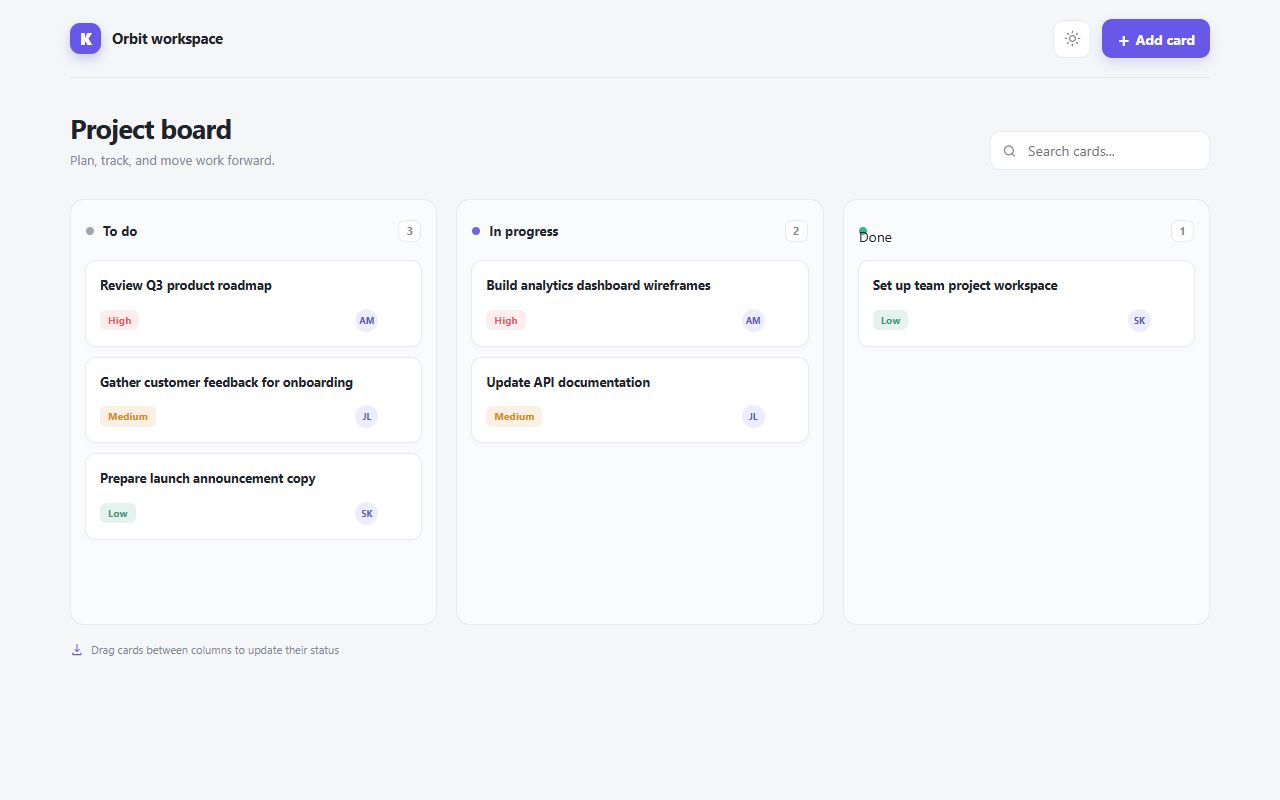
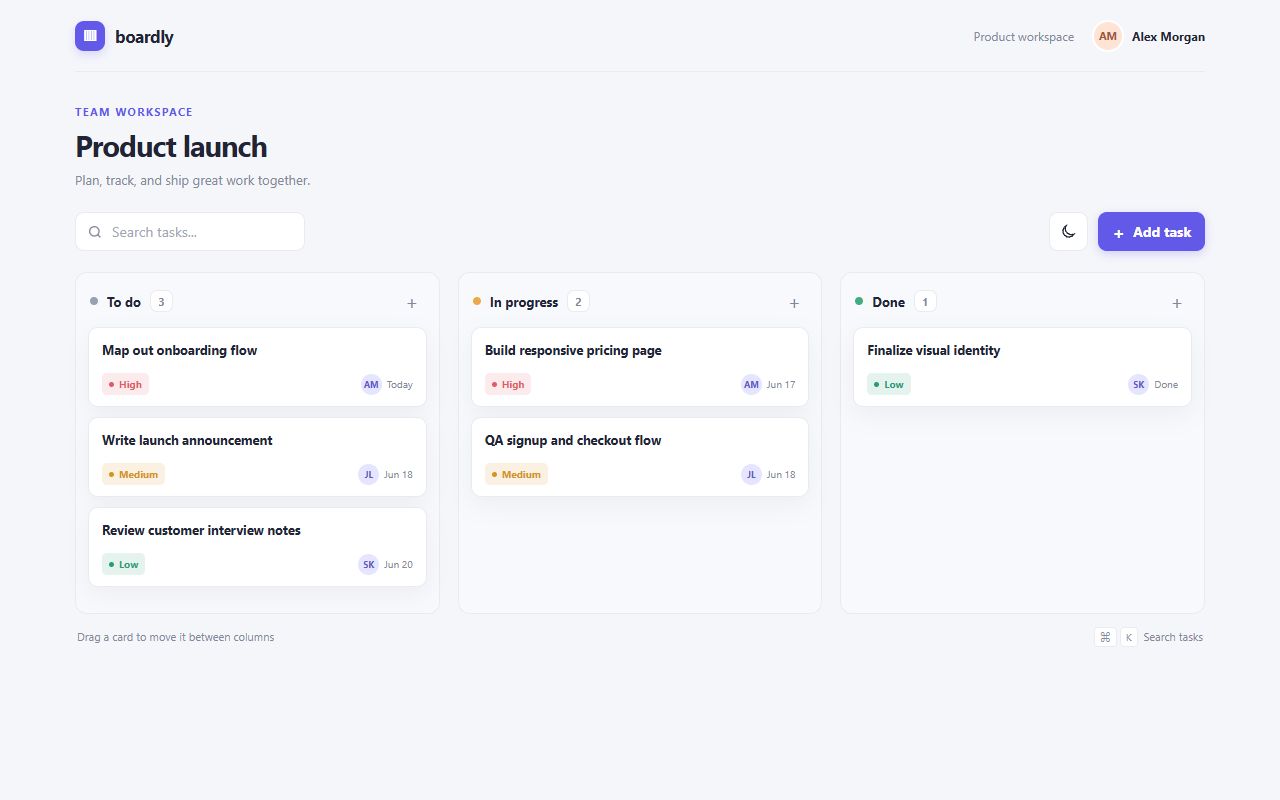
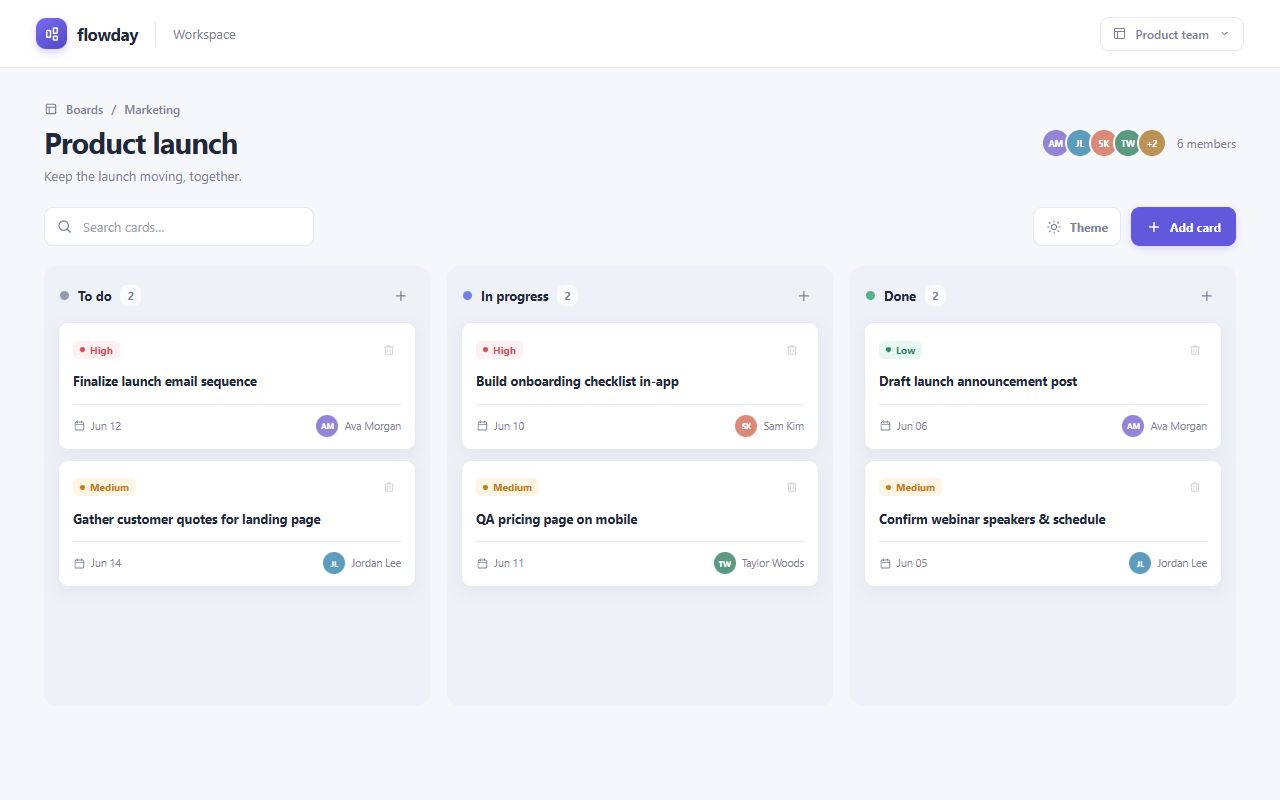
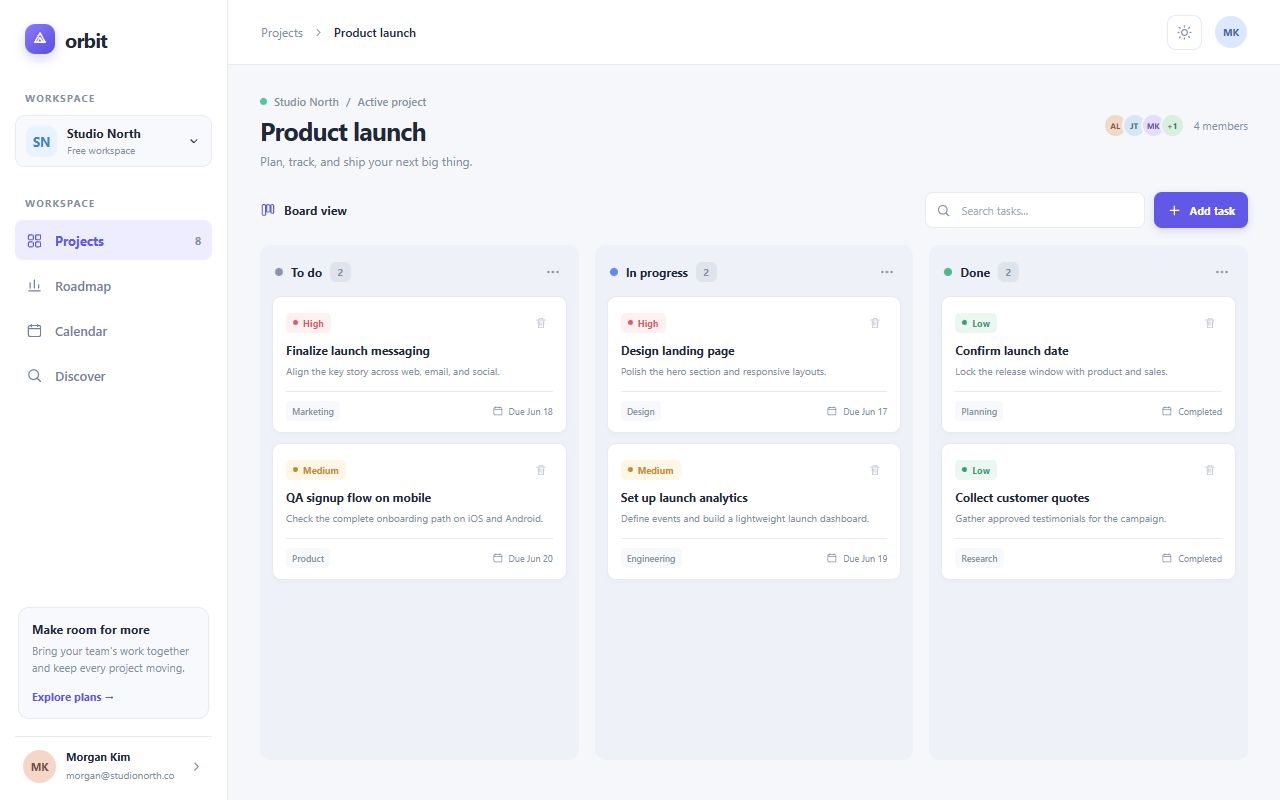
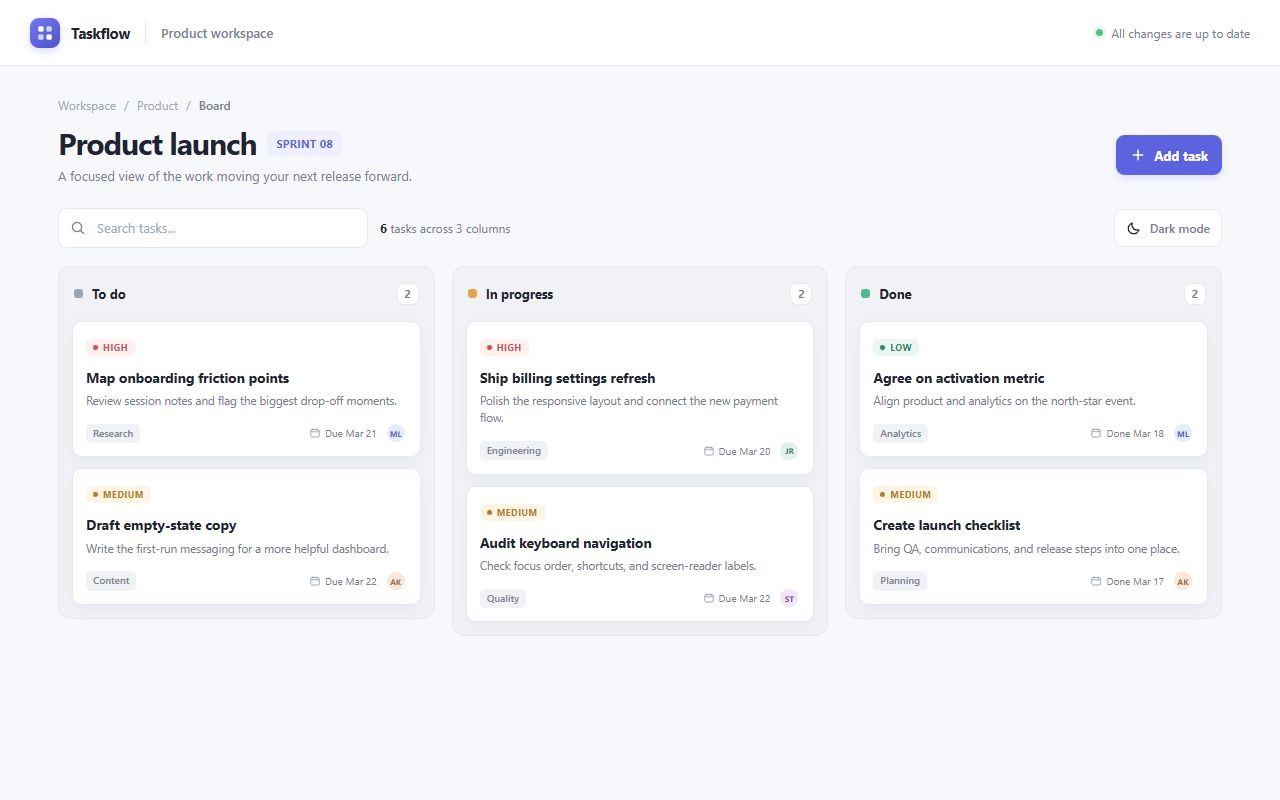
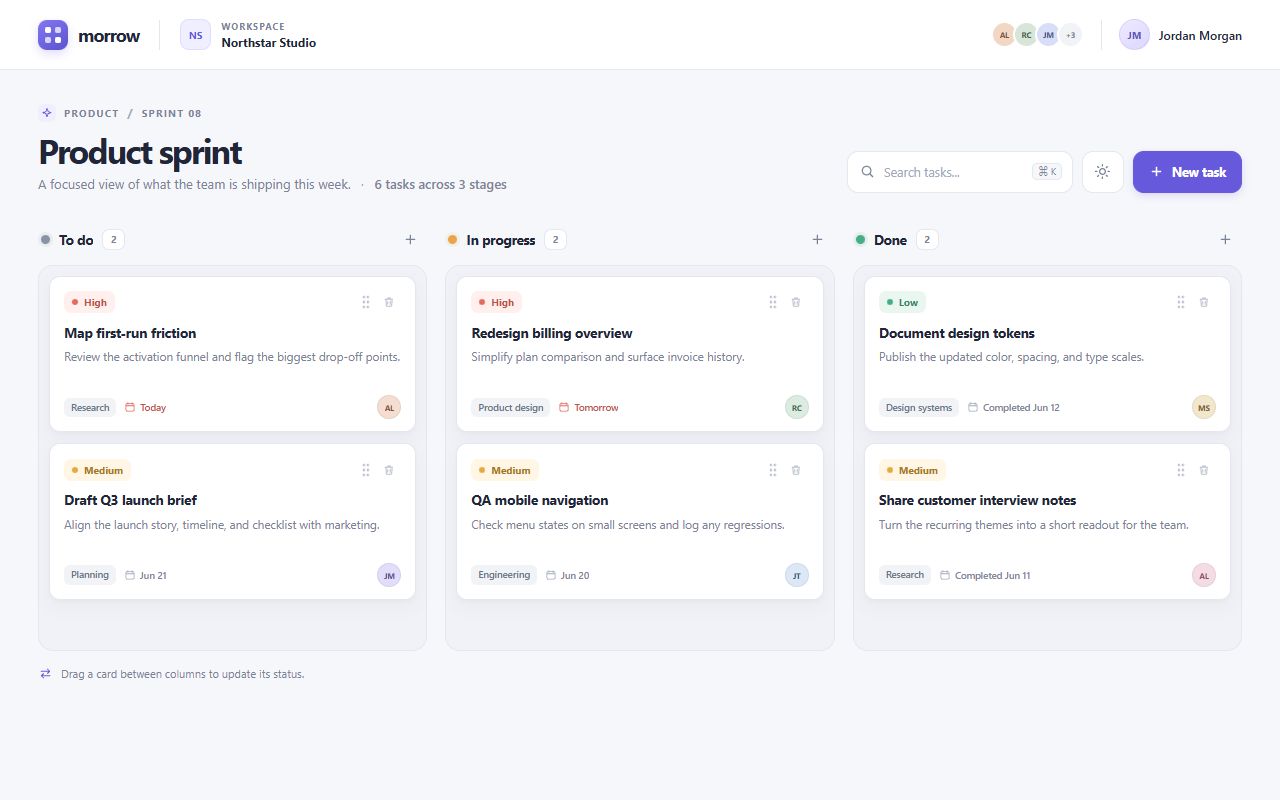
OpenAI
GPT-6 Luna
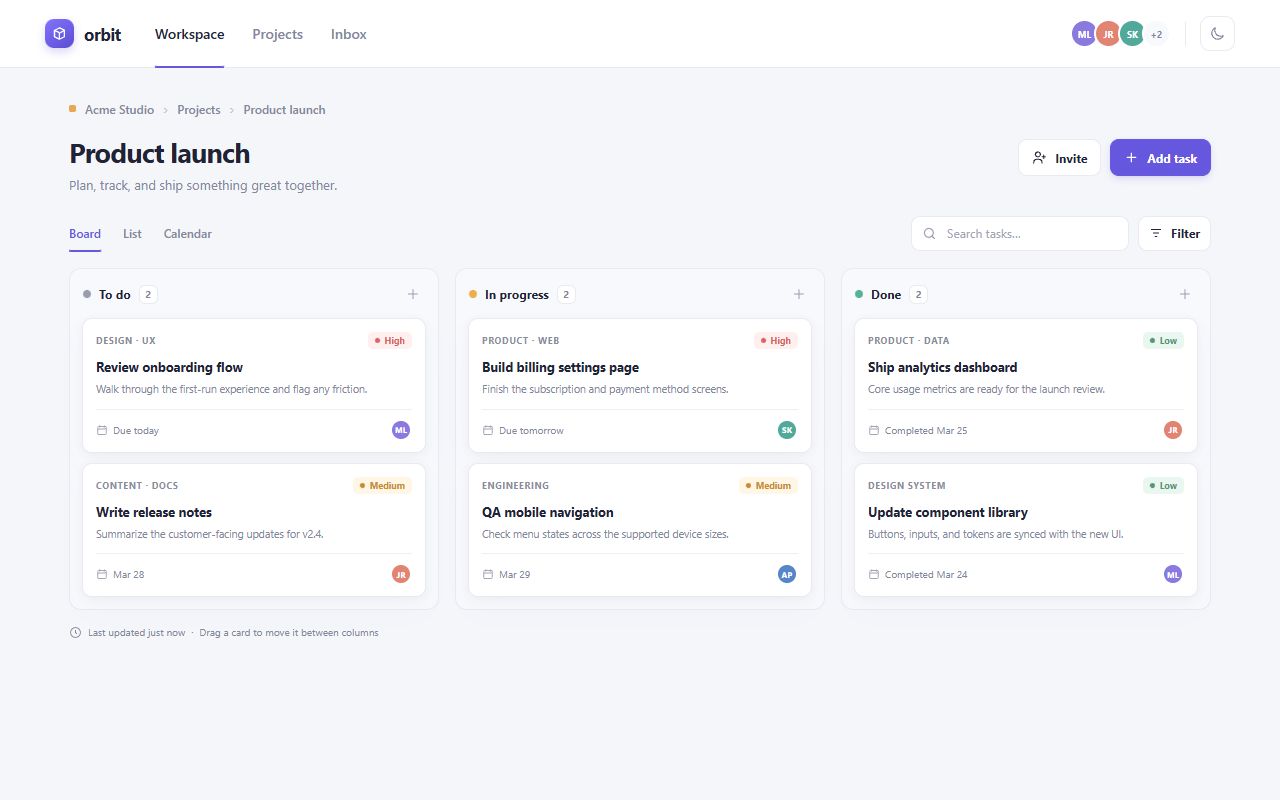
OpenAI
reasoning defaultGPT-6 Luna Pro
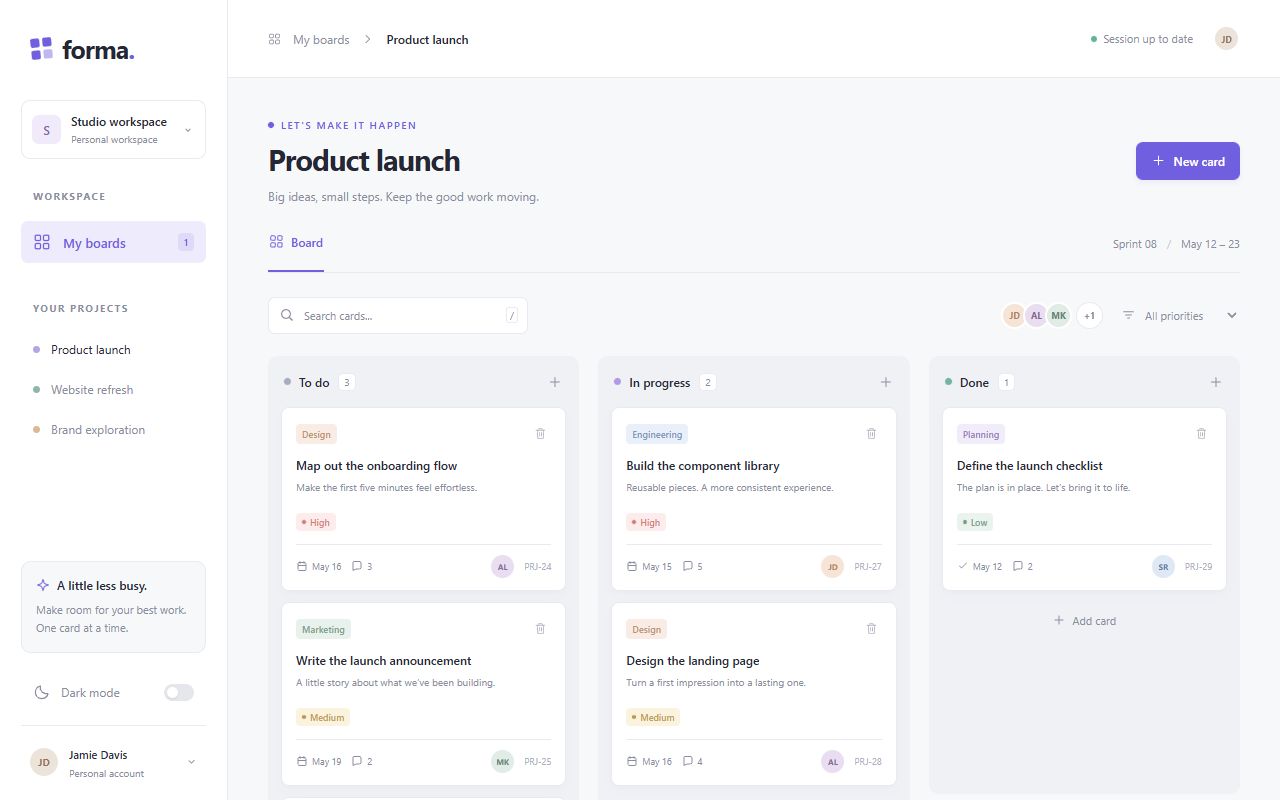
OpenAI
reasoning defaultGPT-6.1 Sol
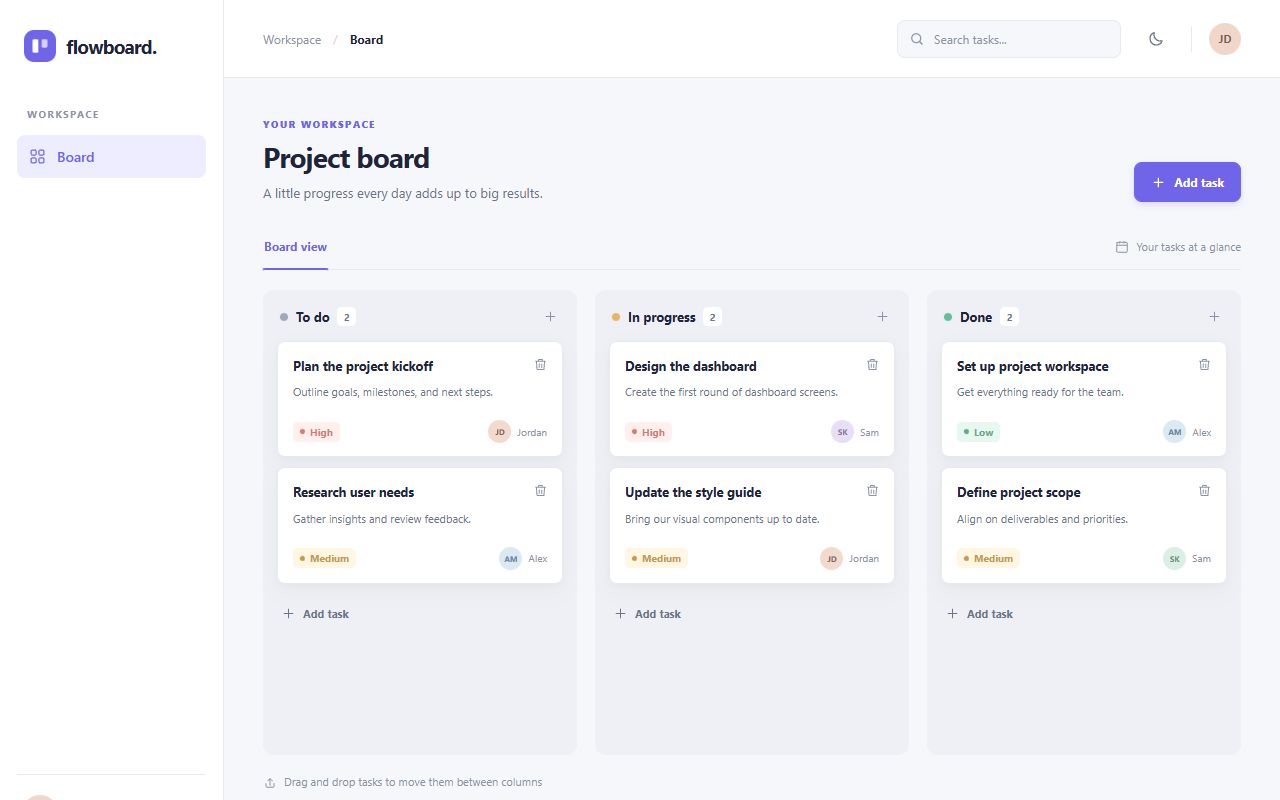
OpenAI
GPT-6.1 Terra
OpenAI
gpt-oss-120b
Qwen
reasoning defaultQwen3 Coder Next
Qwen
Qwen3.8 Flash
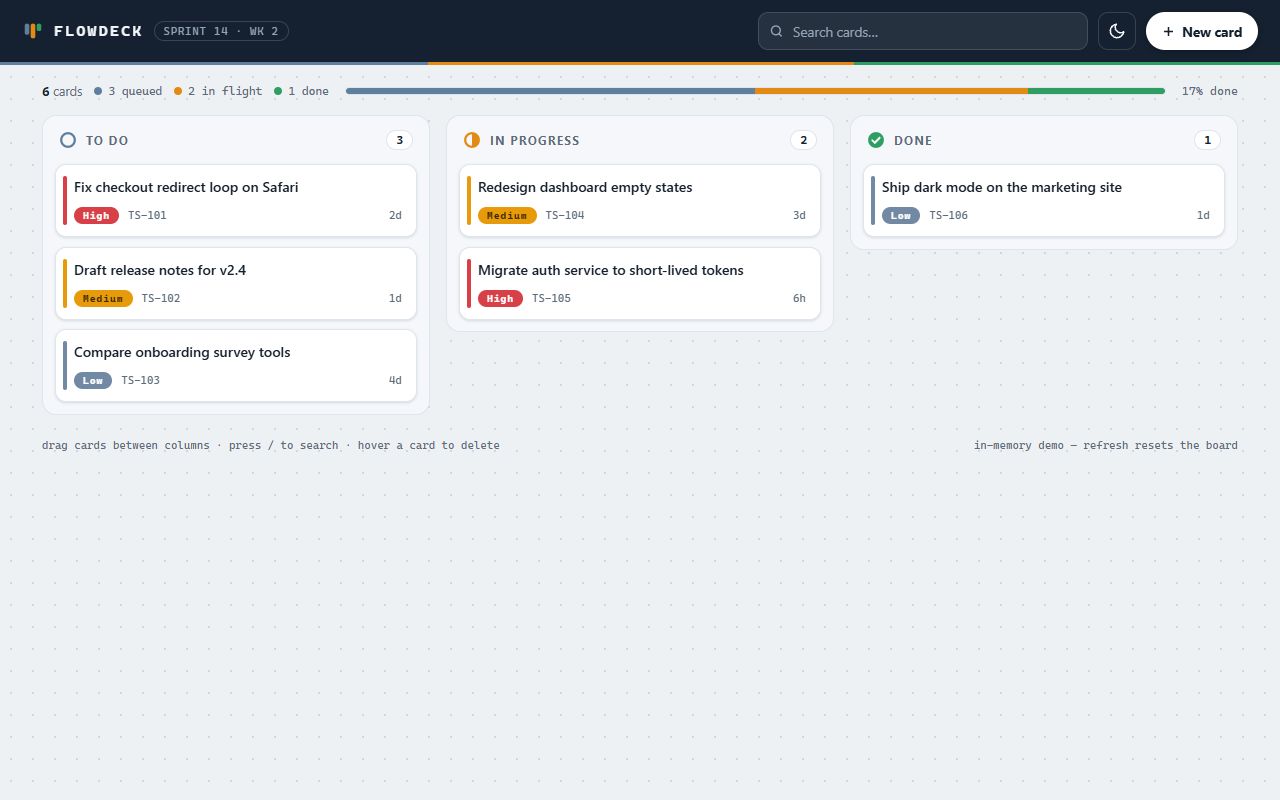
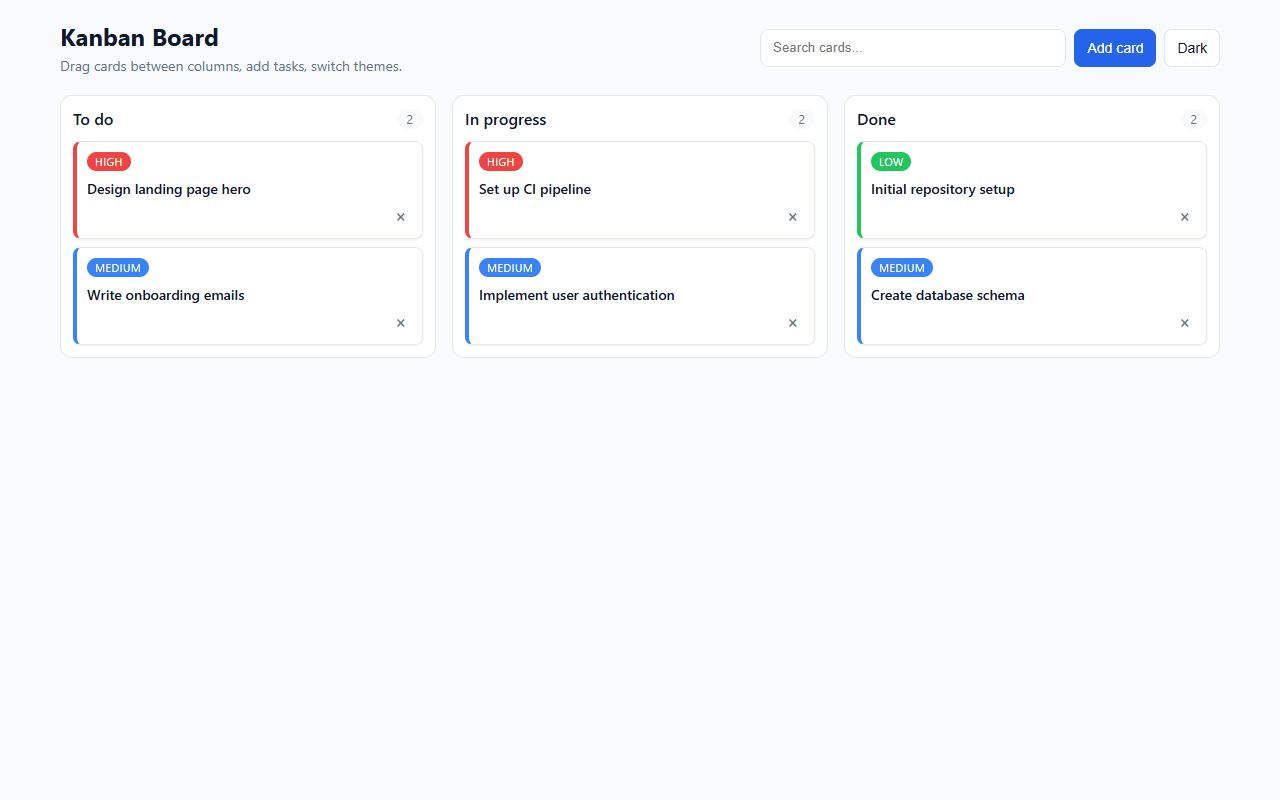
Recursive
reasoning defaultFlint (free)
SpaceXAI
reasoning defaultGrok 4.7
Xiaomi
reasoning defaultMiMo-V2.6-Flash
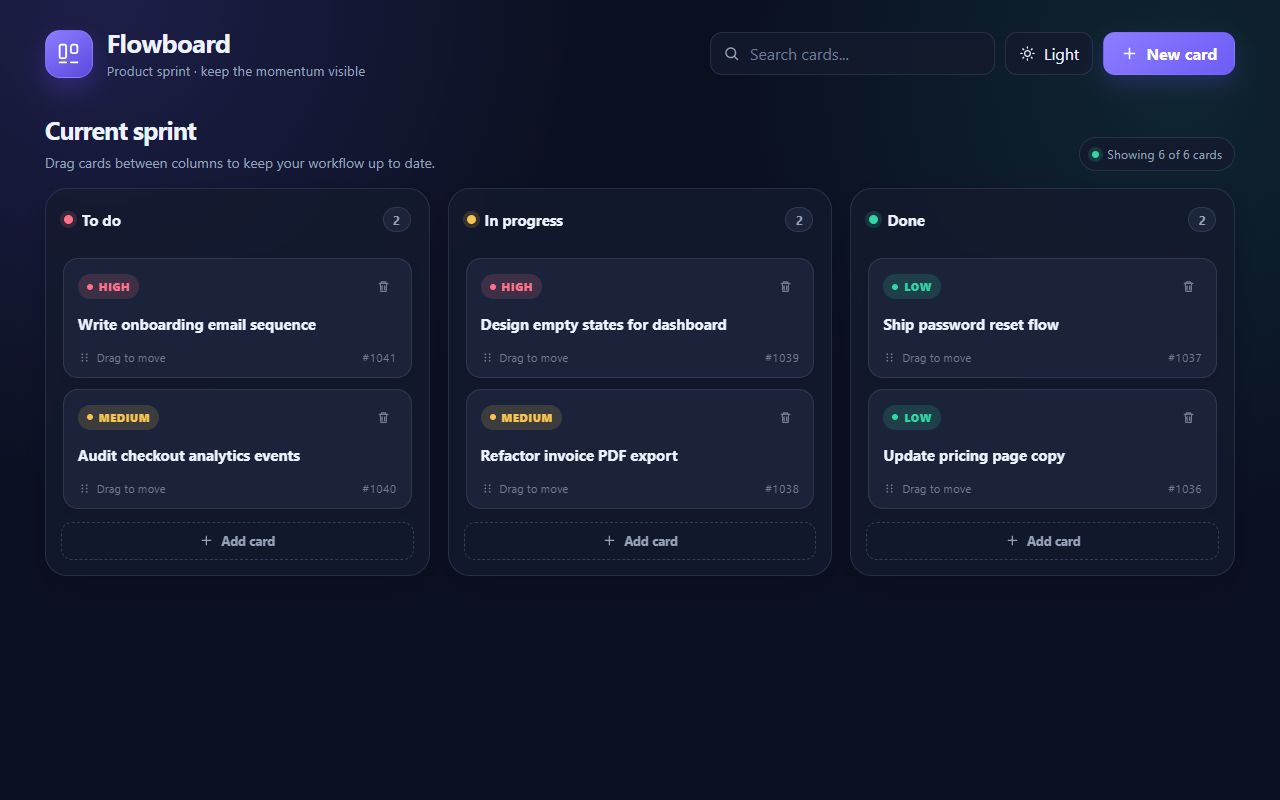
Xiaomi
reasoning defaultMiMo-V2.6-Pro
XingChen
reasoning defaultXing4.0 29B A4B (free)
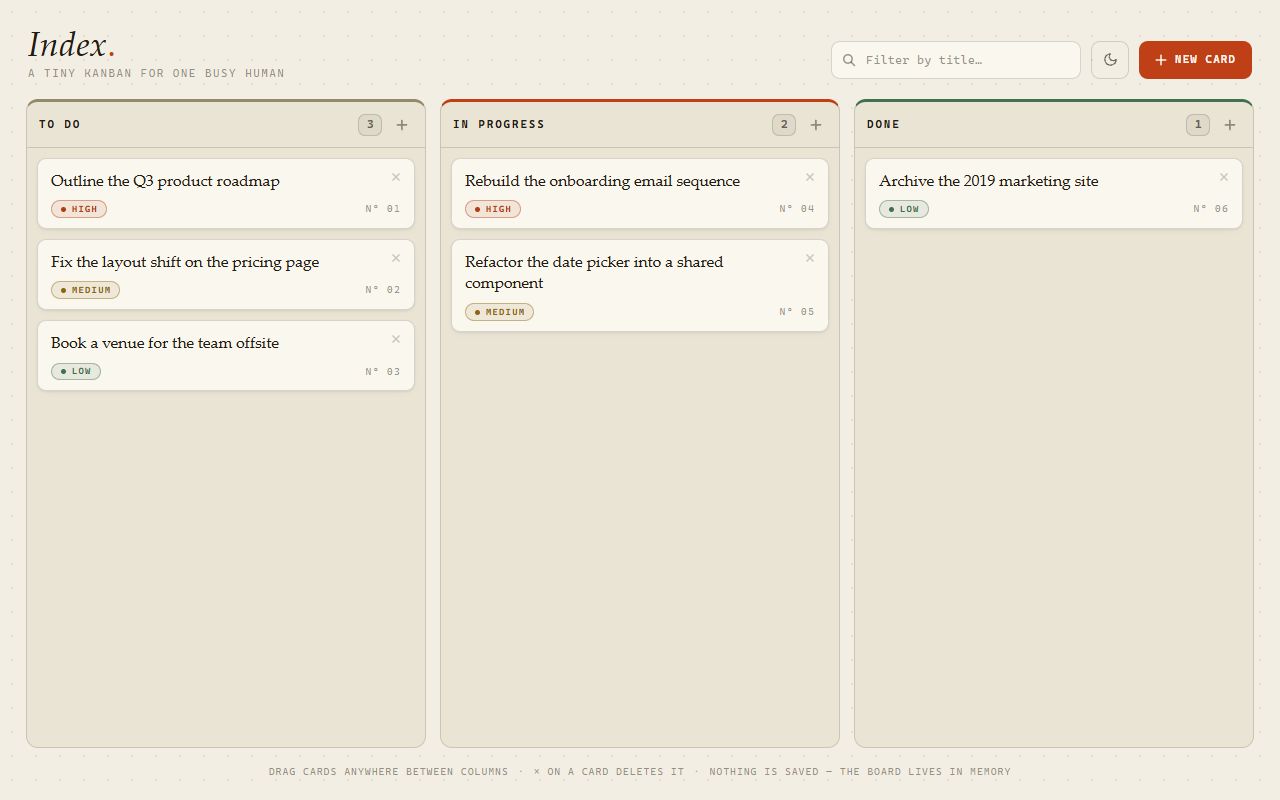
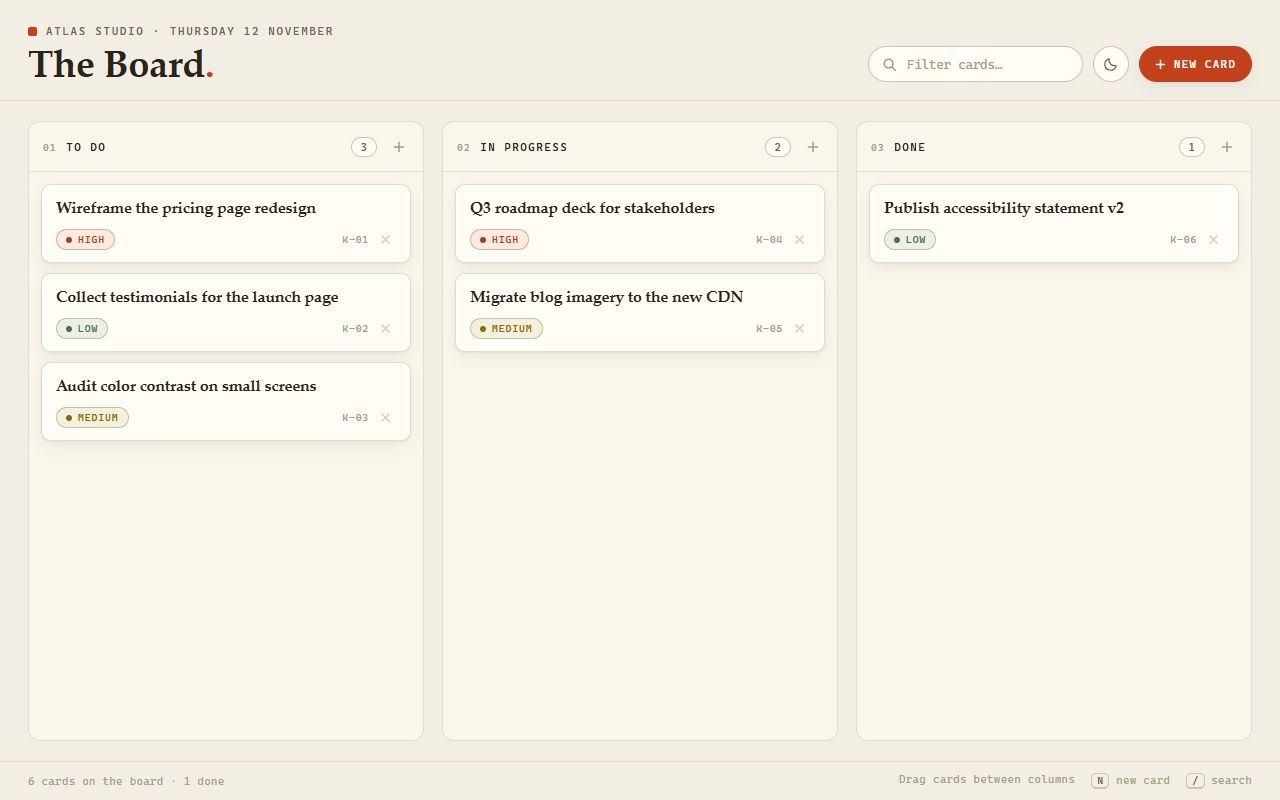
Z.ai
GLM 5.3
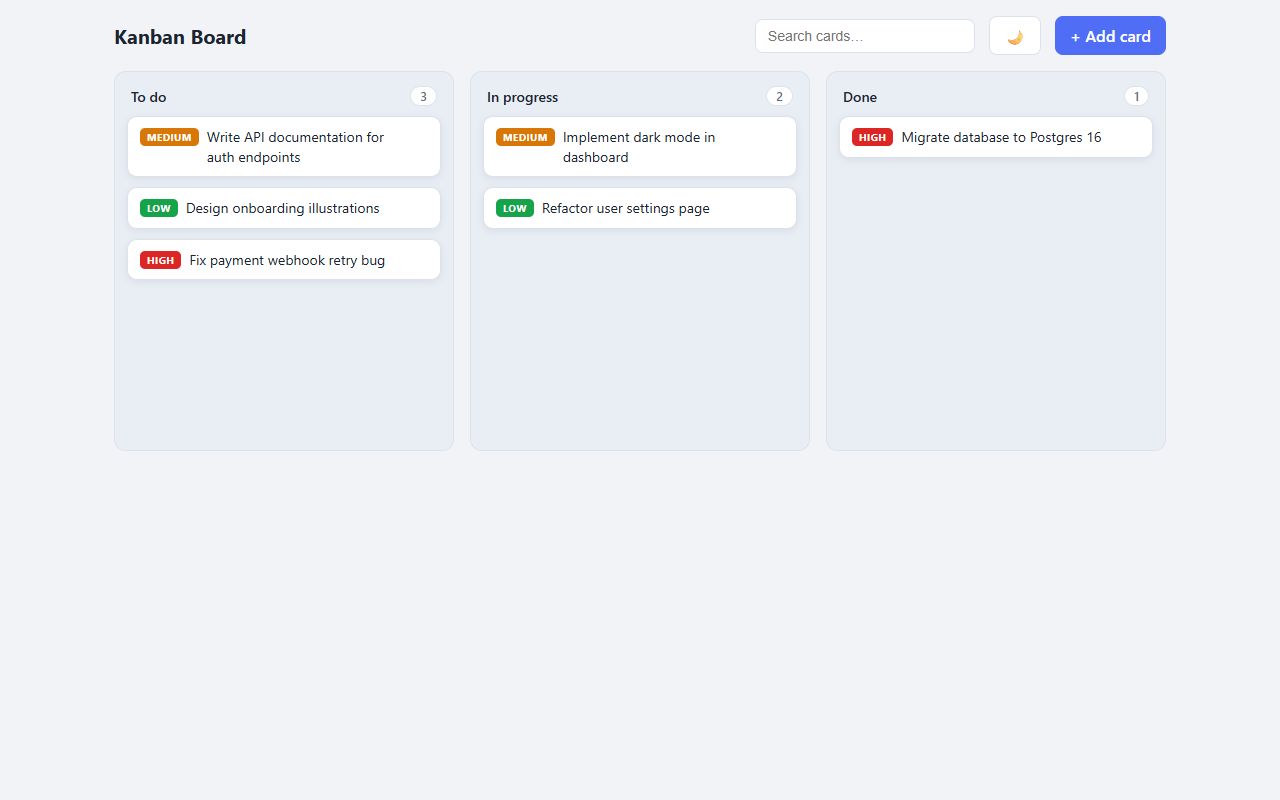
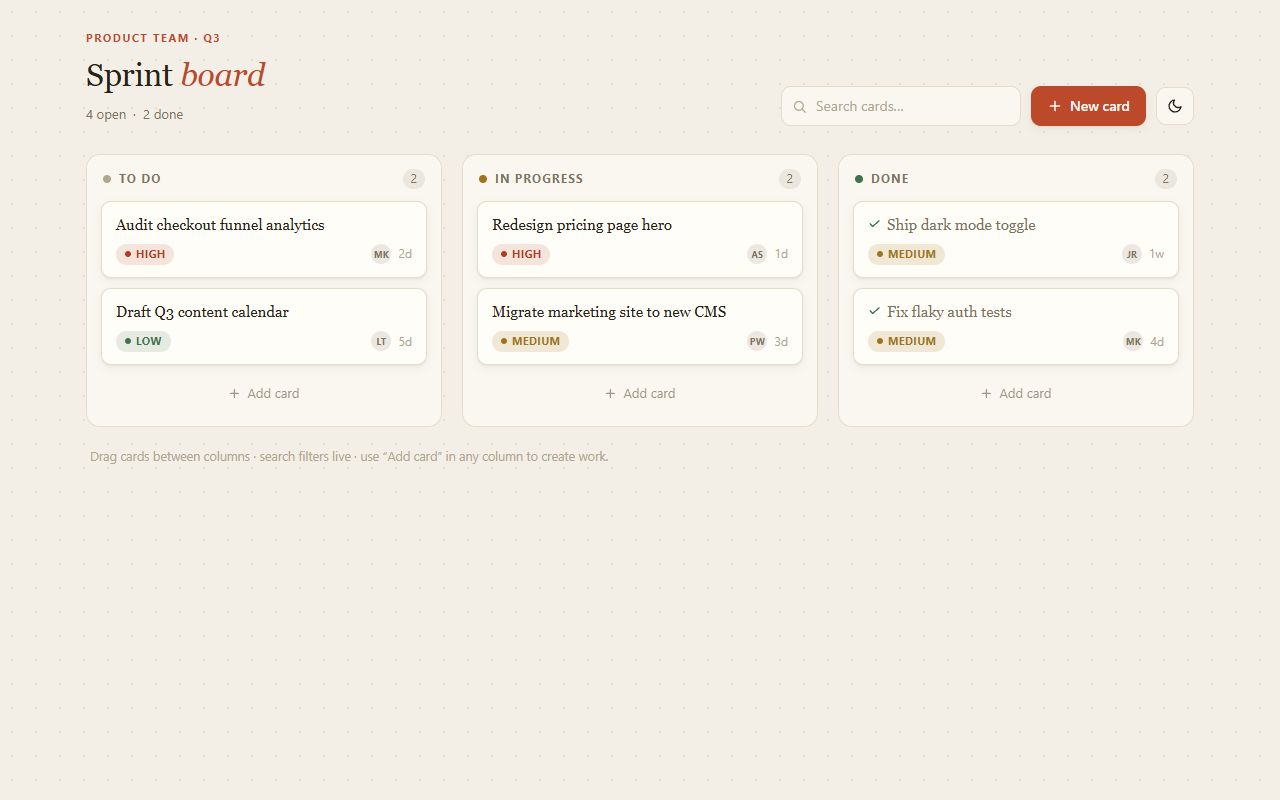
Z.ai
GLM 5.3 Flash
Nothing matches these filters.
Not shown, every API call failed (rate limit or provider error), so there is nothing to judge yet: ByteDance Seed: Seed 2.1 Turbo, Google: Gemini 4 Hydrogen, Google: Gemma 4 26B A4B (free), Google: Gemma 4 31B (free), Meta: Muse Spark 1.3, Mistral: Devstral 2 2512, MoonshotAI: Kimi K2.6, SpaceXAI: Grok 4.3.